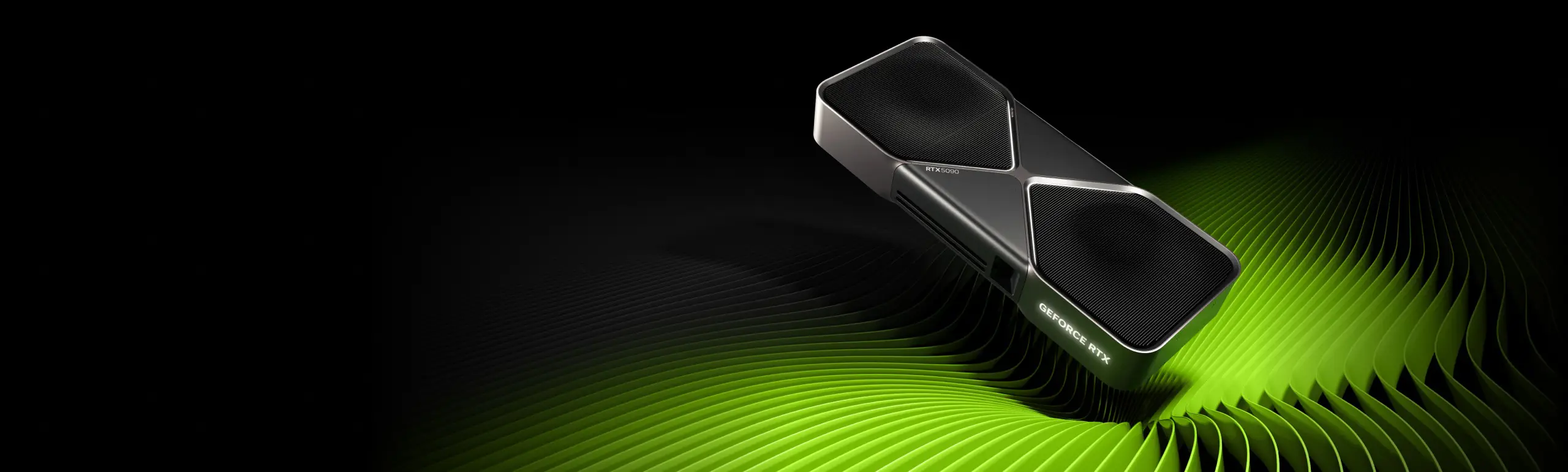
NVIDIA GeForce RTX 5090: Specs, Features and Upgrade Guide
Explore NVIDIA GeForce RTX 5090 specifications, DLSS features, creative and AI uses, and the PC compatibility checks to make before upgrading.
The NVIDIA GeForce RTX 5090 targets demanding gaming, creative and AI workloads. This guide explains its desktop specifications, software features and practical upgrade considerations using NVIDIA's published information. It is a researched overview; Techotick has not performed hands-on benchmark testing for this article.
Launch context and pricing
NVIDIA announced the RTX 5090 at CES 2025, with desktop availability from January 30, 2025 and a US launch price of US$1,999. That figure is historical launch pricing, not a current Australian retail quote. Partner cards and complete systems can carry different prices. Australian buyers should compare current AUD listings, GST-inclusive totals, warranty terms and delivery costs before ordering.
RTX 5090 desktop specifications
Architecture: NVIDIA Blackwell.
CUDA cores: 21,760.
Memory: 32GB GDDR7 on a 512-bit interface.
Boost clock: 2.41GHz for the reference design.
Total graphics power: 575W.
Reference system power requirement: 1,000W, depending on the complete configuration.
Founders Edition dimensions: 304mm long, 137mm wide and two slots thick.
These are desktop reference specifications. Partner models can change clocks, cooling and dimensions. A laptop carrying the RTX 5090 name is a separate product and should be evaluated separately.
Gaming, DLSS and the meaning of frame rates
DLSS combines several techniques. Super Resolution reconstructs a higher-resolution image from a lower-resolution input; Ray Reconstruction improves ray-traced image reconstruction; Frame Generation inserts AI-generated frames. NVIDIA's current DLSS documentation also describes Dynamic Multi Frame Generation and DLSS 5's developer-tuned 3D-Guided Neural Rendering for RTX 50 Series GPUs. Support depends on the game, feature, driver and application configuration.
When comparing results, check the rendering resolution, quality preset, ray tracing settings and whether generated frames are included. Our buying advice is to assess responsiveness and image quality alongside the displayed frame counter. A useful comparison should report consistent settings and identify which DLSS features are active. This article does not assign an unsupported performance uplift over another GPU.
Creative work and local AI
NVIDIA Studio combines RTX acceleration with supported creative applications for video editing, 3D rendering and livestreaming. Studio Drivers are aimed at creative workflows. Application support matters: the renderer, editor, effects and export settings determine how much work the GPU can accelerate.
NVIDIA also introduced FP4 support with the RTX 50 Series for compatible AI workloads. Treat that capability as a software compatibility question before treating it as a speed guarantee. For a workstation purchase, our recommendation is to test a representative project or model and check the software's supported GPU, driver and runtime versions. A hardware feature only helps when the actual workflow uses it.
Check the whole PC before upgrading
Use the exact card manufacturer's installation instructions. Allow space for the cooler, airflow and power cable routing, and verify the power supply and required connectors against the complete system configuration. Confirm display connections too: the reference card provides three DisplayPort connections and one HDMI connection.
Our assessment is that the purchase decision should start with a measurable need: a game setting your current system cannot deliver, a creative task that takes too long, or an AI workload that exceeds your existing hardware. Include any supporting PC upgrades in the budget. If the present setup already meets your needs, a more expensive GPU may add little practical value.