Before trying an Android app store for one game or utility, decide how you will keep that app updated if you later remove the store. Google's forthcoming Registered App Stores program separates removing the marketplace from removing the apps it supplied.
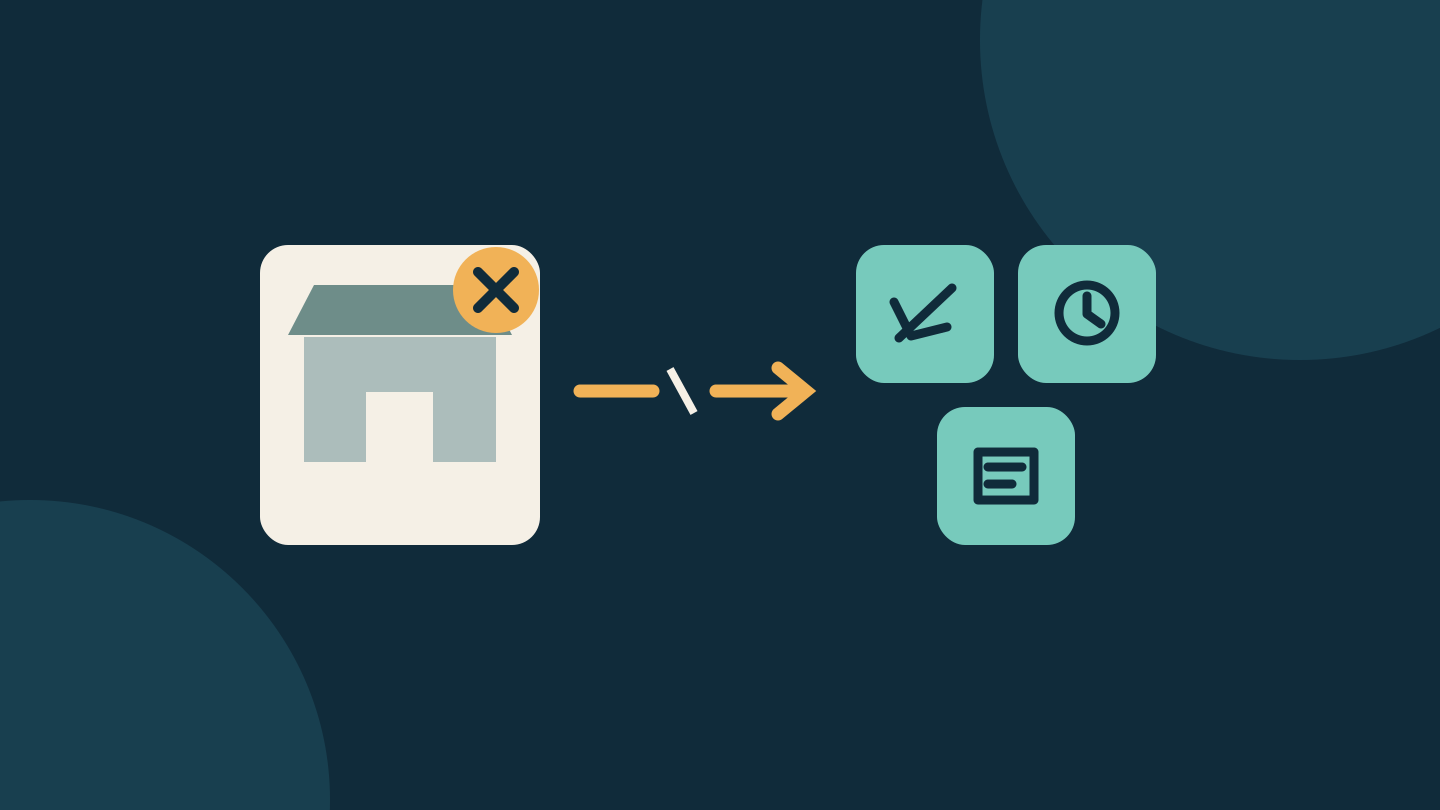
Google says removing a registered store keeps its apps installed but stops their automatic updates. An icon that still opens is not evidence that its update route is intact. This is a guide to the documented December rollout, not a report of hands-on testing.
Check which program applies to you
Google's program overview schedules the new experience for 1 December 2026 on Android 17 QPR2 or later. Participation is optional; other stores retain their ordinary sideloaded-app experience. Do not read the date as a promise that every Android phone gets the feature that day.
Australia appears in the supported-region list; the United States does not. The separate US Third-Party App Store on Play program concerns stores distributed through Google Play. Google's US policy page records onboarding for that program beginning in July 2026. Do not apply the December program's update rules to every US store installation.
Google's consumer guidance bases registered-store availability on your Google Account country, rather than where you bought the handset. A short visit to a supported country does not unlock the features for someone living in an unsupported region. Work or school policies can also affect availability.
Separate the store from the apps it supplied
Registered stores promise a simpler install flow and background updates with user controls. Google's requirements still call for explicit consent to installs and changes in update ownership. A quicker interface is not permission to add arbitrary apps without asking.
| Action | Documented consequence |
|---|---|
| Remove the registered store | Its apps remain, but automatic updates stop. |
| Reinstall the same store | It reclaims its original apps' update ownership if another store has not updated them meanwhile. |
| Another store updated an app in between | Reinstalling the original store no longer meets that automatic-reclaim condition. |
Google's FAQ does not promise that a different marketplace automatically takes over when you delete the first one. Before depending on that handover, ask the app developer or store support how your particular installation will receive updates.
Make a small exit plan before installing
For each app you want to try, keep a short note with the app name, developer, store, installed version and support link. Add any account or purchase receipt you may need later. This is our suggested housekeeping method, not an Android registration requirement.
Then answer three practical questions:
- Where will I check for the next version? Identify the store's update controls and the developer's release information. An app opening successfully does not establish that it is current.
- How will I keep my own data? Before changing distribution routes, check the app's export, sync and recovery instructions. Avoid deleting the app itself merely to experiment with a different store.
- Who can confirm a supported move? Save the developer or marketplace contact. If you are told another store can update the existing installation, ask for the exact steps and whether your account, purchases and local data need separate attention.
For example, imagine installing a drawing app from a registered store and later deciding you no longer want that marketplace. Keep the app's project files and update plan as separate checks. A successful export protects the drawing you made; it does not establish who will deliver the next software update. This is a hypothetical planning example, not a tested migration.
Registration does not answer every trust question
The program requires stores to supply their catalog for security scanning and publish privacy policies. Those requirements do not tell you whether a particular app is suitable for your files, family or work. Read the app's permissions, privacy explanation and support arrangements before giving it access to personal files.
Also keep store registration separate from Android developer verification. Google's verification guidance describes an initial September 2026 phase in Brazil, Indonesia, Singapore and Thailand, with broader expansion planned for 2027. A headline about one initiative should not be used as a device-compatibility checklist for the other.
For now, confirm eligibility and the particular app you want before changing your setup. When the supported experience is available to you, keep track of what you install through it. Before removing that store, settle the update question as well as the storage question.
Editorial disclosure: AI assisted research and drafting; the text received a separate editorial revision and source review. We did not install or uninstall a registered store, test an account or verify a handset rollout. No affiliate links, paid placement or supplied products are included. The cover is an original conceptual diagram, not an Android screenshot. Sources checked 1 November 2026, Australia/Sydney.
Sources
- Registered App Stores overview — Google
- Registered App Stores FAQ — Google
- US Google Play policy updates — Google
- About registered app stores — Google
- Registered App Stores requirements — Google
- Android developer verification — Google