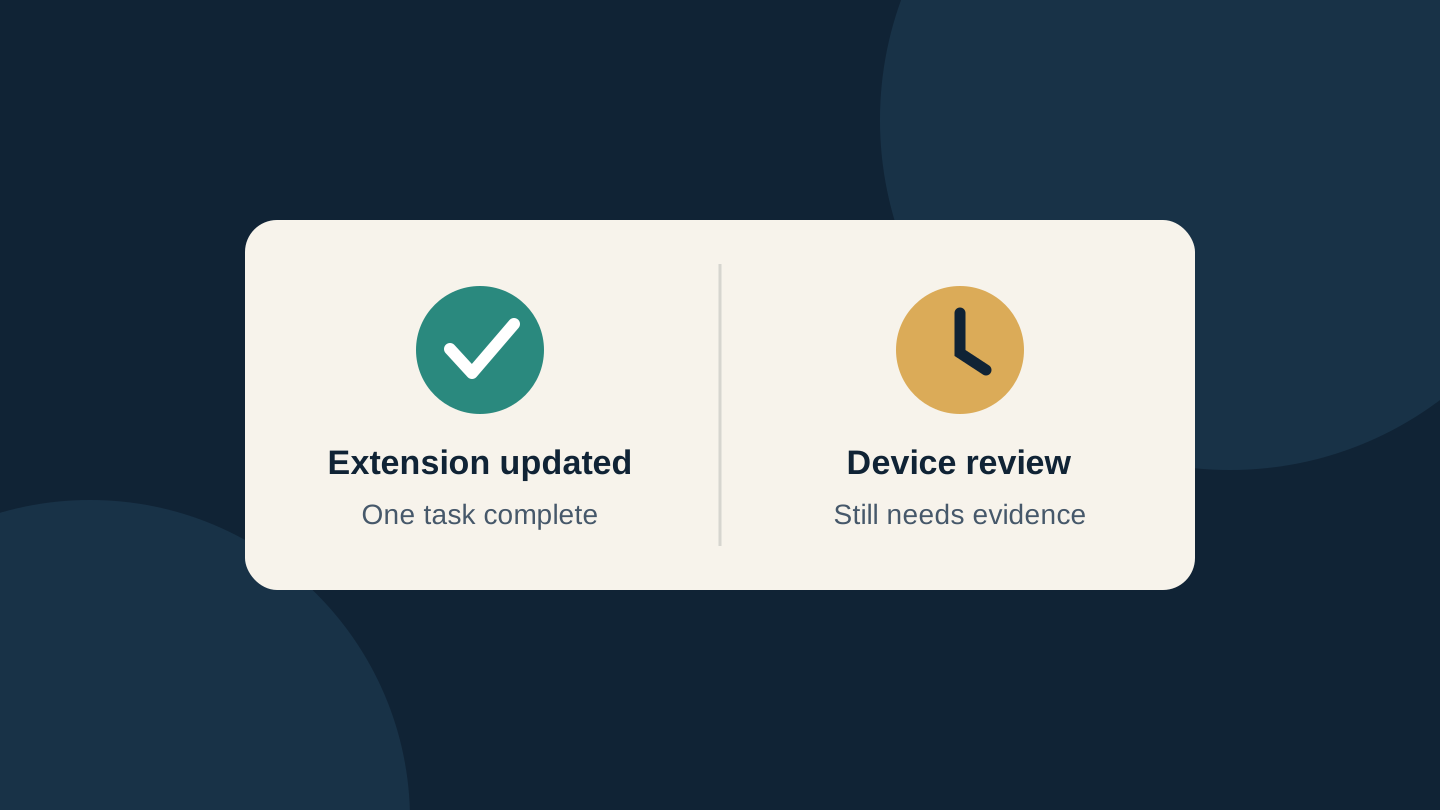
A newer Claude Code extension in Cursor does not, by itself, prove that your computer is clear of the malicious build distributed on 29 October. Check what the machine installed and ran before the update, then establish whether any remaining changes have been investigated.
Cursor's current security notice identifies malicious copies labelled Anthropic.claude-code 2.1.312 and 2.1.313 in its extension marketplace. They were not developed by Anthropic. If your initial check covered only 2.1.313, include 2.1.312 in the review.
Check the distribution channel before the version
This is a specific marketplace incident, not evidence that every Claude Code installation is malicious. Microsoft's investigation says the malicious packages were not distributed through the Microsoft Visual Studio Marketplace or the official Claude Code npm package. It reports that the available evidence points to Cursor's marketplace.
Record the editor, extension identifier, installation source and version history separately. Running Claude Code in a terminal and having its extension installed in Cursor can be two different facts about the same computer. A clean terminal package does not settle what an editor extension did.
The reported distribution window was approximately 2:27 am–1:35 pm Pacific Daylight Time on 29 October. That is 09:27–20:35 UTC, or 8:27 pm on 29 October through 7:35 am on 30 October in Sydney (AEDT). These are conversions of one window, not separate regional incidents. A Sydney log search limited to 29 October would omit the final hours of that window.
Three facts that are not an all-clear
| What you know | What remains to check |
|---|---|
| The extension is newer now | Whether an affected package ran earlier and left separate files or startup entries. |
| No matching key was found | Installation history and other endpoint evidence; one check is not a complete investigation. |
| No alert appeared during the window | Activity after distribution stopped, including when the editor next loaded the extension. |
Expel investigated four customer incidents involving Macs. In one, the first malicious activity appeared about eight hours after Cursor's stated window closed. That observation is a reason to avoid restricting a log search to the download window; it does not prove that every delayed launch was affected.
For example, imagine an editor receives an extension update overnight and the developer opens it the next morning. This hypothetical illustrates why installation time and execution time belong in separate fields. Looking only at the current version or only at events while the package was available can leave a gap between the two.
Why an ordinary update cannot close the case
The malicious package attempted to establish remote access using SSH, a protocol normally used for legitimate remote administration. The important distinction is between replacing the extension and removing changes elsewhere on the computer. Cursor warns that uninstalling may be insufficient because separate persistence scripts can keep running.
Phorion's analysis found a flaw in the malware's attempt to enable Remote Login on a Mac without sufficient privileges. That can obstruct the remote-access chain. It does not establish that files and keys were untouched. Phorion also cautions that an already enabled SSH service changes the situation. Do not turn a reported limitation of the malware into a clean bill of health.
Microsoft advises responders to preserve relevant packages, SSH authorization files, scripts and startup configuration before cleanup. Its indicators require context: a familiar-looking filename is an investigative lead, not proof on its own. Match the published evidence and preserve legitimate remote-development settings.
Make a useful handoff to IT or support
Use this short record to replace an ambiguous message such as “I updated, so I think it is fine.” It is an editorial worksheet, not a malware scanner:
- Machine and user: device name, operating system and affected account.
- Package history: editor, marketplace, extension identifier, current version and any evidence of earlier versions. Write “unknown” where records are missing.
- Timeline: installation/update time, editor launches and alerts, with the time zone attached.
- Response: who is investigating, evidence retained, containment taken, vendor remediation followed and remaining questions.
Keep credentials, private keys and confidential logs out of public forum posts. For a work computer, give this record to your security or IT team before attempting ad hoc cleanup. If there is evidence of execution or backdoor installation, Cursor directs users to isolate the host, remove the unauthorized persistence and assess whether rebuilding is appropriate. It also calls for rotating accessible credentials and sessions from a trusted system.
Use the current scripts and platform instructions linked from Cursor's notice; this article does not reproduce cleanup commands that could become stale. Record their result and any unresolved findings. Leave the investigation open until its owner has reviewed the evidence and recorded what was resolved; the update alone does not supply that decision.
Checked 31 October 2026. AI assisted research and drafting, followed by a separate editorial revision. This is a synthesis of published investigations, not a forensic examination or a test of the malware or remediation scripts. The cover is an original conceptual diagram, not a product screenshot. No affiliate links, paid placement or supplied review product.
Sources
- Cursor security notice — Cursor
- Microsoft technical investigation — Microsoft
- Expel incident observations — Expel
- Phorion analysis — Phorion