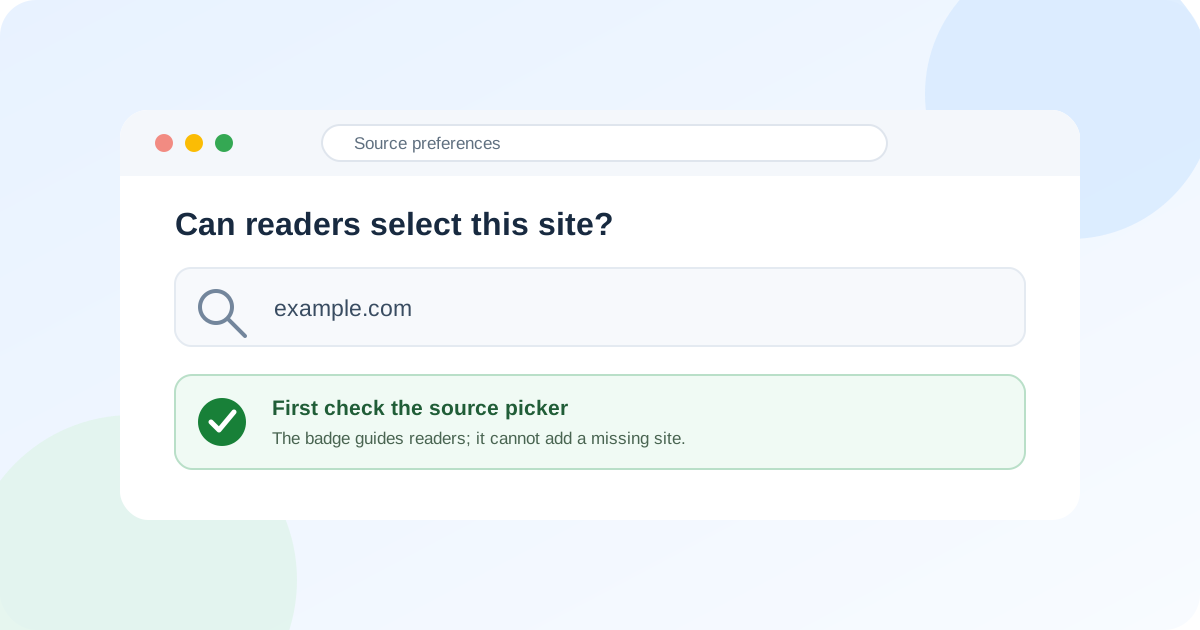
A Google Preferred Sources button can display an eligibility error even though the button itself loads. Before reinstalling it, check a more useful question: can you find and select the publication directly in Google’s source picker?
The picker and the button do different jobs. The picker identifies available publications; the button helps a reader choose yours. Google’s publisher guidance makes appearing in the picker the starting point for promoting that choice. There is no documented badge installation that forces a missing site onto the list.
1. Check the publication, not an article URL
Open Google’s source preferences and search for the publication name and domain. Use the site’s actual address, rather than the URL of a recent story.
Google accepts domains and subdomains, such as example.com and news.example.com. A section such as example.com/blog cannot be selected as a separate source. That distinction matters if your publication shares a larger website: adding a button to the section does not turn it into an independently eligible site.
Record the address you searched and what the picker returned. This gives you a concrete result to compare later, rather than repeatedly changing the button and hoping the message disappears.
2. Separate a missing source from a failing button
No matching publication: stop treating this as a button installation task. Google’s Search Help notes that sources without regular updates may be unavailable. Its product announcement describes sites publishing fresh content as eligible. Neither supplies a guaranteed listing date or an article-count target.
The publication appears and can be selected, but the embedded button fails: record those as two different observations. Check your implementation against Google’s current publisher instructions. A direct selection working does not explain the button failure, but it does show that “the publication is absent” is the wrong diagnosis for that test. We have not reproduced a particular button defect.
The source is selected but a story does not appear: selection is not a promise of placement for every search. Google’s help describes relevant preferred content appearing more often, while results from other sources remain.
3. Treat the AI setting as a separate check
Google also highlights preferred sources in AI Mode and AI Overviews where those features are available. Its publisher instructions require inclusion in Search generative AI features for that display.
In the verified Search Console property, check Settings → Search generative AI. Read both the effective value and any inherited setting. Google’s control documentation explains how a parent property can determine the value.
This setting governs specified AI features. Google explicitly says it is not a ranking or inclusion signal for other parts of Search. Changing it is therefore not a documented cure for a missing entry in the general source picker. Decide whether you want AI-feature inclusion on its own terms.
4. Give readers a working next step
Once direct selection works, test the button as a reader would before promoting it. If readers still encounter an error, avoid describing the control as a working way to follow the publication. A clearly labelled newsletter or ordinary bookmark suggestion can remain useful while you investigate; neither changes Google eligibility.
For a missing publication, our recommendation is to keep publishing useful, original coverage and recheck the picker after meaningful site updates. Keep a short log of the domain, date and result. This is an editorial maintenance routine, not a Google approval procedure. The official sources reviewed here provide no manual application route or guaranteed fix.
Editorial method: AI assisted research and writing, followed by source verification and editing. This guide interprets Google’s documentation; it does not report a controlled eligibility experiment or a reproduced button bug. The cover is an original conceptual vector illustration, not a Google screenshot. No sponsorship or affiliate links are included.
Sources
- Guide to Preferred Sources in Google Search for Web Publishers — Google Search Central
- Preferred Sources in Google Search — Google Search Help
- New ways to find your favorite sources and original content in AI Search — Google
- Search generative AI control — Google Search Console Help