An OBS 33 plugin marked Legacy is not automatically broken. Before moving files, check whether the feature actually works. The merged plugin-manager change distinguishes legacy loading from a failed plugin load. Start with that distinction instead of treating every badge as the same fault.
This guide is for Windows streamers moving to OBS Studio 33.0.0. The official release notes say legacy plugin locations remain supported until OBS 34.0. That transition period is an opportunity to prepare, not a guarantee that every older plugin is compatible.
Why two official guides show different folders
At our 25 October 2026 check, the older Plugins Guide still described a Windows layout with a bin/64bit subfolder. The newer Legacy Plugin Locations page explicitly covers OBS 33 and puts the plugin DLL directly beside its data folder. Use that version-specific migration page and the plugin author's current instructions when deciding what to change.
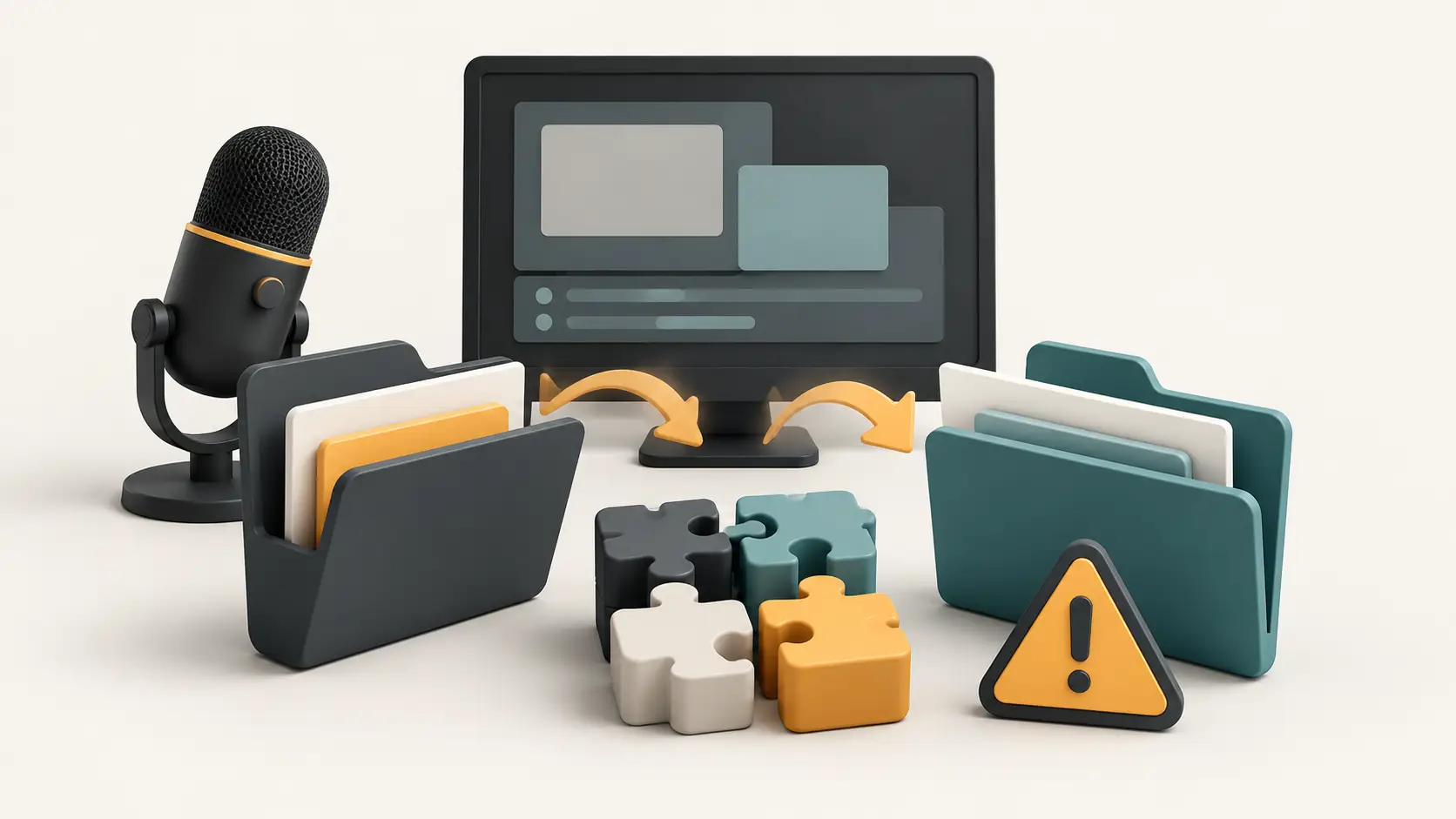
The new standard Windows example is C:\ProgramData\obs-studio\plugins\example-plugin\example-plugin.dll, with resources in example-plugin\data. Treat example-plugin as a placeholder for the author's actual folder and filename.
Portable OBS uses plugins inside its own installation root and ignores ProgramData. The merged plugin-manager change confirms that a successful load from a new location takes precedence over a legacy duplicate. Avoid copying the same download into several folders and guessing which copy is running.
Match the symptom to the next check
The following is Techotick's triage framework, based on the documentation. It is not a compatibility test or a promise that a particular plugin will work.
Legacy badge; the feature still works. Record the plugin version and arrange its supported migration before OBS 34. The badge alone does not mean the stream has failed.
Failed badge, or a missing source, filter or tool. Check the author's supported OBS version, operating system and CPU architecture before changing folders.
A remote control fails only in Safe Mode. Retest in normal mode before changing connection settings. OBS 33 does not start its WebSocket server in Safe Mode.
A browser overlay behaves differently. Rehearse that overlay separately from native plugins. OBS 33 also changes the browser engine used by browser sources and docks.
The compatibility checks come from the official Plugins Guide. A correct folder cannot make a build for the wrong platform or architecture compatible. Likewise, removing a warning is not evidence that a plugin's output is correct.
Keep a small before-and-after record
Before changing a working setup, write down each essential plugin, its version, its download page and the scene or task that depends on it. Pick a concrete check for each dependency: the camera source appears, the transition completes, or the control changes the intended scene. “OBS opens” is too weak a success criterion for a live show.
Back up both parts of your setup. OBS's Profiles documentation explains that profiles hold output-related settings and can be exported, but do not hold scenes. Scene Collections cover scenes, sources and global audio sources. Keep your external media files and plugin installers separately; do not assume a settings export contains everything needed to rebuild the show.
Close OBS before following the plugin author's installation or migration instructions. Change one dependency at a time, reopen OBS normally and repeat its check. If a change fails, preserve the exact error and version information for the maintainer instead of making several more changes that obscure the cause.
Check the recorded output
Make a short local recording that exercises the scenes, microphones, filters, overlays and controls you actually use. Play it back. Listen for missing audio, check transitions and trigger any overlay alerts using the provider's test facility where available. Record what passed and what remains uncertain.
Safe Mode can narrow an investigation, but it excludes third-party plugins; in OBS 33, WebSocket is also absent there. If controls disappear only during that test, their absence alone does not identify a new connection fault. Return to a normal launch for the final rehearsal.
If an essential element is still unverified, schedule more time before changing the machine you use for the next show. This is a workflow recommendation, not advice to stay permanently on an old version or disregard security updates.
US and Australian readers use the same technical checks
The cited OBS instructions distinguish operating systems and installation types, not US and Australian editions. This guide uses the same checks for both audiences; it does not promise that every plugin, service account or download works in every location. We have not verified regional access or prices for paid plugins and connected services. Check their own terms; do not treat a US-dollar price as an Australian quote.
Method: AI assisted research, drafting and editorial review, checked 25 October 2026 Australia/Sydney. This is documentation-based analysis; Techotick did not install OBS 33 or test plugin compatibility. No sponsored placement or affiliate links are included. The cover is an AI-generated conceptual illustration, not an OBS screenshot.
Sources
- OBS Studio 33.0.0 release notes — OBS Project
- Legacy Plugin Locations — OBS Project
- Plugins Guide — OBS Project
- Profiles — OBS Project
- Scene Collections — OBS Project
- Plugin manager 1.5 implementation — OBS Project