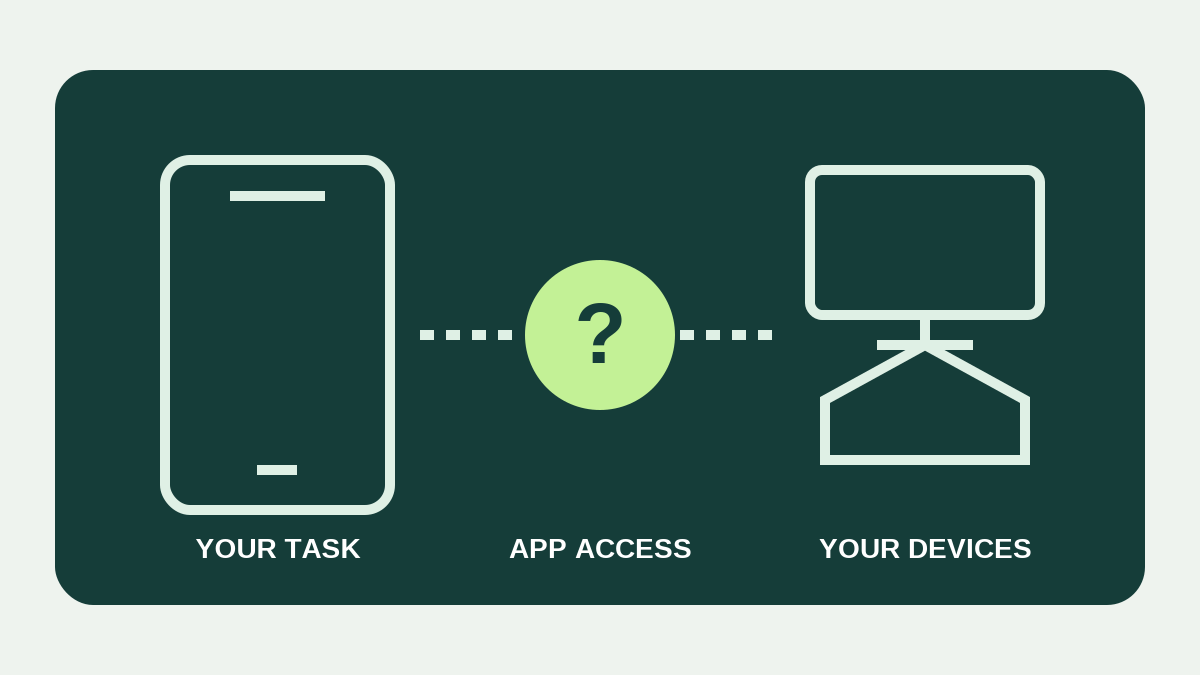
One app asks to find nearby devices; another reaches your TV without asking. On Android 17, that difference alone does not tell you which app is safer. Before changing a permission, connect the request to the feature you actually want to use.
The useful question is specific: what should this app communicate with, and why? Casting to your television, controlling a light and reading an article are different tasks. You do not need to make every app's settings look identical.
Why the prompts can differ
Google's local-network documentation says the new requirement applies to apps targeting Android 17, also called API level 37, or higher. An app's target is the platform version its developer builds it to follow; it is separate from the Android version installed on your phone.
Apps targeting Android 16 or earlier retain local-network access through their existing internet permission during the transition. Apps using an appropriate system device picker can instead let you select a device without asking for broad local-network access. The new local-network permission sits within the Nearby devices group; the label should not be read as referring only to Bluetooth.
There is another reason you may see no fresh request: Google documents that an existing grant of other Nearby devices permissions can avoid another prompt. So a missing pop-up does not establish that the app has no access. Equally, an app that asks is not automatically behaving suspiciously.
These are documented explanations, not a diagnosis of your installed app. Its implementation, previous permissions and version matter. Do not infer those details just by comparing two screens.
Make the decision around one task
Google's explanation of the privacy change identifies the concern: scanning a home network can reveal information about the household's devices. Permission is therefore worth considering, even when an app has an innocent reason to request it.
Use this decision table as an editorial aid. It does not certify an app's privacy practices.
| What you want to do | A useful next step |
|---|---|
| Connect to a device you recognise | Read the app's explanation. If it matches your intended task and you trust the app, consider the relevant access, then check that task. |
| Use the app without connecting to anything nearby | Decline an unexplained request and try the feature you need. Decide whether any lost functionality matters to you. |
| Choose a device from a system selection screen | Select only the intended device. Do not look for a broader permission merely to make another app's setup match. |
| Understand access that is already allowed | Review that app's settings and support information. The absence of a recent prompt is not a record of when or why access was granted. |
For a hypothetical example, imagine a video app and a home-control app on the same phone. You want the first to play on one TV and the second to manage several lights. Start with those two requirements, not a rule that both apps must show the same prompt. If the home-control app cannot explain the requested access, a working video app does not answer the privacy question for it.
Change one app, then check what still works
Google's permission instructions use Settings → Apps → the app → Permissions. Choose See all apps if necessary, then inspect the relevant permission and its available choices. The controls you see can vary by phone and version; the Australian help page provides the same general route.
Before changing anything, note the current state. Afterward, repeat the exact action you care about: selecting your TV, finding the intended controller or opening the feature without a nearby connection. Record what happened rather than assuming that allowing access guarantees a successful connection.
A useful private note is: “App and version; feature; permission before and after; result.” This keeps a later support conversation grounded in your actual setup. Leave passwords and account details out of it.
A real example of why app-specific guidance matters is Polyaire's AirTouch 2+ listing. Its release notes describe asking for local-network access when needed to find the console and showing clearer messages when access is off. That is a vendor-described change for this particular app, not proof that every smart-home app uses the same flow. Techotick has not tested that installation.
A device picker is an app feature, not a universal switch
Google's Play guidance describes narrower device-selection alternatives and situations where broader access is needed. The developer must implement the suitable approach. You cannot assume that a picker available in one app can be turned on in every other app.
If a necessary feature stops working and there is no relevant permission choice, consult the app's current support instructions. Ask which access the feature needs on your phone and app version. Avoid changing several unrelated permissions at once: that leaves you with more access granted and less clarity about which change helped.
Editorial disclosure: AI assisted research and drafting, followed by a separate editorial revision against sources checked on 29 November 2026. This is a documentation-based explanation; Techotick did not test an Android device, app permission, casting session or smart-home connection. The table, example and note are editorial suggestions. No sponsorship or affiliate links. The cover is an original conceptual diagram, not an Android settings screenshot.
Sources
- Local network permission — Google
- Android 17 app behavior changes — Google
- Change app permissions — Google
- Android network protections — Google
- Restricted permissions and device pickers — Google
- AirTouch 2+ release notes — Polyaire
- Change app permissions: Australian help — Google