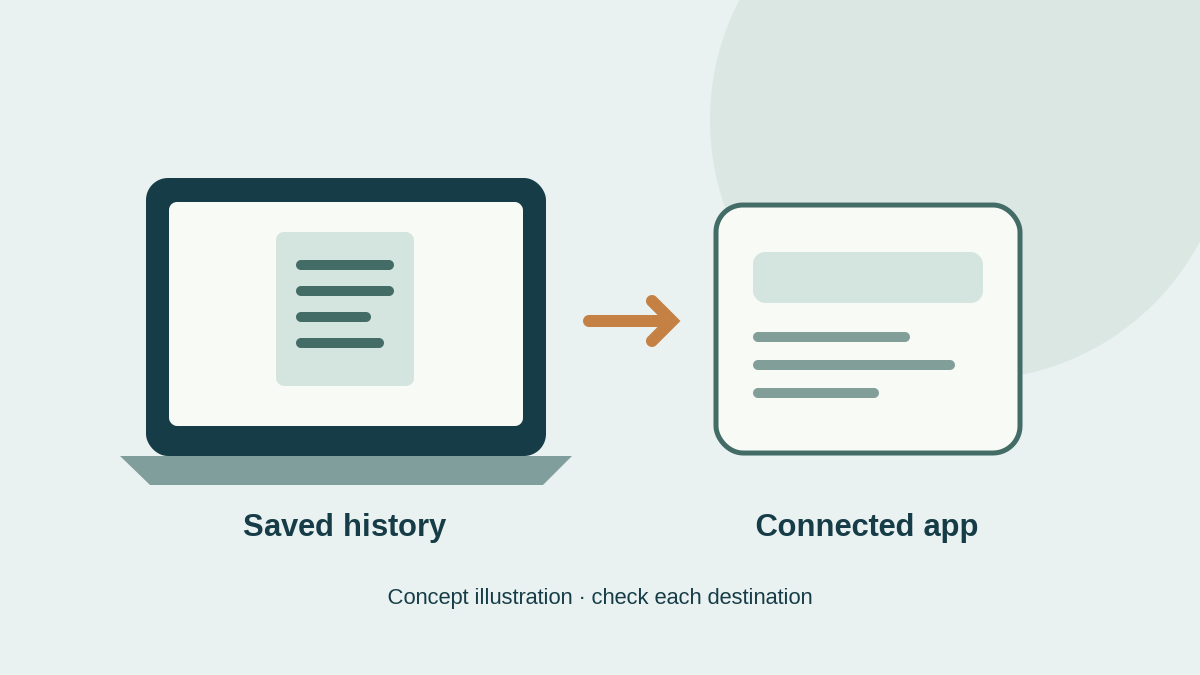
ElevenAI says your transcript history stays on your Mac and that it does not store your audio. That describes where information is kept. It does not, by itself, establish that every part of the service works offline or that a connected AI tool cannot receive meeting text.
The distinction matters before you connect a new meeting assistant to other software. ElevenLabs’ product page also describes making notes and transcripts available to other AI tools through MCP, and connecting to ElevenAgents for live help and handoffs. Read those statements together: keeping a history on your computer and making its contents available elsewhere can both be part of a workflow.
ElevenLabs announced free early access on 11 November 2026. This is a guide to evaluating that preview, based on its published documentation. We have not installed ElevenAI or inspected its network traffic.
Separate the saved copy from the work done with it
Use three questions when reading a privacy description. A reassuring answer in one row leaves the other two to be checked.
| Question | What to establish |
|---|---|
| Where is it saved? | Where your transcript history lives, and what other copies exist. |
| Where is it processed? | Which service handles speech, summaries and follow-up requests. |
| Who receives it? | Which connected apps, workspaces and people can get the text or result. |
The product page answers part of the first question. Its description of integrations makes the third relevant too. It does not provide enough detail to map every processing route, retention period or default sharing permission. Resolve those questions before relying on an offline-only workflow. The published description is not enough to establish one.
A local connection can still feed another AI app
MCP, short for Model Context Protocol, is a way for an AI application to obtain information and use tools. Its official architecture documentation explains that servers can run locally or remotely. It also says the protocol does not decide how an AI application uses language models or manages the information it receives.
So the useful question is not just “Is this connection local?” It is “What will the receiving app do with the meeting text?” Check that app’s account, workspace and data-handling terms as well as ElevenAI’s.
Consider a hypothetical design team. Jo keeps a transcript on a work Mac and wants another assistant to draft an email to a supplier. The transcript contains both the agreed delivery date and an internal discussion about the budget. Jo only needs the agreed date for this email; the internal budget discussion would add information the supplier does not need.
Before connecting anything, Jo should establish whether access can be limited to the intended notes, whether the receiving workspace is approved for them, and whether the result stays a private draft or can trigger a send action. These are checks to make, not controls we have verified in ElevenAI. If the available settings cannot express the intended limit, do not connect those notes. Use an approved alternative with the narrower information you actually need.
Agree on the meeting before creating the notes
Storage choices do not replace participant agreement. ElevenLabs’ beta usage guide identifies Google Meet as the primary compatible app and asks users to confirm that everyone agrees before starting. It calls for spoken notice for phone participants and another notice for late arrivals. If someone objects, stop transcription before continuing the conversation.
The guide also excludes sensitive meetings unless the organisation’s agreement expressly permits them, and says built-in notices do not settle every legal obligation. Follow your organisation’s rules; this article does not determine whether a particular meeting may lawfully be recorded.
What to ask before a trial
Ask ElevenLabs to explain the processing destinations, retention and deletion behaviour for the exact features you plan to use. For each integration, identify the receiving account, the information it can obtain and whether an action needs your approval. Write down any unanswered questions so the team can resolve them before using real meeting content.
Start with a short, agreed practice conversation containing invented information. Check the resulting text and intended recipients before sharing it. That can reveal obvious mistakes or an unsuitable workflow; it is not a privacy audit or proof of what happens on a server.
As checked on 14 November, the public page still invites early-access requests. We have not verified invitation timing, a country eligibility list, or later USD/AUD subscription prices. Confirm access and terms before cancelling an existing notes tool or planning a company rollout.
Prepared with AI assistance, source checking and a separate editorial revision on 14 November 2026. No sponsorship or affiliate links. The cover is an original conceptual illustration, not an ElevenAI screenshot. The example above is hypothetical.
Sources
- ElevenAI product preview — ElevenLabs
- ElevenLabs Summit NYC announcement — ElevenLabs
- MCP architecture overview — Model Context Protocol
- ElevenAI beta usage guide — ElevenLabs