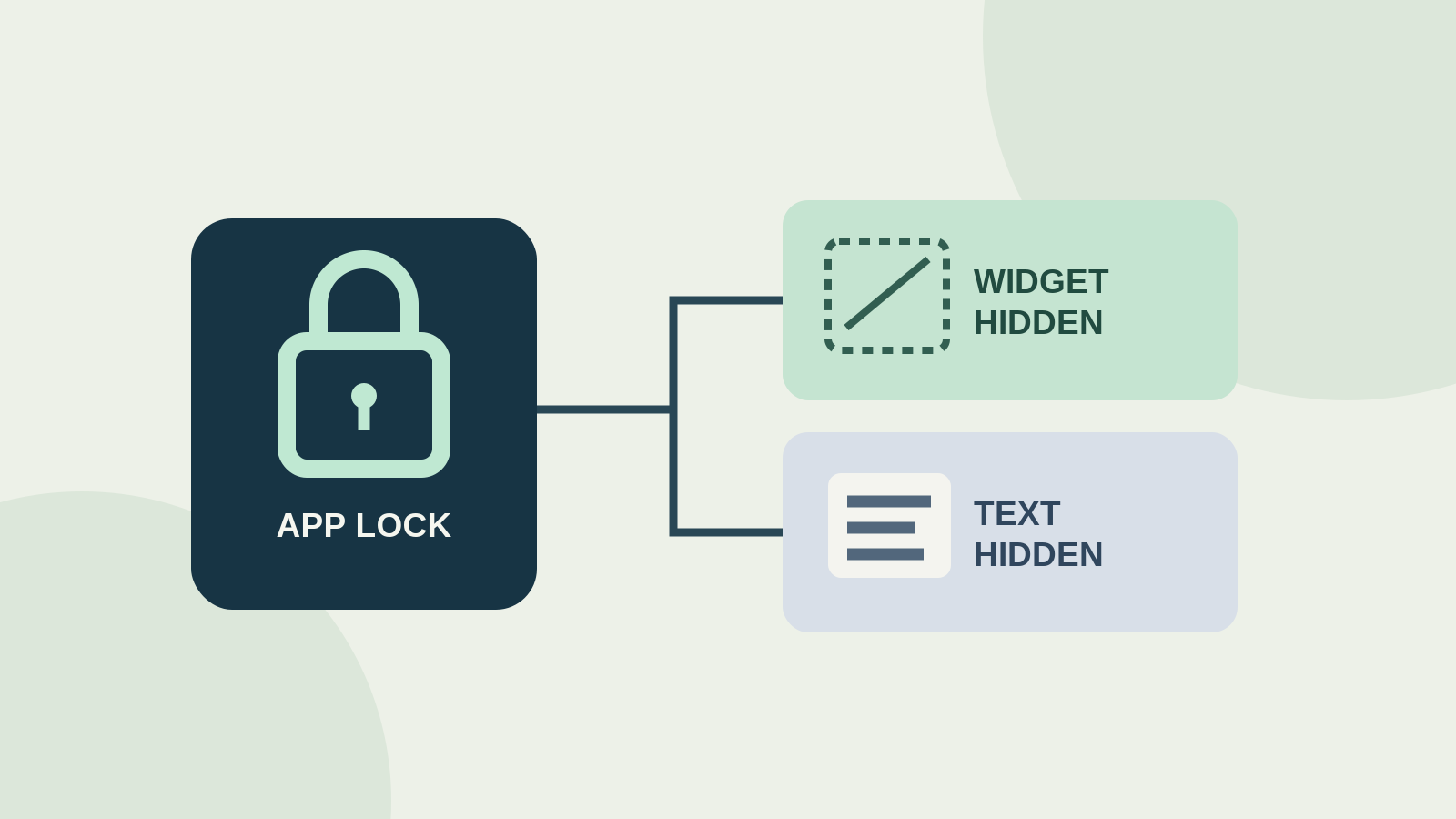
A widget vanishes after you lock its app in the One UI 9.5 beta. Before rebuilding your Home screen, check whether the change is part of the privacy feature you just enabled.
Samsung's first beta release notes say App Lock restricts opening an app and hides its widgets and notification content, including when the phone itself is unlocked. That makes a missing widget a different problem from a widget that remains visible but stops updating.
Start with what changed
| What you see | What to check first |
|---|---|
| A widget disappears after its app is locked | Check that app's App Lock state. Hidden widgets are documented beta behavior; reinstalling the app is not a sensible first response. |
| An alert arrives without its message text | Separate hidden content from a missing alert. Check App Lock and the phone's notification privacy settings. |
| A widget stays visible but looks stale | Open the underlying app and check whether it works. Then follow ordinary widget troubleshooting. |
| There is no App Lock option | Confirm the installed software and official beta eligibility before treating it as a fault. |
Write down the app name, software version and last change before adjusting anything. These observations help you test one explanation at a time.
Choose privacy deliberately
Think about what your widget reveals when you lend someone the phone. A convenient photo preview and a private photo library may be competing goals.
For example, imagine Maya locks her photo app before lending someone her unlocked phone, then notices its photo widget is gone. The useful question is whether she wants those pictures visible during the handover. Repeatedly adding the widget would not address that choice.
The release notes do not document a separate keep-widgets-visible exception for locked apps. Keeping the lock means accepting the documented visibility changes. If you decide to remove its lock, review the privacy tradeoff first, then check whether the widget needs adding again. We have not tested automatic widget restoration.
If the symptom does not fit App Lock
Samsung's widget troubleshooting guide starts with simpler explanations: a widget may have moved to another Home screen, joined a stack, been removed or lost support. Swipe through your Home screens and any widget stack before adding a replacement.
To look for an available replacement, touch and hold an empty Home screen area, choose Widgets, select the app and widget style, then choose Add. Availability depends on the app; managed work profiles may restrict widgets. This is the ordinary widget route, not a way to override an active app lock.
If a widget is present but fails, check the app itself and available updates. For a persistent beta problem, record the steps for Samsung support: which app, which widget, the installed build, and whether the problem also happens when opening the app.
Hidden text and missing notifications need different checks
Samsung's Australian One UI 8 support guide documents another control: Settings > Notifications > App notifications > [app] > Show or hide content when locked. It controls message visibility on the phone's lock screen. Menus can differ by software version.
That guide describes One UI 8 controls; it does not establish the behavior of an App Lock override in One UI 9.5. First establish whether an alert arrived with its contents hidden, or whether no alert arrived at all. The second observation needs a broader notification investigation; the App Lock note alone cannot explain it.
Check beta availability before following a screenshot
Samsung announced the beta on 18 November 2026 for Galaxy S26 series users in Germany, India, Korea, Poland, the UK and the US. Eligible users apply through Samsung Members. This is a beta announcement, not a statement that every Galaxy phone has the feature.
Australia is not among the named launch markets. An Australian phone missing the beta banner is therefore not, by itself, evidence of a broken Members app. Check Samsung's current local availability for your device; the announcement does not supply an Australian release date.
Editorial method: Researched from Samsung documentation on 19 November 2026, with AI-assisted research and drafting followed by a separate editorial revision. No beta installation, device, notification delivery or widget-restoration testing was performed. Maya is a hypothetical example. The cover is an original conceptual diagram, not a Samsung screenshot. No sponsorship or affiliate links are included.
Sources
- One UI 9.5 first beta release notes — Samsung
- Samsung Begins One UI 9.5 Beta Program — Samsung
- Widgets disappear or do not work — Samsung
- One UI 8 notification controls — Samsung