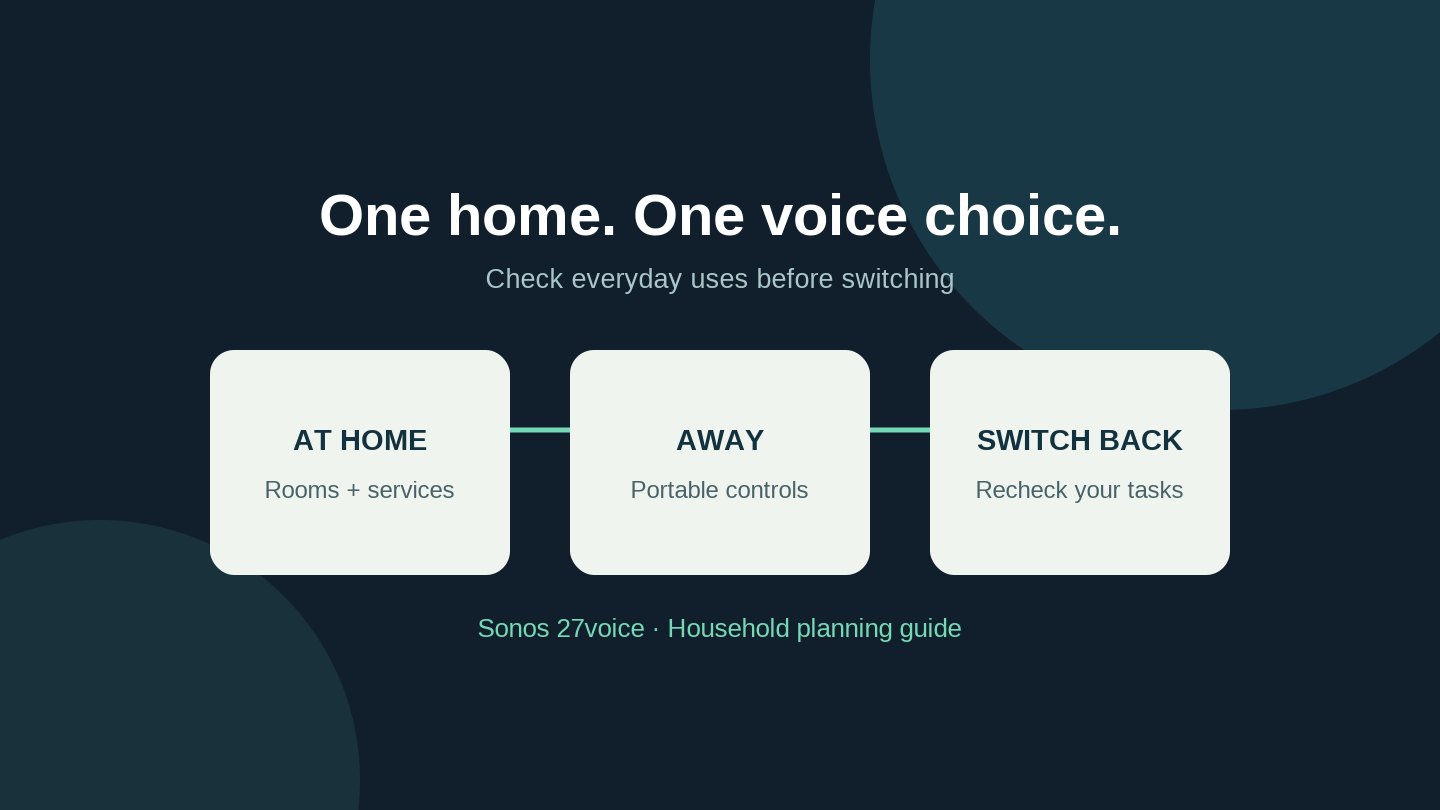
Before trying Sonos 27voice, check how everyone in your home uses the speakers. The choice reaches beyond the room where you set it up: Sonos says its new assistant and Classic Sonos Voice Control cannot coexist on the same system. The kitchen may gain more flexible requests while another person loses a familiar way to use a portable speaker.
Our recommendation is to list the household's essential voice tasks, agree on which trade-offs are acceptable, and keep the downgrade instructions handy. This is a guide based on Sonos documentation checked on 11 November 2026, not a hands-on review of the beta.
Check eligibility before changing anything
Sonos's Early Access announcement describes limited places for US households using US-English. Applicants need a Sonos product with a built-in microphone and an internet connection. Joining the list does not guarantee acceptance.
Update the app, open it on your home Sonos network, and look for the Early Access card in Settings. An invitation arrives through email and the app; the setup option appears when selected. A missing invitation is not, by itself, evidence that your speaker is broken.
Australian owners should wait for confirmed local eligibility. The Australian support page also restricts Early Access to US customers. It describes global access after Early Access, without a specific release date. An English-language setting is not the same as an eligible country.
Check the uses that could change
Sonos's technical explanation describes more flexible requests, conversational corrections and queue additions. It also identifies limits worth weighing before accepting the free, optional upgrade.
| Current use | Before switching |
|---|---|
| French voice requests | 27voice starts with US-English. Keep Classic if French is essential. |
| Portable speaker away from Wi-Fi | Classic supports basic requests in Bluetooth mode. 27voice does not. |
| Alarms, intercom or routines | Do not treat 27voice as a replacement for these. Sonos lists timers, but not those functions. |
| Music from a particular service | Check the supported service and the exact action you want. |
The supported-services list includes Apple Music, Spotify, Amazon Music, Deezer, Pandora, Radio France and Sonos Radio. That list is shared by both assistants; upgrading does not establish support for a missing service. Some playlist-management requests also vary by service. Confirm your service's own regional availability and subscription requirements separately.
A household example: the kitchen and the campsite
Imagine a household with a kitchen speaker and a portable speaker used on camping trips. One person wants to describe a musical mood instead of remembering exact titles. Another regularly uses basic voice controls while the portable speaker is connected over Bluetooth away from Wi-Fi.
Their priorities are both reasonable. The useful question is which everyday task the household is willing to change. Because the choice is system-wide, “I'll only upgrade the kitchen” does not resolve their disagreement.
A reasonable plan is to wait until after the trip, then try the new assistant at a time when both people can check their usual tasks. If the portable voice controls matter more than conversational requests, staying with Classic is a sensible outcome. This is a fictional planning example, not a report of a successful upgrade or a camping test.
Understand what leaves the speaker
According to Sonos's privacy statement, Classic processes voice audio on the device; its app activity and usage data are a separate matter. With 27voice, commands are sent to Sonos cloud infrastructure after wake-word activation. The policy describes processing recordings, transcripts, inferred intent and technical metadata.
Discuss that change with other people using the speakers before opting in. Local voice recognition is not a claim that the entire Sonos system works offline or collects no data. Likewise, switching assistants should not be treated as proof that previously processed data has been erased. Sonos explicitly advises against sharing passwords and other sensitive information through 27voice.
Keep a short test list and a way back
Before switching, write down three everyday tasks and the room, service and language used for each. For example: starting a favourite album in the kitchen, moving playback into the living room, and controlling the portable speaker on a trip. Record what works today, including any failures, then compare after the change. Judge the assistant against those jobs rather than one impressive demonstration.
The current setup guide places the return path at Settings → General Settings → Voice Assistants → Sonos 27voice → Downgrade. Follow the prompts, then recheck the tasks on your list. The documented Downgrade option changes the voice assistant. Leave factory resets and S1 migration out of this procedure.
Alexa can share a speaker with 27voice. Google Assistant cannot share that same speaker, although Sonos says it can remain on a different speaker in the system. Check that arrangement before removing an assistant someone else uses.
Choose 27voice when its conversational features solve a real household problem and everyone accepts the documented limits. Keep Classic when its language support, portable controls or local voice processing matter more. Check eligibility and existing equipment before considering any hardware purchase.
Prepared with AI assistance and a separate editorial review. No device, account or voice-command testing was performed. The cover is an original conceptual illustration, not a Sonos interface or product photograph. No sponsorship or affiliate links.
Sources
- Set up Sonos 27voice — Sonos
- Australian setup and eligibility — Sonos
- Early Access enrollment announcement — Sonos
- Sonos 27voice technical explanation — Sonos
- Supported content services — Sonos
- Sonos Privacy Statement — Sonos