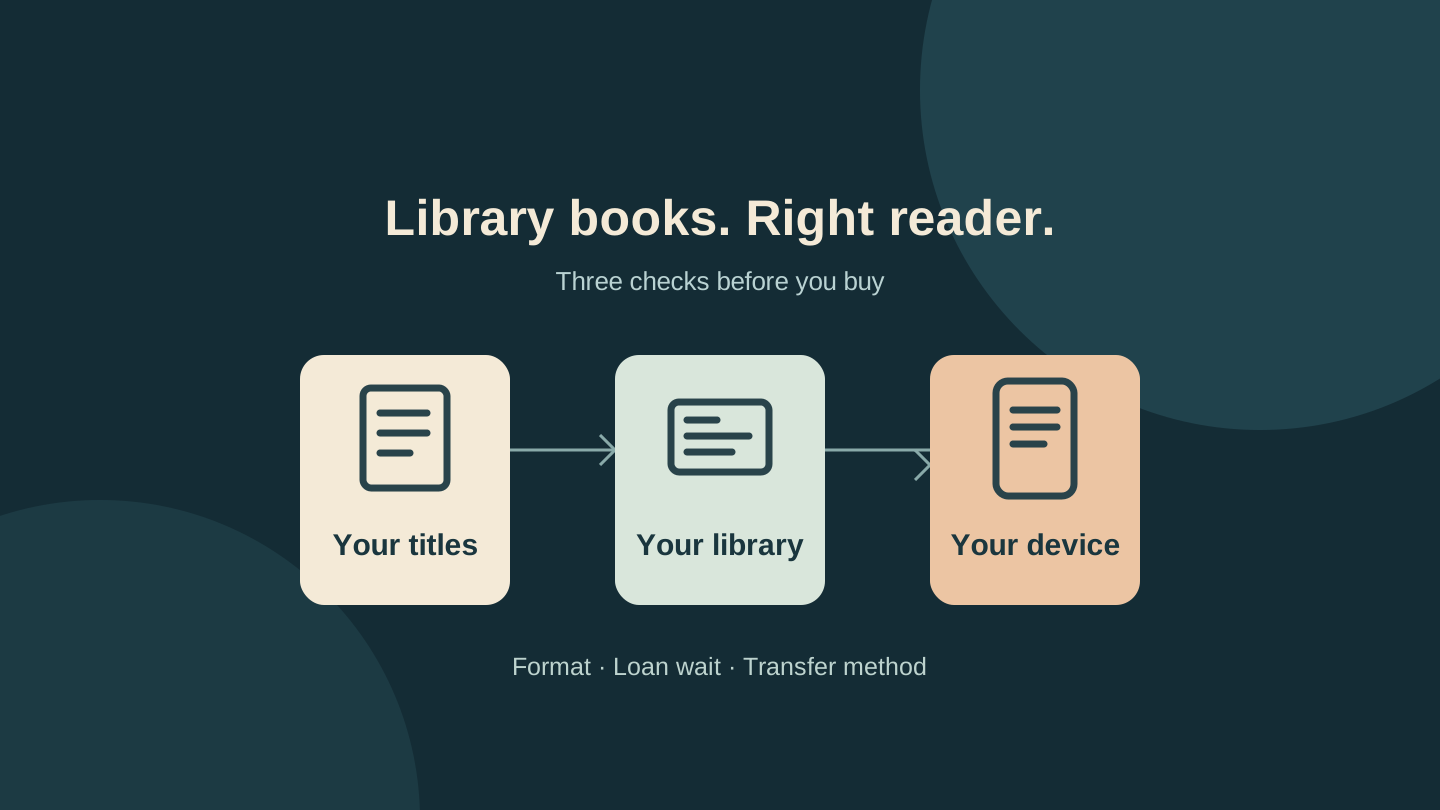
Before buying an e-reader for library books, check three titles you actually want to read. Find which service supplies each one, whether it offers an e-book edition for your chosen device, and how you would get that loan onto the screen. A device can be compatible with a library service without supporting every item in its catalogue.
That check matters while shoppers compare the new Kindle family and Kobo alternatives. Screen size, colour and page-turn buttons become useful comparisons only after you know how your books will reach the device. Use the checks below to compare borrowing routes before spending money.
Start with your library's collection
Open your library's own digital collection page and sign in with your existing membership. Write down the service attached to each title. For example, Brisbane Libraries offers both OverDrive, accessed through Libby, and BorrowBox. Its guidance recommends searching the main catalogue first because the providers carry different titles.
For your three-title check, choose a book you want soon, another you would happily read while waiting, and something that represents your usual reading, such as a novel or illustrated guide. Record the format and any wait separately. An audiobook entry is not proof that the library also has the e-book.
| Record this | Why it matters |
|---|---|
| Service and card | Identify the collection providing the loan, especially if you use several libraries. |
| Book format | Separate e-book, audiobook and magazine listings. |
| Device route | Check Kindle delivery, Kobo sync or a documented computer transfer. |
| Loan wait | A supported book can still have a waiting list. |
Three titles will not represent the whole catalogue, but they can reveal a problem that a device specification sheet misses.
Kindle library loans: check the US restriction first
OverDrive provides Kindle-compatible e-books to US public libraries. Libby's Kindle delivery is available in the US only, and it supports most rather than every Libby book. For a compatible loan, Libby's documented route is Shelf, Loans, Read With, then Kindle. Amazon then asks you to sign in if necessary and choose Get Library Book.
For a US buyer, look for Kindle support on the actual titles in your library's collection. If your shortlist has only an audiobook or a different e-book format, buying a Kindle does not change that listing.
For an Australian buyer, do not buy a Kindle e-reader expecting the same local-library delivery. Brisbane Libraries explicitly says Australian public libraries do not offer Amazon Kindle-compatible borrowing. A Fire tablet is a different product: Libby recommends its app on Fire tablets, rather than the Kindle e-reader delivery route.
Kobo: match the device, title and software
Kobo's current compatibility page includes both the United States and Australia. It lists supported models, including Kobo Clara BW, Clara Colour and Libra Colour, along with several older devices. Check that exact list if you are considering a second-hand reader; confirm the exact model rather than assuming every Kobo has built-in borrowing.
Next, check the books themselves. Libby warns that some e-book loans will not sync to Kobo, and that its audiobooks and magazines are unsupported on Kobo e-readers. Kobo also says the library book must be sold on Kobo.com. A title being visible in the Libby phone app does not guarantee it will appear on the reader.
Software instructions are changing too. Kobo's current Libby help says users updating to e-reader software 6.0 or later need to add their library card again. Its help pages show different account-menu wording, including Settings > Libby and Library Cards. Follow the prompts for your installed version and the current linked guidance.
If you use multiple cards or partner libraries, include a title from each relevant collection in your check. Libby's ability to hold several cards is not proof that every loan will sync to every Kobo configuration. We have not tested the new integration, individual accounts or every supported model.
Check whether the fallback needs a computer
If direct sync is unavailable, check whether the library documents a computer-transfer route for that book and device. Libby's transfer instructions explain how to select an available EPUB or PDF download on a computer and use Adobe Digital Editions to transfer it to a compatible e-reader. The offered formats vary by title.
BorrowBox has its own workflow. Wagga Wagga City Library's e-reader guide describes checking compatibility, creating an Adobe ID and using Adobe Digital Editions on a computer. That document is an example of a library-supported route, not a guarantee for every current device. Ask your own library about your exact model and computer before relying on it.
If you want a phone-only borrowing routine, a computer transfer is a meaningful compromise. Include the extra computer step in your buying decision. Do not assume that an EPUB label removes the need for the library's supported authorisation process.
Turn the checks into a buying decision
Consider a hypothetical reader whose preferred novel offers a compatible direct loan, whose next choice requires a computer transfer, and whose third choice is available only as an audiobook. The reader could choose an e-reader for the first book, decide whether the computer step is acceptable for the second, and keep listening to the third in the library app. No single hardware upgrade resolves all three differences.
If your three titles work through a routine you are willing to repeat, compare the shortlisted readers' comfort, controls and local price. If the route remains unclear, send your library this question:
I am considering [exact e-reader model]. I borrow [e-books/audiobooks] through [service and library]. Can I read these three titles on it, and will I need a computer? Which current instructions should I follow?
Also ask whether a loan device is available. Yarra Plenty Regional Library advertises Kobo Libra Colour loans through its Library of Things. Local eligibility and stock still apply; it is an example to ask about, not a service every library offers.
Choose a reader whose borrowing routine fits the books you actually want. If your library app already meets your needs on a phone or tablet, keep using it while you resolve the device questions.
Editorial disclosure: This guide was researched and drafted with AI assistance, then revised against the linked documentation. It is a documentation-based buying checklist, not hands-on borrowing or device testing. The cover is an original conceptual diagram, not a product photograph or screenshot. No affiliate links or paid product placement are included.
Sources
- Amazon new Kindle family
- Brisbane Libraries digital collections
- OverDrive Kindle support for US libraries
- Reading library loans on Kindle
- Kobo country and model compatibility
- Libby loans on Kobo and limitations
- Kobo Libby setup and software 6.0 notice
- Libby computer transfers
- Wagga Wagga BorrowBox e-reader guide
- Yarra Plenty loan e-readers