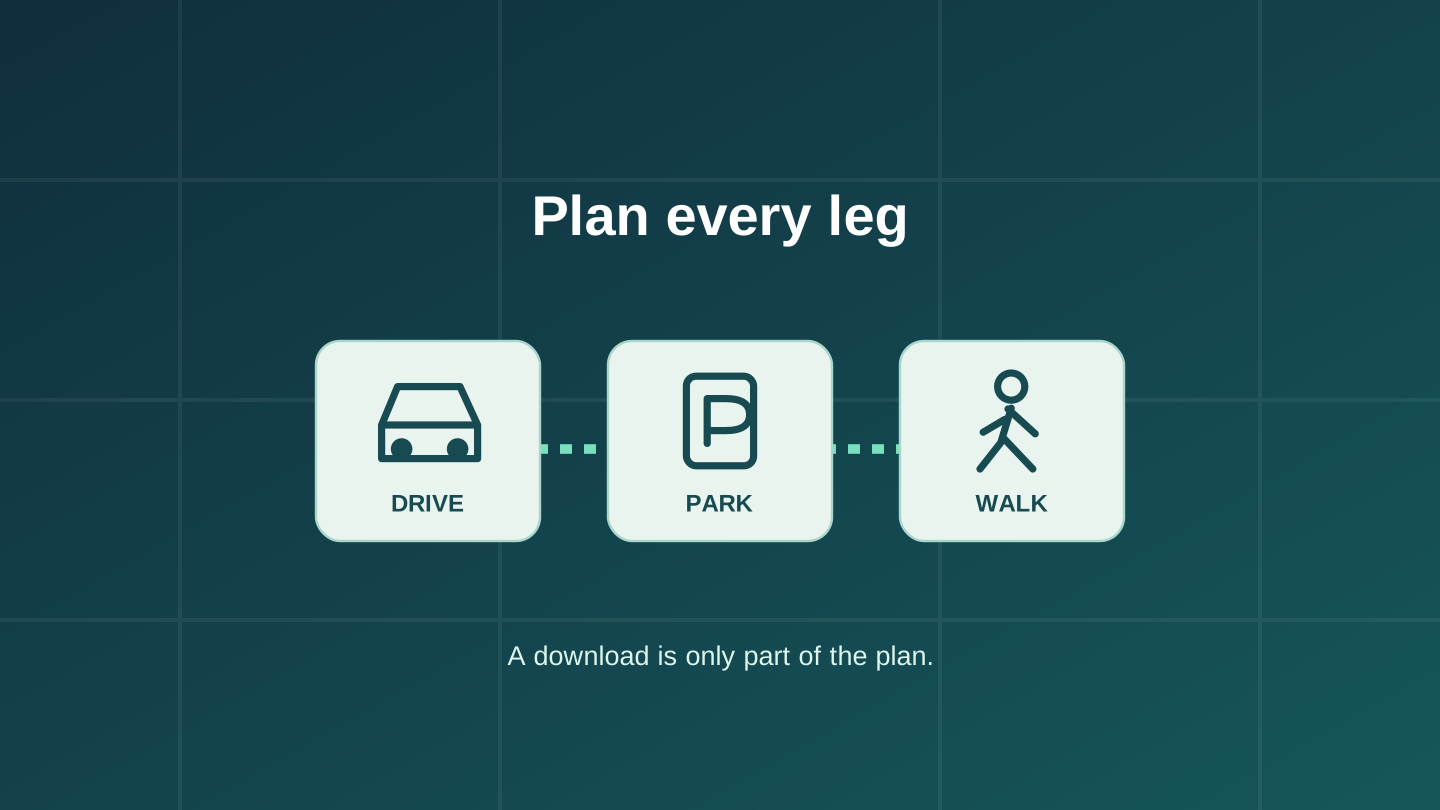
A downloaded Google map can help you drive to a destination without mobile data. The problem comes when you park, switch to walking directions and expect the same backup to finish the journey. Google’s current guidance limits offline directions to driving; walking, cycling and public transport directions are unavailable offline.
Plan around each part of your day, not just the destination pin. A drive to a station, a train ride and a walk to a hotel are three different navigation jobs. Prepare each leg before you lose reception.
Write down where your travel mode changes
Imagine a weekend visit with a rental car: airport to hotel, hotel to a car park, then a walk to a venue. This is a hypothetical itinerary, not a route we tested. Downloading the city is only the starting point. Your plan should identify which app or saved information will guide each leg.
| Trip leg | Prepare before leaving |
|---|---|
| Airport to hotel | A downloaded map covering the drive, plus the hotel’s exact address. |
| Hotel to car park | The vehicle entrance, not just the venue’s map pin. |
| Car park to venue | A separate walking plan with the correct pedestrian entrance. |
| Return journey | The saved parking location and a way to retrace the final walk. |
Check the points where you change from one mode of transport to another. A route to a building’s front door may be different from the route to its parking entrance. Write these as separate destinations rather than discovering the distinction at arrival.
Prepare the driving area in Google Maps
On Android or iPhone, open your profile menu, choose Offline maps, then Select your own map. Adjust the rectangle and download it while connected. Google’s download walkthrough explains that the app estimates the storage needed before downloading. Use the estimate to balance route coverage against available storage.
Include the whole drive, not just the destination town. Google requires the entire route to fit within the downloaded area. Its iPhone guidance also requires an internet connection and being outside Incognito mode when downloading. Android guidance asks you to be signed in.
Offline driving lacks live traffic and alternate routes. Update expiring maps before departure; don’t assume a download from an earlier holiday is still ready. Downloads are unavailable in some countries or regions, so check the actual destination in the app.
Choose what happens after you park
For an iPhone user who needs walking directions, Apple Maps is an option worth checking. Apple documents offline driving, walking, cycling and public transport directions in iOS 17 or later, in supported areas. Check the particular destination and travel mode. Stored transit information cannot tell you about a new service disruption while you are disconnected.
In Apple Maps, search for the destination and use Download, or More followed by Download Map, where offered. Adjust the selected area. The Australian iPhone guide also provides an Offline Maps menu for adding and managing downloads. Check Automatic Updates and Optimize Storage: the latter can remove unused maps.
If you use Android, or the required Apple download is unavailable, arrange another walking-navigation option that explicitly supports offline use. A locally saved street map and written route can be a modest fallback for a familiar, straightforward walk. They are not a substitute for a suitable trail map or navigation preparation on a remote hike.
Rehearse the handover while still at home
Try this check at home while stationary; it does not require taking a test drive:
- Finish the downloads, then turn off Wi-Fi and mobile data temporarily. Keep location access enabled.
- Open the app again and request the intended driving route inside the saved area.
- Switch to the planned walking or transit leg in the app you intend to use for it. Confirm what remains available without a connection.
- Open your saved addresses, entrance notes and return instructions. A link that needs a website to load is not an offline copy.
- Restore connectivity after the check and resolve any missing leg before departure.
For a concert trip, for example, save the parking entrance and venue entrance separately, plus the place where your group will meet afterwards. Agree on that meeting point before separating. This makes the fallback understandable to another traveller, even if their preferred mapping app differs.
If the rehearsal works, you have checked that particular download and route on your phone. It does not guarantee current road conditions, an open entrance, a running train or a charged phone later. Check current transport information while connected and follow signs and local restrictions during the trip.
Editorial disclosure: This guide was researched and drafted with AI assistance, then revised against the linked documentation. It is not a hands-on navigation test. The cover is an original conceptual diagram, not an app screenshot or a usable map. No affiliate links or paid product placement are included.