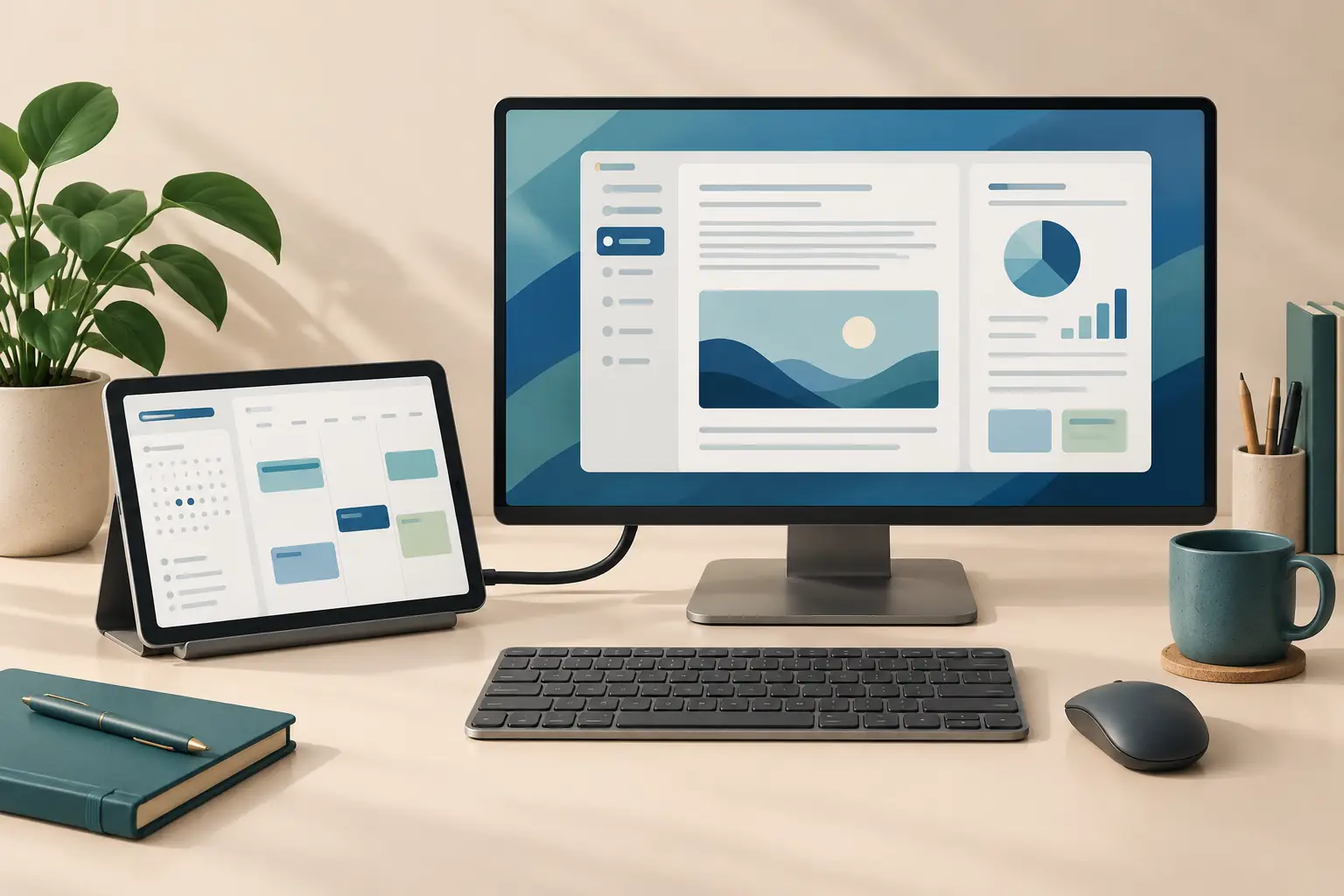
Apple has announced a useful change for the new iPad mini: it can use a monitor as a separate workspace. Apple says the A20 Pro model supports extended display mode with iPadOS 27.2: different app windows on the monitor and tablet.
That makes it interesting if you want a compact tablet away from your desk and more working space when you return. It does not, by itself, establish that your current dock, favourite app or older mini will behave the same way.
What changes when the display extends?
Apple's USB-C display guidance distinguishes three experiences: mirroring the built-in screen, an app providing its own second-screen view, and an extended workspace for multiple app windows. The cable connection alone does not tell you which one you are getting.
For example, imagine drafting a document on the monitor while keeping a calendar on the mini. The benefit is having two useful views available together. If you only want to show a presentation or play a video on a larger screen, check whether your existing tablet already handles that task before upgrading.
The new feature is confirmed in Apple's A20 Pro announcement. The announcement is not a promise that every earlier iPad mini gains extended mode through a software update. Apple's current French compatibility list specifically includes the A20 Pro mini; some English support lists still omit it. For an older mini, treat extended mode as unconfirmed unless Apple names that model. A specification mentioning external video output does not establish extended-workspace support.
Check the monitor path before buying a dock
The A20 Pro technical specifications list one external display at up to 4K and 60Hz, native DisplayPort over USB-C, and video through separately sold adapters. USB 3 data transfer is rated at up to 10Gb/s. Those are separate specifications: a fast data port is not a promise of several extended monitors.
- Start with one screen. Do not interpret a dock's two HDMI sockets as a promise of two extended monitors; Apple specifies one external display for this mini.
- Check the whole connection. The monitor input, cable and any adapter must support the resolution and refresh rate you want. A USB-C connector alone is insufficient evidence of video capability.
- Plan power and input. Some USB-C displays charge an iPad while connected, according to Apple. Check your display or dock's power support and allow for the keyboard and pointing device you intend to use.
Do not buy an expensive dock just because it promises a laptop-style desk. First confirm its manufacturer supports the exact iPad model and connection you need. We have not tested a particular dock or monitor with the A20 Pro mini.
A practical first-session check
On a supported setup, Apple's window-moving instructions describe dragging an app window between screens with the cursor, opening an app from the Dock or App Library on the intended display, or using the window controls to move it.
Try a small piece of your real work before treating the setup as a laptop replacement:
- Open the two apps you normally switch between and put one on each display.
- Complete a useful task, such as consulting notes while editing a document. Check text size, window behaviour and your input devices.
- Save and reopen the result through your normal file workflow. If a necessary app feature is missing, a larger screen will not supply it.
This is a suggested evaluation, not a test result. Use it to identify any missing part of your everyday workflow before committing to more accessories.
Who should consider the upgrade?
It is a plausible fit for someone who already wants a small handheld tablet and occasionally needs a second work area. Someone buying primarily for long desk sessions should compare the total setup cost and app requirements with the alternatives they already use.
Apple lists the base Wi-Fi model from US$699, with US pre-orders starting 28 October 2026. Its Australian announcement lists A$1,099 including GST and pre-orders from 29 October. Both announcements give 6 November 2026 for first availability; this article does not verify retail stock or delivery to a particular address. These are tablet starting prices; include any monitor, adapter and input devices in your own budget.
If mirroring already solves your task, keep using it. If you need separate windows on two screens, the A20 Pro model's announced support is a meaningful reason to investigate—but confirm the apps and accessories that make the workspace useful to you.
Editorial disclosure: AI assisted research and drafting, followed by source checks and a separate editing pass. This is documentation-based guidance, not a hands-on review. No sponsorship or affiliate links are included. The cover is an AI-generated conceptual illustration, not a product photo or screenshot.
Sources
- iPad mini A20 Pro announcement (US) — Apple
- iPad mini A20 Pro announcement (Australia) — Apple
- iPad mini technical specifications — Apple
- iPad mini technical specifications (Australia) — Apple
- USB-C charging and display guidance — Apple
- Move an app to an external display — Apple
- Extended-display compatible models (French) — Apple
- Extended-display compatible models (English) — Apple