For most people with a MacBook Pro that still does its job, a touchscreen alone is a weak reason to replace it. The more compelling case is for someone who already needs a new laptop, works on its built-in display for hours, and can make regular use of the new screen and lighter design.
Apple has announced its first touchscreen MacBook Pro, with a tandem OLED panel called PROLED XDR. Apple lists pre-orders as open, with availability scheduled for 6 November 2026. That makes this an upgrade decision you can consider now, although a specification sheet cannot settle how comfortable touch will feel in your daily work.
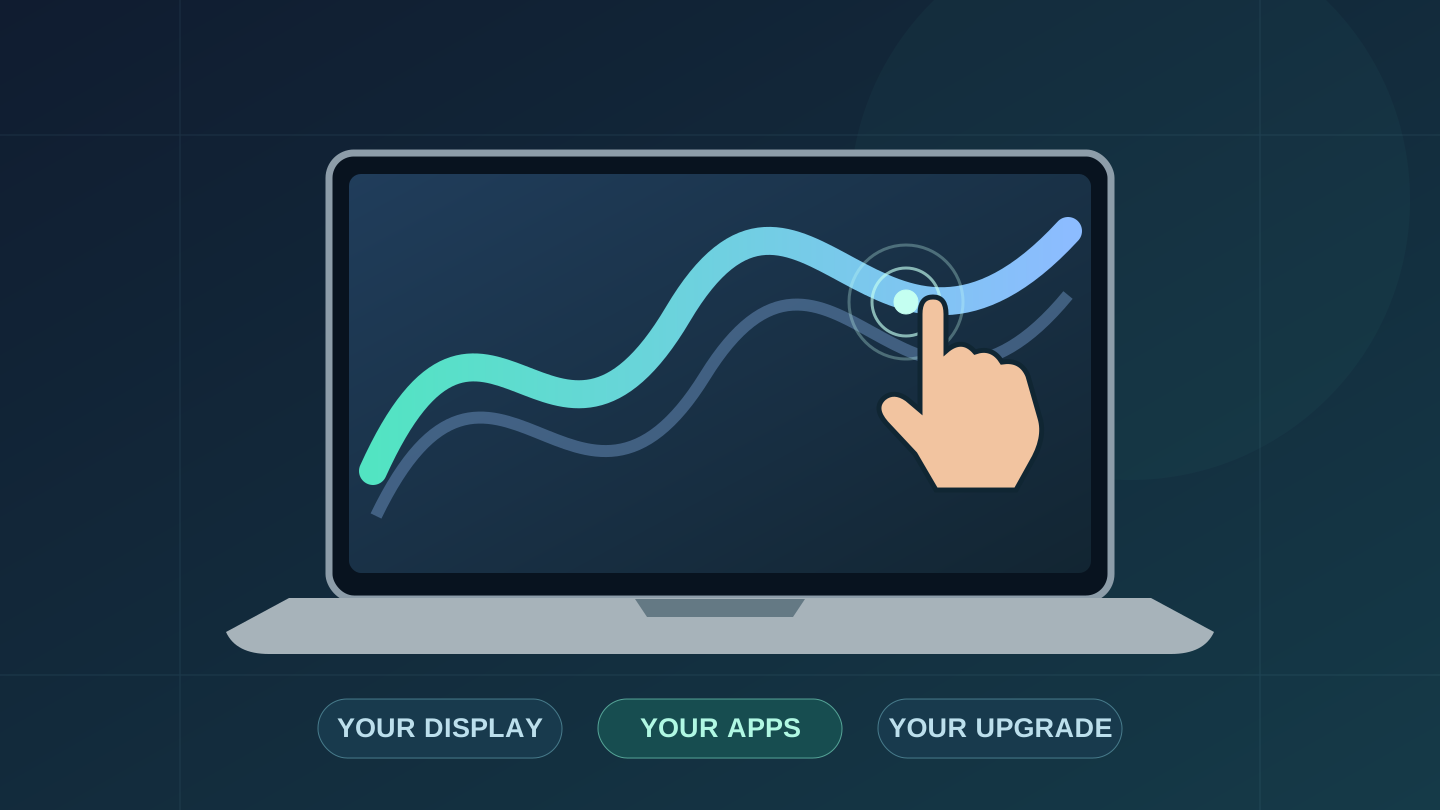
Research-based buying analysis, prepared with AI-assisted research and editing. Techotick has not tested this laptop. The cover is an original conceptual illustration, not a photograph or rendering of the actual product. No sponsorship or affiliate links.
First, make sure you are looking at the touchscreen model
The name to look for is MacBook Pro with PROLED XDR Display. Its chip options are M5 Pro and M5 Max. Apple also sells a separate Liquid Retina XDR range, including the base M6. The chip-generation number alone does not identify the touchscreen version.
Compare the display name, chip, memory and storage together. Otherwise, a cheaper base M6 listing and a PROLED M5 Pro listing can look like a simple old-versus-new comparison when they are different configurations. Apple's PROLED specifications and Liquid Retina specifications separate the two.
What would you actually use touch for?
On its product page, Apple describes scrolling documents, pinching to zoom, dragging slides between presentations, and moving or resizing windows directly on the display. It also illustrates creative uses such as adjusting music controls and manipulating 3D objects. The keyboard and trackpad remain part of the workflow.
Touch may suit a particular task without becoming your preferred way to operate the whole computer. If your day consists mainly of typing, keyboard shortcuts and precise pointer work, ask where reaching for the screen would actually save effort.
Before ordering, write down two tasks you would use it for every week. For example, you might want to enlarge reference images while sketching ideas, or move presentation elements while discussing a slide. These are hypothetical use cases, not tested productivity gains. If you struggle to name a recurring task, treat touch as a bonus rather than your main purchase justification.
The OLED display may matter more than the gestures
Apple's specifications list tandem OLED, P3 and Adobe RGB colour support, and an adaptive refresh rate from 10Hz to 120Hz. Brightness needs its qualification: the listed maximum is 1,000 nits sustained across the full screen, with 2,000-nit peaks for HDR content and outdoor SDR use. It is not a promise of 2,000 nits continuously across every image.
For someone editing photos or video on the laptop itself, display quality deserves serious attention even if touch rarely gets used. For someone whose laptop spends most working hours connected to an external monitor, much of that benefit sits on a screen they are not looking at.
Check your own files on a demonstration unit when available, at a brightness you would normally use. Look at dark detail, reflections and text, and check whether your colour workflow supports the modes you need. Techotick has not independently measured the panel's accuracy, durability or long-term behaviour.
Which owner has the strongest reason to upgrade?
- Your Mac still runs your apps comfortably: keep it unless the display or portability solves a recurring problem.
- You already need a replacement and use the built-in screen: shortlist PROLED, then compare an equivalent non-touch configuration.
- You mostly use an external monitor: prioritise the chip, memory and connections your work needs.
- One app is your reason for wanting touch: verify its current version and touch features before paying for the hardware.
For an older Mac, separate the reasons for replacing it. Slow exports, insufficient memory, a worn battery and a desire for a better screen are different problems. Choose the configuration around the problem you need to solve.
For a recent M5 Pro or M5 Max owner, the familiar chip names are especially relevant. Do not assume this is a new processor-generation upgrade. Judge the screen and portability on their own merits rather than expecting an unverified leap in performance.
Check the app timing before you buy
Apple says macOS can translate touches into clicks for existing apps. That is different from an app gaining controls designed specifically for fingers. Its launch announcement names third-party apps including Lightroom, DaVinci Resolve and Microsoft Office, but a footnote says the listed apps will be available later this year.
Do not base a purchase on a future demonstration alone. Check the developer's release notes for the exact feature you need, confirm whether your subscription includes that version, and try a representative task if a demo is available. If your key feature is still promised, waiting until it ships gives you a firmer basis for deciding.
What it costs in the US and Australia
These are Apple's announced starting prices for the M5 Pro touchscreen models, checked on 30 October 2026. They are separate regional prices, not currency conversions or a quote for matching every optional configuration.
| Model | US$ | A$ |
|---|---|---|
| 14-inch | 2,899 | 4,599 |
| 16-inch | 3,399 | 5,499 |
Australian figures include GST; check applicable US taxes at checkout. Apple lists 6 November availability in both announcements, with US pre-orders beginning 28 October and Australian pre-orders on 29 October. Delivery dates for your chosen configuration still need a checkout check. See the US announcement and Australian announcement.
When comparing a non-touch model, match the chip variant, memory and SSD first. Then decide how much extra the display and lighter design are worth to you. An attractive starting price on a different configuration is not the saving you would get on an equivalent machine.
Our recommendation
Shortlist the touchscreen MacBook Pro if you already need a replacement and the built-in display is central to your work. Wait for the app features you need to ship, and try the touch controls before making them the deciding factor.
If your current Mac is fast enough and comfortable to use, keep it. Identify a task the upgrade would improve, compare equivalent configurations, and pay for a benefit you expect to use regularly. The first touchscreen Mac is an interesting milestone; it does not create an upgrade deadline.
Sources
- MacBook Pro with PROLED XDR Display: US announcement — Apple
- MacBook Pro with PROLED XDR Display: Australian announcement — Apple
- PROLED XDR MacBook Pro technical specifications — Apple
- MacBook Pro with PROLED XDR Display: features and gestures — Apple
- Liquid Retina XDR MacBook Pro technical specifications — Apple