On an ad-supported plan, deleting a downloaded season can leave your tablet empty without restoring your Netflix download allowance. Before a trip, count the episodes and films you want to take, then check which limits apply to your plan.
Netflix's download-limit guidance sets the allowance at 15 downloads per device per calendar month, on two download devices. The allowance resets on the first of the month, independently of your billing date.
A season is a batch of episodes
The Season Download button saves every episode in a season with one tap. That is a shortcut for starting the downloads, not a single download covering the whole series. Count episodes individually when planning your allowance.
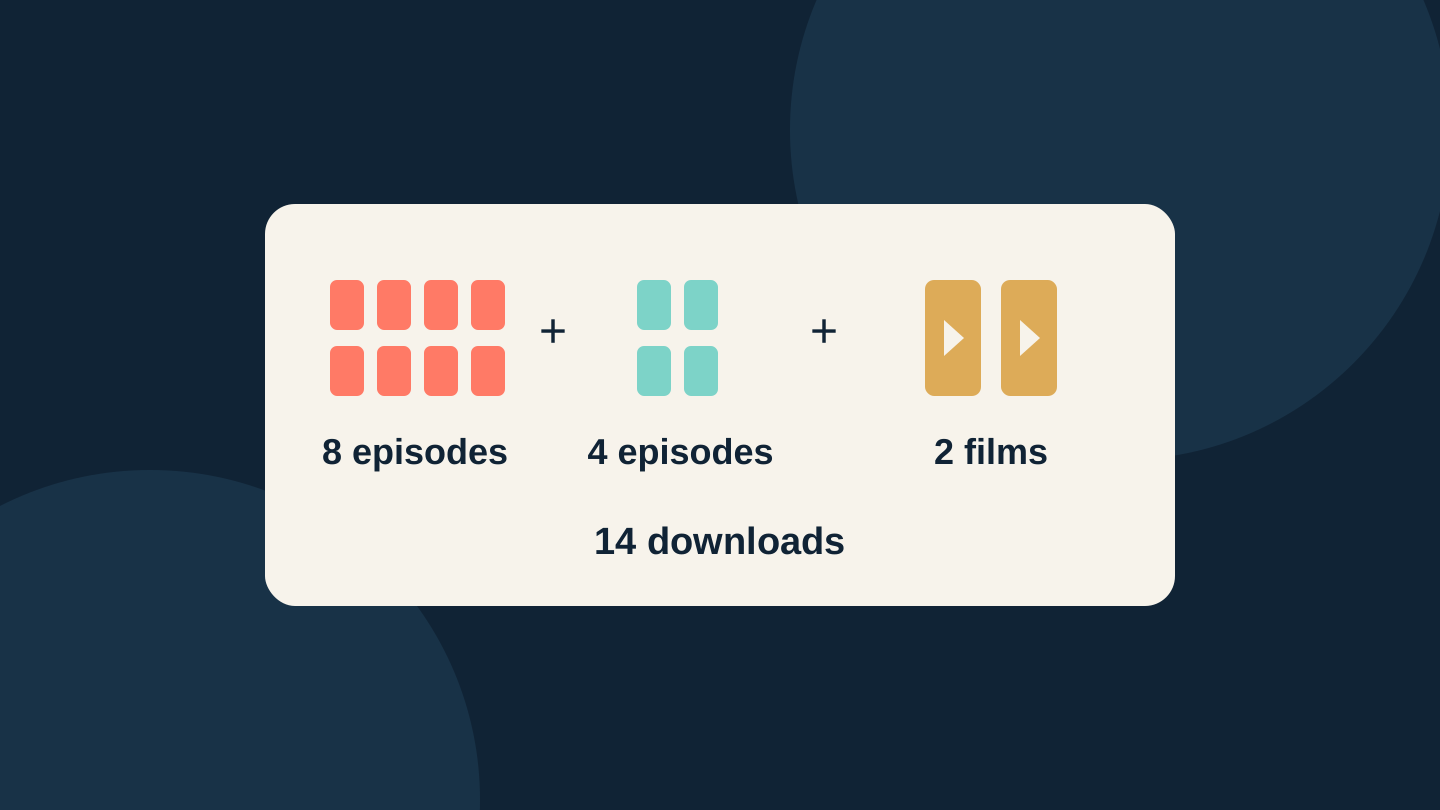
Here is a hypothetical packing list for one tablet with no downloads made yet that calendar month. Assume every chosen title is available to download on that device and plan.
| Viewing choice | Downloads used |
|---|---|
| One eight-episode season | 8 |
| Four episodes of another show | 4 |
| Two films | 2 |
| Total | 14 of 15 |
Those three choices leave one download. Choosing a second eight-episode season instead of the four episodes would take the plan to 18, beyond the allowance. A list containing only three show or film names can therefore conceal a much larger download count.
Choose by viewing time as well as count. For a fictional six-hour flight, four 45-minute episodes and one two-hour film provide five hours of viewing using five downloads. You might prefer that manageable selection to two full seasons you cannot finish. Leave room in your plan for the journey home and for choices you change before departure.
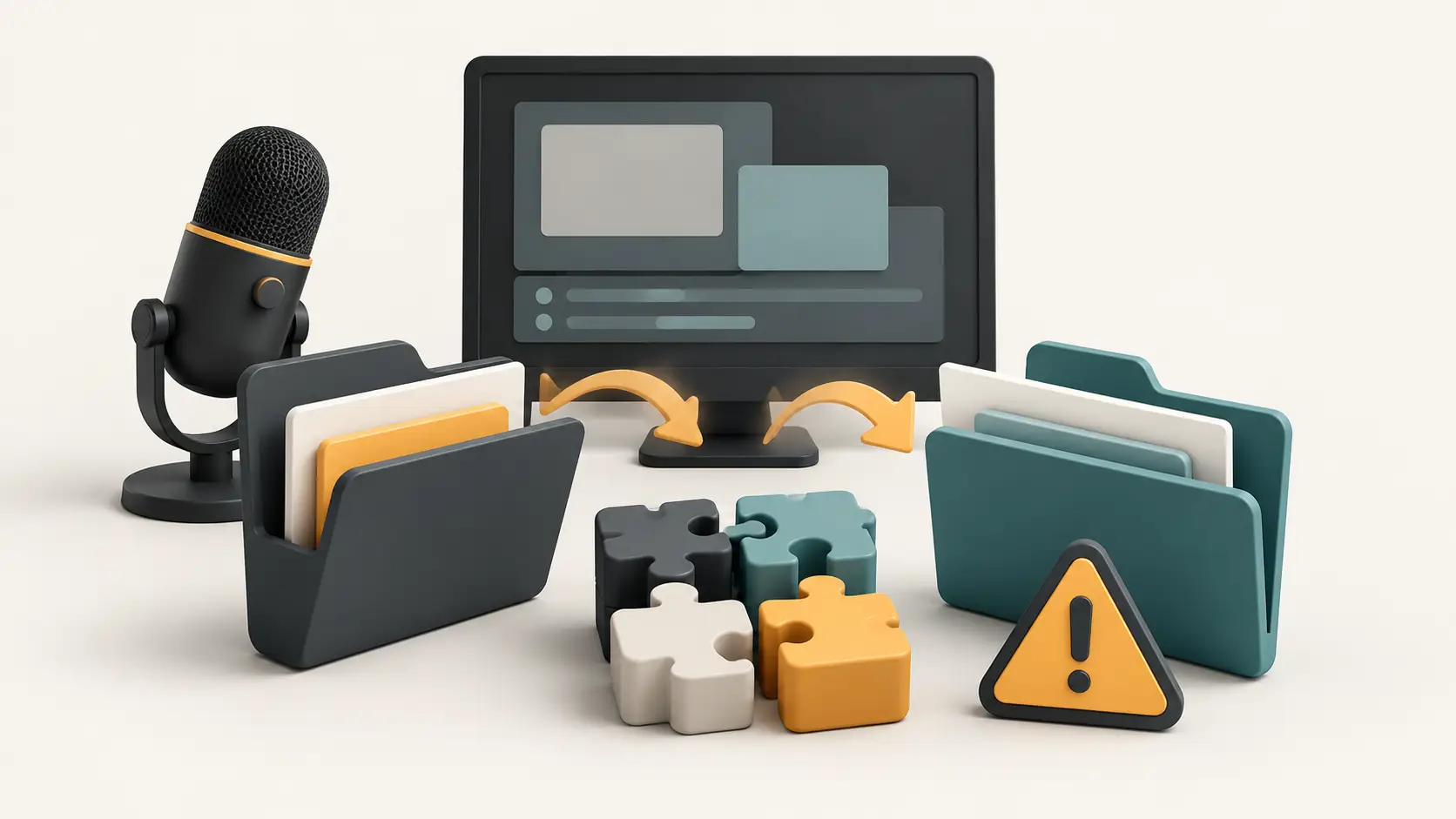
Deletion solves storage, not the monthly counter
If the monthly allowance is exhausted, Netflix directs you to wait for the reset or move to an ad-free plan. You can still stream while online. Deleting files frees storage; it does not undo downloads already counted that month.
This differs from the up-to-100 active downloads per device described for ad-free plans. It also differs from a message about too many download devices. Read the full error before deleting anything you wanted to keep.
For example, suppose you downloaded 10 episodes earlier in the month, watched them and removed them. That leaves five downloads for the rest of that month on that device. This is an illustration of the monthly rule, not a measurement from a Netflix account.
Keep a short note for each travel device: downloads already made this month, new episodes, new films, and the total. Do not assume unused allowance on the phone can be moved to the tablet. The published allowance is per device.
Check the return journey before leaving
Check Netflix's supported download devices before relying on a laptop or TV. Its current list covers supported Android and iOS mobile devices, Fire tablets, and Chromebooks equipped with Google Play. Use the actual travel device, stay signed in, and confirm each intended item appears in Downloads.
Downloadable does not mean permanently available. Netflix says downloads expire. It also documents separate yearly restrictions on some titles. Its expiry help explains renewal, but a title that has left Netflix cannot be downloaded again. A monthly reset therefore does not guarantee that the same film will still be available for your return flight.
A suggested rehearsal is to briefly play a chosen item from Downloads while offline before leaving reliable Wi-Fi. Treat success as a check of that device and title at that moment, not a guarantee for the whole trip. Read any expiry notice before starting playback or relying on a saved copy.
International travel adds another check: Netflix's travel guidance says streaming and download selections, audio and subtitles can vary by country, and existing downloads may be unavailable in another country. A US or Australian subscription does not guarantee the same offline catalogue everywhere. Keep another lawful entertainment option for the journey.
When is a plan change worth considering?
If your essential viewing fits the remaining allowance, there is no download-count reason to upgrade. If it does not, first reduce the list to what you expect to watch. If you still need more immediately, compare the account's actual upgrade charge with the value of that extra viewing.
Netflix says higher-priced plan changes take effect immediately, while a downgrade normally takes effect on the next billing date. An upgrade can change the billing date or involve a prorated charge. Partner packages can have different timing or eligibility, so read the confirmation before accepting it.
Do not use a US dollar price as an Australian quote, or assume an upgrade overrides a title's expiry or country restrictions. For a separate decision about taking a break from the service, see Techotick's Netflix pause-or-cancel guide.
This guide is based on Netflix documentation checked on 31 October 2026. The examples and planning method are Techotick's analysis; no download, account upgrade or international playback test was performed. AI assisted research and drafting, followed by editorial revision. The cover is an original conceptual diagram, not a Netflix screenshot. No affiliate links, paid placement or supplied review product are included.
Sources
- Monthly download allowance — Netflix
- Netflix Season Download announcement — Netflix
- Download devices and offline viewing — Netflix
- Title-specific download warnings — Netflix
- Expired downloads — Netflix
- Netflix when travelling — Netflix
- Plan change timing — Netflix