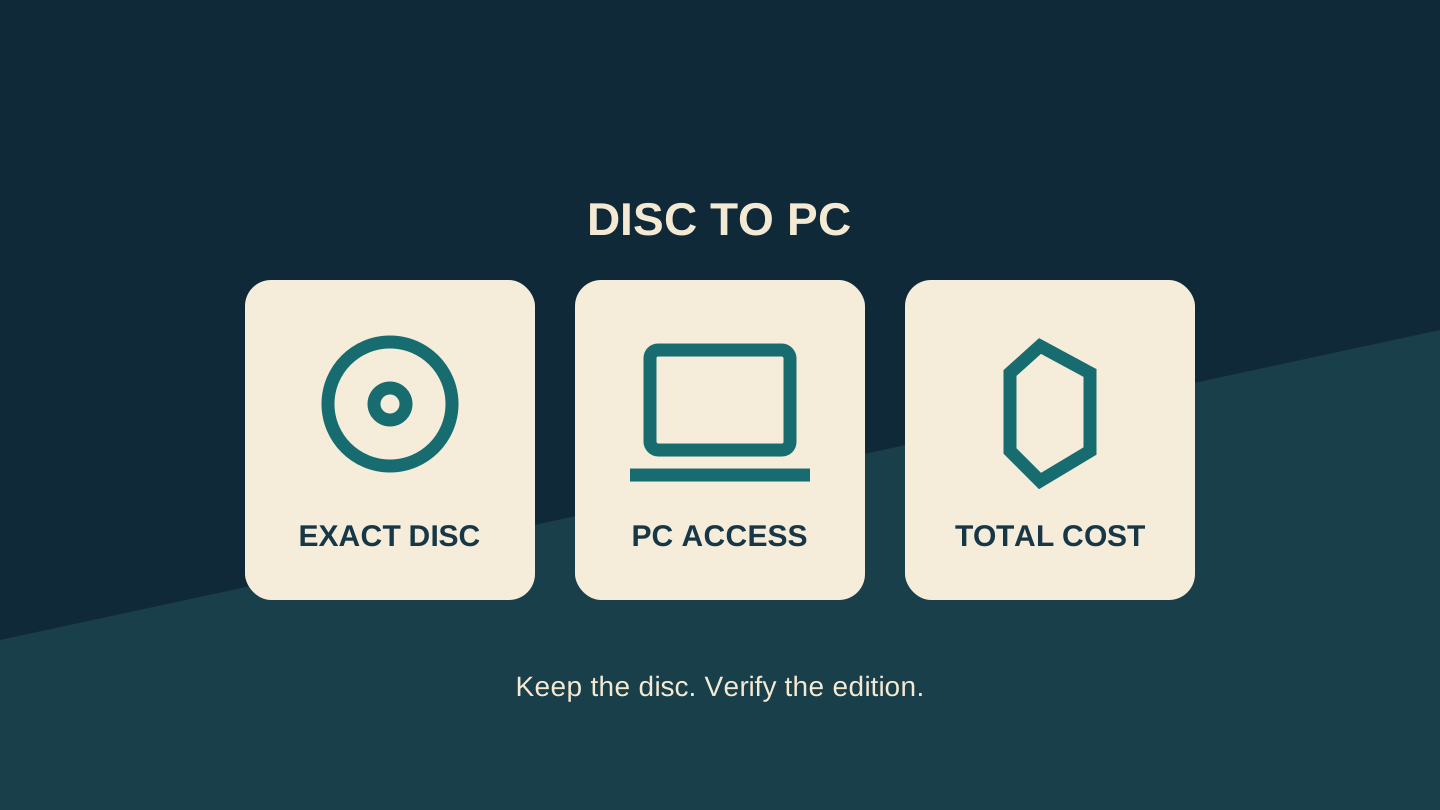
A cheap Xbox disc can be tempting when the PC download costs more. Disc-to-digital can make that comparison worthwhile, but check the entitlement before counting the saving. First establish that the disc can grant a licence, then that the claimed version supports PC play.
Xbox announced the feature in August 2026, initially for Insider testing. This guide checks the current support instructions on 31 October and offers a buying worksheet; it is not a report of our own console or PC testing.
Check the disc, then the PC version
Microsoft's disc-to-digital support page says supported Xbox One and Series X discs can grant a digital licence. Original Xbox and Xbox 360 discs are excluded. Eligibility can vary and change, so a game being sold on disc does not prove that your copy qualifies.
For PC access, the claimed game must support Xbox Play Anywhere. After claiming, check My Library in the Xbox app on PC for the disc-to-digital badge. Microsoft's Play Anywhere page explains that supported games carry progress and achievements across compatible devices; check the game's PC requirements too. Check the Xbox app entitlement itself; seeing the same game for sale in another PC shop does not confirm access through this programme.
The Australian support page describes the same disc-linked licensing model. These regional pages do not certify every imported disc, edition or account. Use the exact local listing and the entitlement shown in your account, rather than treating a report from another country as a guarantee.
Make a purchase record before checkout
Use one row of notes for each game you actually want to play. Start with a disc you already own if possible: it lets you learn the claim process without buying a stack of games on an assumption.
| Record | What you need to establish |
|---|---|
| Exact copy | Game, edition, disc generation and seller. Keep a photo of the listing for your own records. |
| Claim access | The supported disc-drive Xbox you can use and the account that should receive the licence. |
| PC result | Play Anywhere support, the claimed entry in My Library and the PC's requirements. |
| Included content | Base game, on-disc extras and separate codes listed individually. |
| Cash outlay | Disc, delivery and any equipment needed, compared with the same digital edition. |
Our buying rule: if PC play is your only reason to purchase and you cannot establish eligibility for the copy offered, pause the purchase. Ask the seller about the exact edition and return terms without assuming a return will be accepted. A community list is a useful lead, not confirmation that your account has received the licence.
Calculate the saving without resale
Microsoft's digital-goods rules condition the licence on continued possession of the qualifying disc. Eligibility may be revalidated; losing possession can lead to suspension or revocation. Therefore, do not calculate your saving by buying, claiming and then reselling the disc while expecting to retain PC access.
Consider a hypothetical Australian offer: an eligible disc costs AUD 70, delivery is AUD 10, and the matching digital edition is AUD 95. With suitable equipment already available, the disc route costs AUD 80 and saves AUD 15. If you would buy a used console for AUD 120 solely to claim that game, the initial outlay becomes AUD 200: AUD 105 more than the digital edition. These are invented figures to demonstrate the calculation, not current retail quotes.
For several purchases, add the actual savings across verified eligible games before comparing them with the extra equipment cost. Do not spread that cost across a wish list of unverified titles. Use one currency throughout; a USD price and an AUD price are not a like-for-like comparison.
Claim one game and check what arrived
Sign in to the intended account and insert the supported disc into a compatible Xbox with an optical drive. The current support instructions provide a manual route: highlight the game's Home tile, press Menu, choose Get digital license, then Claim. Wait for confirmation. Microsoft says a multi-disc set uses disc one; content delivered by a separate redemption code may not be included. Check those extras before valuing an Ultimate or special edition.
Then inspect the PC library under the intended account. Record the edition and included extras you can actually see. If the result differs from your purchase record, check the current support guidance before buying another game. Keep the disc somewhere you can find it; a screenshot of a successful claim is a useful note, not a substitute for possession.
Disc-to-digital is most attractive when you already have the required console, intend to keep the disc and can verify the PC entitlement you want. The cheaper sticker price becomes a useful saving only after those checks.
Editorial disclosure: AI assisted research and drafting, followed by a separate editorial revision. No purchase, console claim or PC gameplay test was performed. Prices above are hypothetical. The cover is an original conceptual diagram, not an Xbox interface or product photograph. No affiliate links, paid placement or supplied product are included.
Sources
- Disc to digital licensing — US — Microsoft Xbox
- Disc to digital licensing — Australia — Microsoft Xbox
- Microsoft digital-goods usage rules — Microsoft Xbox
- Xbox Play Anywhere — Microsoft Xbox
- Original disc-to-digital announcement — Microsoft Xbox