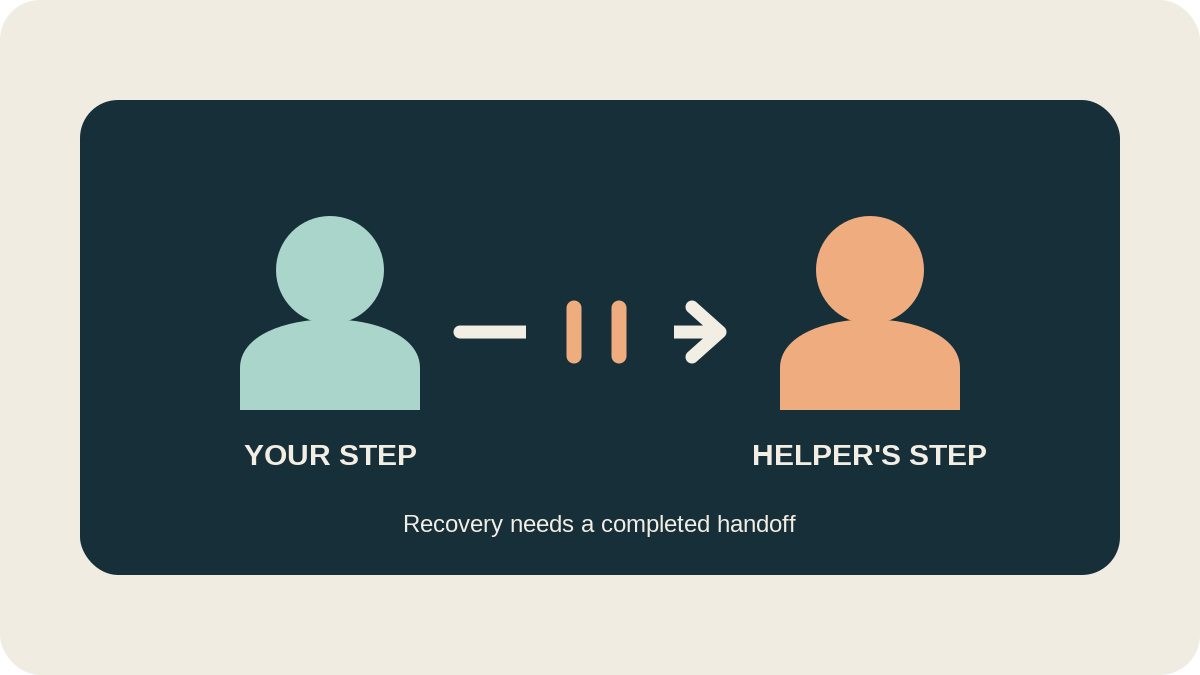
If a family organizer or administrator started your 1Password recovery, creating a new password does not finish the process. They still have to complete recovery before you can access the account. Check that handoff before repeatedly trying the new password.
This guide covers recovery you requested or independently confirmed. If an unexpected email tells you to recover your account after the November security incident, pause first.
Confirm why recovery is happening
In its 25 November 2026 incident notice, 1Password says some customer account information was copied, while vault contents and their protective keys were unaffected. The company says customers do not need to update their accounts because of that incident. Those are the company's findings, not an independent Techotick audit.
An unsolicited recovery message is not a reason to start resetting things. 1Password's phishing guidance says to avoid links, attachments and replies in suspicious messages. Contact the family organizer, workplace administrator or official support through a route you already trust. Do not send anyone your password, Secret Key or verification code.
Find the unfinished handoff
1Password explains assisted recovery with a final helper approval. A family member without the organizer role cannot perform that job.
| Where you are | Next check |
|---|---|
| The helper says recovery has started | Confirm they selected your account, especially if your household uses several email addresses. |
| You created the new account password | Ask the helper to check for a recovery awaiting completion. Access remains blocked until that step is finished. |
| The helper confirms completion | Move to signing back in with the updated account details. |
Helpers can check People → Recovery Pending on 1Password.com. Approve only the verified request. For work accounts using single sign-on, follow your administrator's credential instructions.
Sign back in before changing more settings
For password-based accounts, 1Password's post-recovery guide starts in the browser where you created the new password. It has saved your new Secret Key. After signing in, open Manage Account to find it, then follow the guide to sign back in on each device with the new details.
Our suggested check is one browser, then one everyday device. Verify that you can open an item you recognize before continuing through the rest of your devices. This makes it easier to tell a pending recovery from a device still expecting old credentials.
If recovery is confirmed complete but an app still cannot unlock, use the linked guide's troubleshooting section or contact support. Resetting an app can require reconfiguring its settings; do not make that your first response to an unfinished organizer step.
Check your recovery plan afterwards
A saved recovery code is a separate recovery method. If you used your own code, follow that method's instructions rather than waiting for an organizer approval. 1Password says an organizer starting recovery for a family member deactivates that member's existing recovery code. After completing recovery, generate and securely save a new one if you want to retain that option. Do not assume an older printed code still works.
The current recovery-code feature supports individual and family accounts, not team or business accounts. It also requires access to the account's email address. Keep those conditions in your plan rather than treating every account as interchangeable.
For a hypothetical household, one person might confirm the request by phone, finish their own password step, then tell the organizer that completion is waiting. Neither person needs to read passwords or codes aloud. Once access works, the account holder updates their safely stored recovery material.
Assisted recovery also resets two-factor authentication: review your protection afterwards. Save the new Emergency Kit where applicable. Single sign-on and organization policies can change these steps.
Editorial disclosure: AI assisted research and drafting, followed by a separate editorial revision against 1Password documentation checked on 27 November 2026. Techotick did not test an account, recovery, sign-in or security control. The handoff checks and household example are editorial suggestions. No sponsorship or affiliate links. Cover: an original conceptual diagram, not a 1Password screen or evidence of an attack.
Sources
- November 2026 security incident update — 1Password
- Recover accounts for family or team members — 1Password
- Sign back in after recovery — 1Password
- Generate and use recovery codes — 1Password
- Phishing guidance — 1Password


