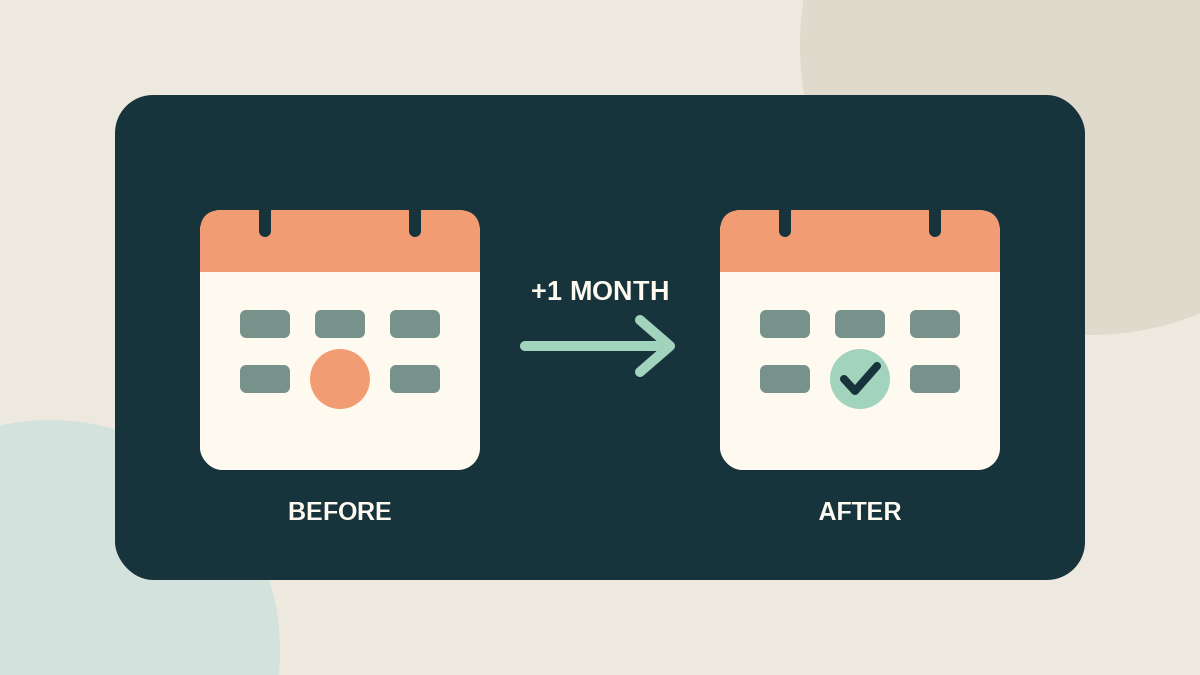
If you already pay for GTA+ and bought an eligible digital copy of GTA 6, you can still claim the included month. Rockstar says existing members must claim it; it then extends their next billing date by one month. Being subscribed already is not a reason to leave the offer unused.
The useful check is a before-and-after comparison of the payment date. A membership that already said “active” can still say “active” after redemption, so that label alone does not show whether the extra month was applied.
Separate the purchase deadline from the claim deadline
As of 24 November 2026, the qualifying purchase window has closed. Rockstar's offer covers digital Standard or Ultimate Edition purchases made before 20 November 2026. The later redemption deadlines give eligible buyers time to claim; they do not make a new purchase today eligible.
Rockstar lists two claim routes: the GTA+ product page on PlayStation Store, with a deadline of 31 March 2027, and Offers & Credits in Microsoft Store, within 180 days of the qualifying purchase. Use your own order date for Xbox, not a PlayStation date copied from a guide.
PlayStation's offer terms say the month belongs to the account that bought the game, can be claimed once and also applies to existing subscribers. The Ultimate Edition upgrade is excluded; it is different from buying the full Ultimate Edition. Do not buy an upgrade merely to try to trigger a missing bonus.
On PS5, compare the billing date
For an existing PlayStation membership, open Settings → Users and Accounts → Account → Payment and Subscriptions → Subscriptions, then select GTA+. Sony documents the route in both its US and Australian support pages. On the web, use Account Management, then Subscription.
| Point in the process | What to record |
|---|---|
| Before claiming | The purchasing account, current next-payment date and displayed renewal amount. |
| At confirmation | The included-month offer at no extra cost and its confirmation. Stop if checkout instead asks you to pay. |
| After claiming | Reopen subscription management and compare the next-payment date with your earlier record. |
In a fictional example, an existing membership shows 8 December as the next payment date. After claiming the bonus, the account shows 8 January. That is an illustration of a one-month extension, not a prediction for your account. Use the date the store actually displays, especially if other subscription changes are involved.
Keep the comparison private: a short note containing the old date, claim date, new date and confirmation reference is enough. There is no need to post an order receipt or account details in a public forum to explain the problem.
If the date has not moved
First establish whether you completed the offer claim or merely opened its page. Check that the game purchase, current membership and claim are on the intended platform account. If you redeemed the month earlier, Rockstar limits the promotion to one redemption; refunding and buying the game again does not create another month.
If the records still disagree, ask the store's support team to reconcile the qualifying purchase and the redemption confirmation. A useful question is: “Was this bonus month applied to my existing GTA+ membership, and what is my next payment date now?” Include the relevant references through the official support channel.
A normal paid checkout is not evidence that the included month will be credited later. Pause if the transaction does not show the expected offer. We have not verified a processing-delay window, so this guide does not promise the date will fix itself after a particular number of hours.
The extra month does not switch off renewal
GTA+ remains a recurring subscription. Sony's subscription management screen lets you inspect the next payment and cancel; its guidance says cancellation takes effect from the next payment date. If you do not want another charge, complete cancellation and retain the resulting status and end date.
The public PlayStation listings checked on 24 November show US$7.99 and AU$11.95 for a month. These are regional list prices, not a quote for your next bill or Xbox pricing. Sony's eligible-store list includes both the US and Australia, subject to the purchase and age requirements. Confirm your account's own amount and terms.
After verifying the extension, set any reminder against the new payment date. Keep the store confirmation alongside that date so you can distinguish a successful claim from a plan to claim later.
Editorial disclosure: AI assisted research and drafting, followed by a separate editorial revision against Rockstar and PlayStation documentation checked on 24 November 2026. Techotick did not test a game account, redemption, purchase or cancellation. The checklist and date example are editorial suggestions. No sponsorship or affiliate links. The cover is an original conceptual billing-calendar diagram, not a game image or store screenshot.
Sources
- GTA VI bonus month redemption and existing memberships — Rockstar Games
- PlayStation GTA VI bonus offer terms — PlayStation
- Manage PlayStation subscriptions — US — PlayStation
- Manage PlayStation subscriptions — Australia — PlayStation
- GTA+ PlayStation Store — US — PlayStation Store
- GTA+ PlayStation Store — Australia — PlayStation Store


