An App Store cancellation offer can lower the price of an app you still use. It can also turn a planned cancellation into another purchase. Before accepting, compare the total you will spend over the months you actually need.
Apple announced the availability of retention messages on 4 November 2026. Developers can put a message, image or eligible offer into the cancellation flow. An offer appears only when the developer has configured one and you qualify. Apple's developer announcement describes the change.
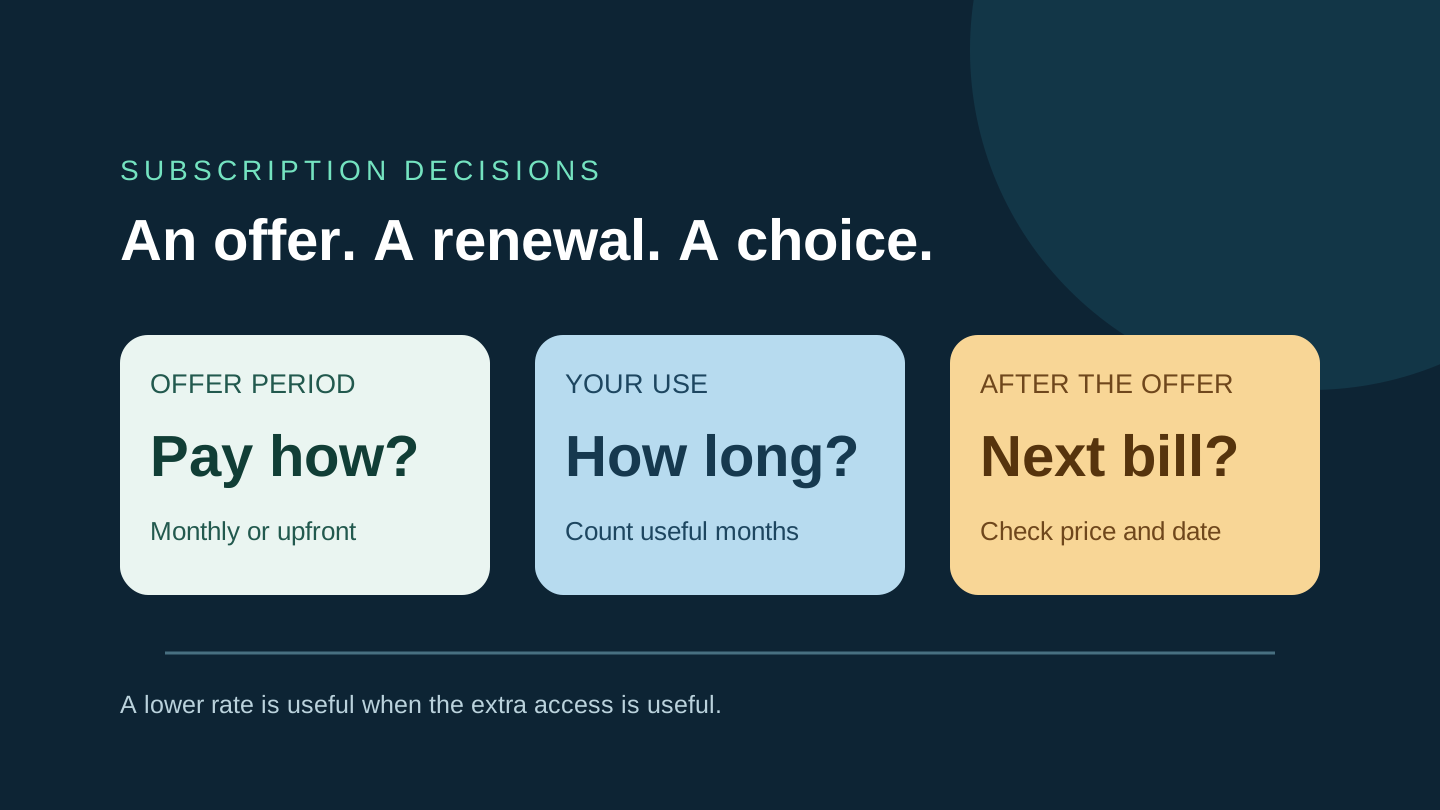
This guide uses a fictional subscription to separate three questions: what the offer costs, whether you need the extra access, and what happens at the next renewal.
Read the payment structure before the percentage
Apple's retention-message instructions let developers choose a pay-as-you-go offer, an upfront payment or a free period. Eligibility can depend on paid subscription history, a waiting period and country or region. A friend's screenshot is therefore not a price quote for your account, whether it shows USD or AUD.
Write down the amount charged, the period it buys, the price afterward and the next payment date. Check whether accepting changes your subscription tier or commitment. If those details are unclear, do not fill them in from the large discount headline.
For a monthly offer, distinguish a lower charge each month from one charge for the whole promotional period. They can have the same advertised monthly equivalent while requiring different amounts today.
A worked example: three cheap months or one useful month?
Imagine a photo-editing app with a standard monthly plan with no fixed-term commitment costing AU$12. At cancellation it offers three months for AU$18 paid upfront, then AU$12 a month. These are invented prices, not an Apple or app promotion. Assume the new period starts at the next renewal, with no overlapping payment or other charge. Money already paid for the current period is excluded from every option.
The offer averages AU$6 per month for its first three months, half the usual monthly rate. The value depends on how long you want the app:
| Use ahead | New payments |
|---|---|
| None | Cancel: AU$0. Upfront offer: AU$18. |
| One month | Standard: AU$12. Upfront offer: AU$18. |
| Three months | Standard: AU$36. Upfront offer: AU$18. Saving: AU$18. |
| Six months | Standard: AU$72. Offer, then standard: AU$54. Saving: AU$18 (25%). |
For a single editing project, the extra AU$6 buys two months you may not need. For a project lasting three months, the same offer makes a stronger case. The six-month row also shows why a half-price headline is not a half-price subscription indefinitely.
Do not apply the upfront example unchanged to a monthly promotion. If the actual offer charges AU$6 one month at a time and allows you to stop before the second payment with no further obligation, one month could cost AU$6. The payment structure changes the answer. Verify your own terms before treating that as an available option.
Make the decision using your next task
Pick a real reason to keep the app: finishing a photo book, studying for an exam or using a feature every week. Give a short project an end date; for regular use, choose a review date. If the only reason to stay is that the offer might disappear, pause and identify what you would actually use.
Compare against the cheapest suitable option you would actually choose. That may be one normal month, an existing tool you already pay for, or no subscription at all. Count only the functions you need; a cheaper tier is poor value if it cannot export the file your project requires.
For an ongoing subscription, extend the calculation beyond the offer. Apple's subscription overview explains that auto-renewable subscriptions continue until cancelled. Put the first full-price payment in your calendar, along with an earlier reminder to reassess usage. You still need to complete cancellation if you decide to leave.
Check the result after you choose
Apple's cancellation guide directs iPhone users to Settings, their name, Subscriptions and the relevant subscription. Choose Cancel Subscription and complete the displayed confirmation. Apple says that an absent cancellation button or a red expiry message indicates it has already been cancelled.
If you accept an offer, return to the subscription details and compare the plan, next charge and date with what you expected. Save the confirmation for your records. If you cancel, read the displayed access-end date before relying on the app for unfinished work. Do not assume a free period, an upfront purchase and a standard monthly plan all end access in the same way.
Before leaving an app that stores your projects, check its own export and access rules. Finish any needed export while you still have the relevant features. That is a separate check from whether the subscription will renew.
Prepared with AI assistance and a separate editorial review of Apple's documentation. No subscription purchase or cancellation was tested. All worked prices are hypothetical AUD amounts. No sponsorship or affiliate links. The cover is an original conceptual illustration, not an App Store screenshot.