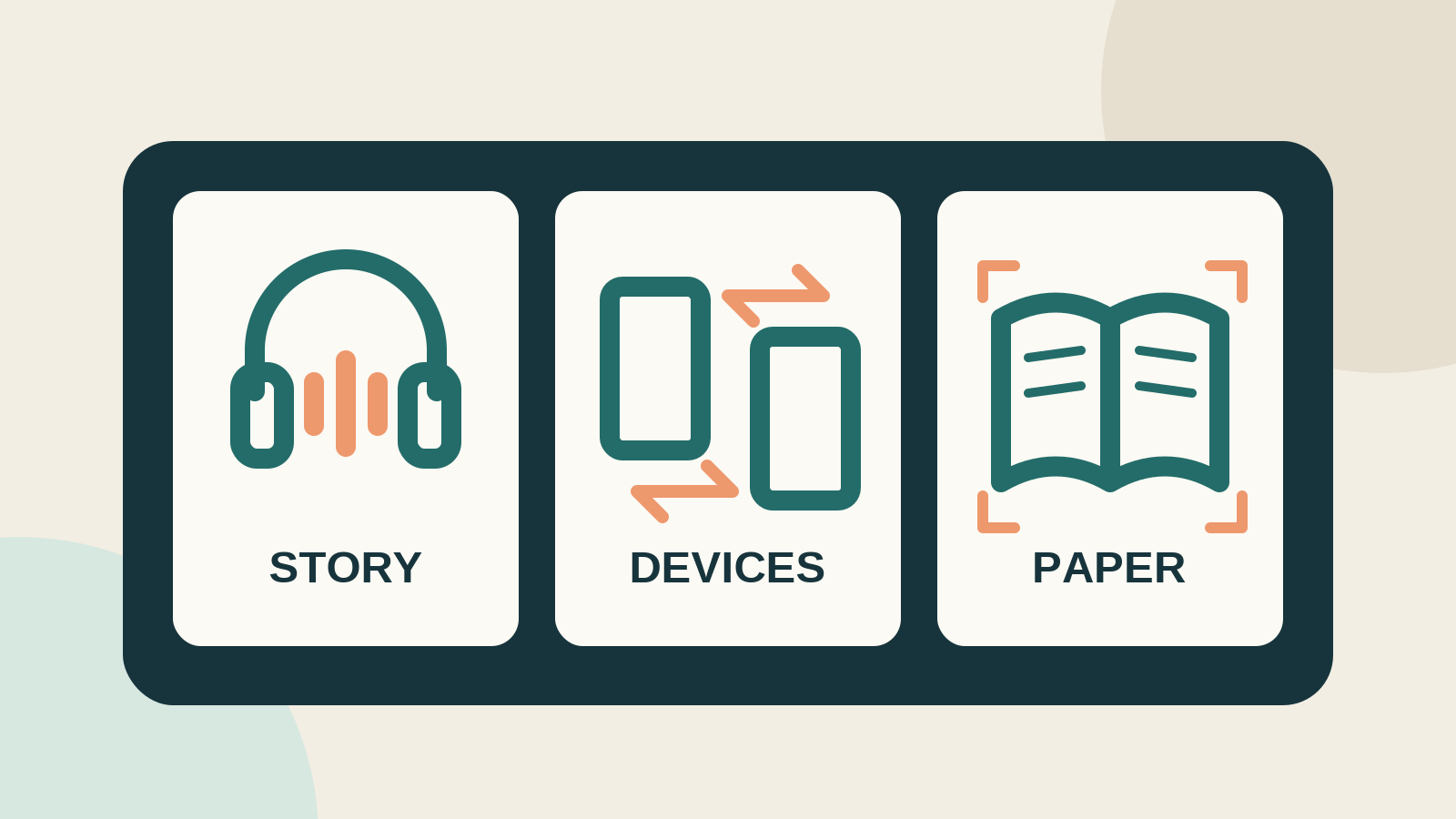
Returning to an audiobook after a break? First work out whether you have forgotten the story or lost your place. Audible’s Recaps offer a plot refresher; listening-position sync and Page Sync help with location.
Audible’s 16 November announcement expands Recaps to selected additional US titles, with a broader rollout beginning in December. Audible describes the feature as a short, spoiler-free audio refresher covering the story up to where you paused. That is the company’s description; we have not tested its accuracy or spoiler handling.
Start with the thing you have lost
| Your situation | Tool to check |
|---|---|
| You know your place but forgot the plot. | Recaps, if available for that title. |
| You switched devices and the position differs. | Sync listening position in Player settings. |
| You read a paper book and now want the audio. | Page Sync on a supported audiobook. |
If the audio starts at the right scene but you cannot remember who the characters are, changing sync settings will not jog your memory. If the player opens several chapters away, establish the location you want before asking for a refresher.
Check Recaps eligibility before paying or troubleshooting
The announcement ties Recaps access to eligible books you have bought or can access through membership. It does not promise the feature for every book. Nor does it give an Australian launch date: the confirmed expansion is in the US. A missing Recap is therefore not enough to diagnose a broken app, and a new subscription is not a guarantee that your particular book will support it.
For a general introduction to a book you have not started, Audible’s separately announced audio discovery previews serve a different purpose. Do not treat a catalogue overview as a recap of only the chapters you remember hearing.
When two devices disagree, check position sync
Audible’s US playback help and Australian playback help give the same route: Profile → Settings → Player → Sync listening position. Audible says the app normally syncs automatically. Its documented troubleshooting step is to toggle the setting off and then on to reset the connection.
Before doing that, our suggestion is to record the useful position you can still see. Note the book edition, chapter and displayed time, including whether the time refers to that chapter or the whole book. Keep that reference while checking the result.
After the reset, play a short passage to check whether you recognise the intended scene. If the mismatch persists, give support the app versions, devices and direction of the problem—for example, phone to tablet—and the position each shows. These details can make a support request more useful; the reset is not a guarantee that every sync fault will be resolved.
When you have the paper book, scan the text
Audible’s Page Sync instructions say to open the corresponding audiobook, choose the three-dot More menu, then Page Sync. Allow camera access when first requested and hold the camera over a flat, well-lit page with the text fully visible. Audible says the app recognises the text and moves playback to the matching location.
The feature needs an active internet connection, although the audiobook need not be downloaded. Support is limited to selected English-language audiobooks. Podcasts, Kids Profiles, children’s picture books and Audible Originals without book equivalents are excluded. Matching text matters more than matching page numbers.
Page Sync works from paper to audio. Audible’s help explicitly says it cannot tell you the paper page number corresponding to an audio position. The October rollout announcement names Australia among the markets receiving Page Sync, following its US availability; that does not establish Australian access to Recaps.
Consider a hypothetical reader, Maya, who has read to a marked page on paper while her audiobook is still several chapters behind. Her first task is locating that passage, so Page Sync is the relevant option. After scanning, she can compare the opening words she hears with the page. If she already has the right location but cannot remember a character, that is a separate catch-up need.
If a menu is absent or the scan fails, check title support, connection and camera permission against the current help page. Keep the paper marker while checking the audio. Our practical recommendation is to preserve one known reference until you have confirmed the new position.
Editorial disclosure: AI assisted research and drafting, followed by a separate editorial revision against Audible documentation checked on 22 November 2026. Techotick did not test an account, Recap, scan or device sync. The checklist and Maya example are editorial suggestions. No sponsorship or affiliate links. The cover is an original conceptual illustration, not an Audible screenshot.


