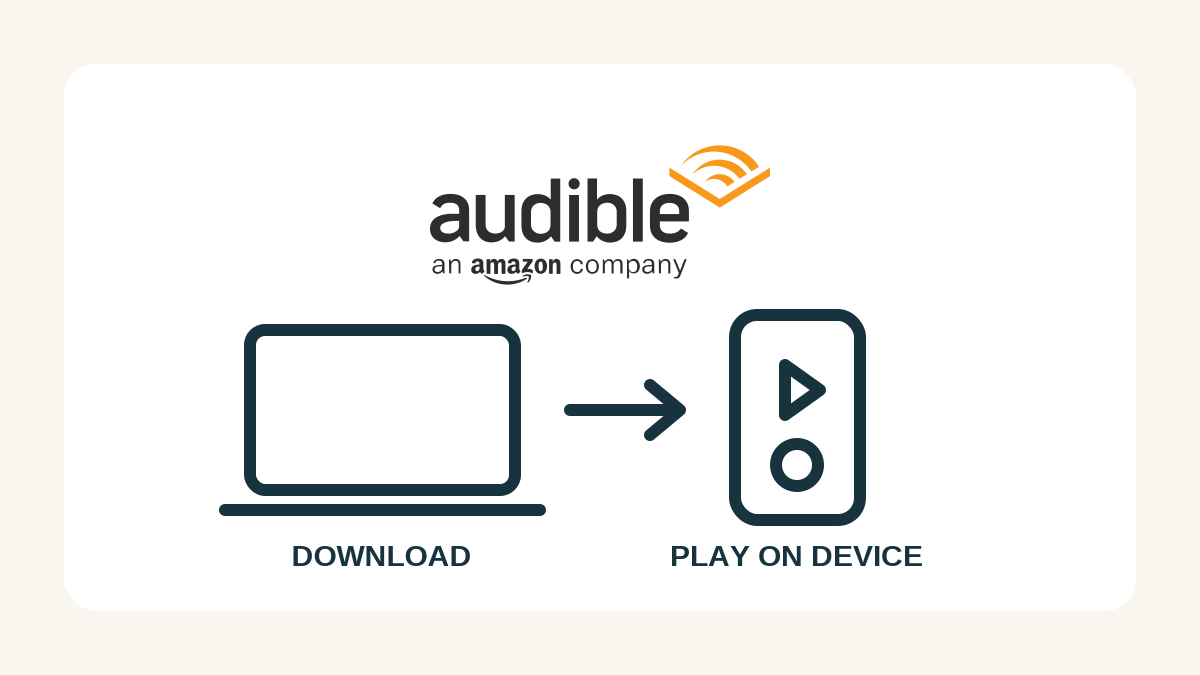
If AudibleSync has downloaded your audiobook but you cannot find a way to play it on your Windows laptop, check the destination device. AudibleSync prepares titles for transfer to a compatible MP3 player or accessibility device. Audible's US instructions explicitly say its downloads can be played only after that transfer.
That distinction matters when preparing for a flight, train journey or time away from a connection. Choose where you will listen before downloading more books. The useful finishing point is playback on that device, not a completed progress bar on the laptop.
Start with the device you will hear
The computer can be a streaming player or a preparation tool. Match the route to the device you will use.
| Your listening plan | The route to check |
|---|---|
| Listen on a Windows laptop with internet | Use Audible's browser-based Cloud Player for streaming. |
| Listen on a phone or tablet without internet | Download the title inside the Audible app on that device and let the download finish. |
| Listen on a compatible MP3 or accessibility device | Use AudibleSync on Windows to download and transfer the title, then check playback on the destination device. |
| Listen offline on the Windows laptop itself | Do not treat an AudibleSync download as a completed solution. Its documented playback destination is a compatible external device. |
The current US download guide and Australian download guide describe browser listening, app downloads and Windows transfers. They do not establish that every MP3 player works. Check the compatible-device information linked from Audible's support guidance before buying a player for this job.
Check the title as well as the hardware
Audible's download guidance limits computer downloads through AudibleSync to titles bought with an Audible credit or an approved payment method. A title appearing in your Library does not, by itself, settle that question.
For example, Audible Australia's Standard membership guidance distinguishes monthly selections from purchases. Monthly selections are available while the membership remains active and can be downloaded in the app; they are not purchases. Check how you obtained the particular title instead of assuming that a membership selection qualifies for the same transfer route as a credit purchase.
Keep the account marketplace in your notes. Australian AudibleSync instructions include choosing a marketplace before signing in. Use the marketplace associated with the library you intend to access. If you have used more than one, check which holds the title. This guide does not verify any individual account's eligibility or regional catalogue.
Prepare one book all the way through
If you already have a compatible destination device, follow Audible's transfer instructions: download the title in AudibleSync, connect the device, and use Copy to Device or the documented drag-and-drop route. Follow the device-activation instructions where required. The guide lists Windows 10 and 11; compatibility with your particular setup still needs checking.
Our suggested pre-trip check is to finish that process for one book first, then open it on the device you will actually carry. Confirm that you can start it and resume at a useful point without relying on the computer. Do this while you still have time and a connection to resolve a problem. A successful trial checks that book and setup; it does not guarantee every title or future access.
Consider a hypothetical overnight train trip. You download a book in AudibleSync and pack only the laptop. The download succeeded, but the documented transfer-and-playback chain is unfinished. If you instead intend to listen on your phone, prepare the book in the phone's Audible app and check that phone before leaving. A file on another device does not complete the preparation.
If the phone is the destination
The support pages use slightly different labels. The US guide describes Library → Audiobooks → the title's three-dot menu → Download. The Australian guide describes Library → All titles, then selecting the title. In both, wait for the download to complete before listening offline. Follow the current instructions for your app and marketplace if the labels differ.
When asking support for help, name the intended playback device, operating system, marketplace, title and stage that failed: finding the title, downloading, activating a device, transferring or playing. That gives support a concrete problem instead of an ambiguous “download does not work.” Never include a password or payment-card details in a public troubleshooting post.
Editorial disclosure: AI assisted research and drafting, followed by a separate editorial revision against Audible guidance checked on 29 November 2026. Techotick did not test an Audible account, app, download, transfer or playback device. The travel example and preparation check are editorial suggestions. No sponsorship or affiliate links. Cover: Audible logo via Wikimedia Commons (public-domain text logo), retained in an original conceptual diagram. This is not an app screenshot or an endorsement by Audible.
Sources
- Listen with AudibleSync — US — Audible
- Download titles — US — Audible
- Listen with AudibleSync — Australia — Audible
- Download titles — Australia — Audible
- Audible Standard membership — Australia — Audible



