A Blink camera can show you recordings throughout its free trial even when you have not prepared a working subscription-free storage setup. Before the trial ends, check the module model, the storage device and where a new clip is being saved.
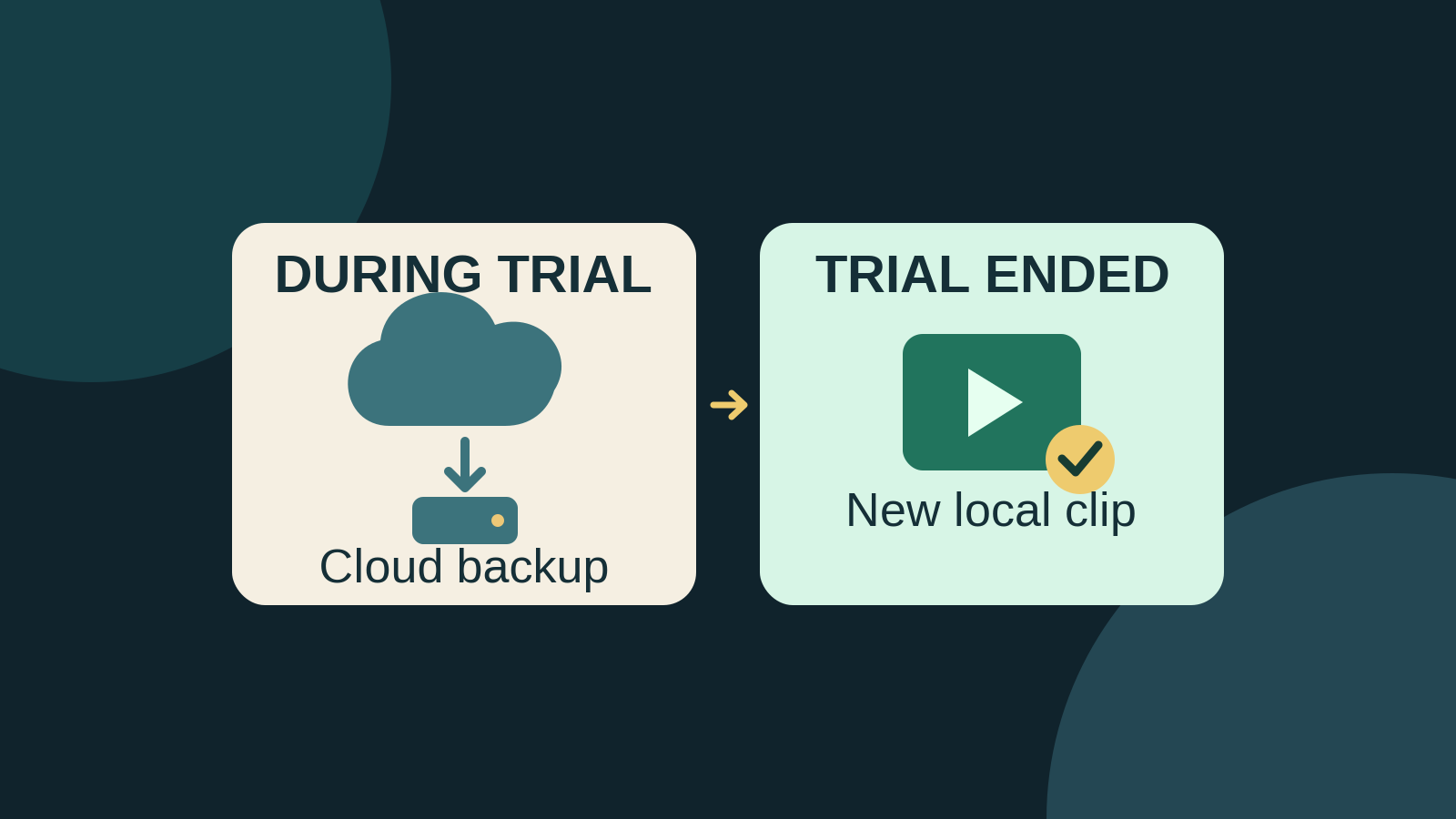
A removable drive can serve two different roles: Clip Backup and Local Storage. During an eligible trial or paid plan, compatible storage can receive a daily copy of cloud clips. When no trial or paid plan covers that camera, eligible cameras can save motion clips directly to local storage. Seeing a USB drive connected does not prove that you have checked both modes.
Identify the setup you actually have
| Your setup | What to check before relying on it |
|---|---|
| Sync Module Core | No local recording or backup. Choose a cloud plan or compatible hardware. |
| Sync Module 2 with a USB drive | Check camera support, drive status and free space. Confirm which storage mode is active. |
| Sync Module XR with microSD | Verify camera compatibility and card status, then check a newly saved clip. |
| XT, XT2 or Indoor (1st Gen) | Check legacy cloud rules; these cameras do not support Local Storage. |
Blink's storage guide documents these differences, including separate rules for older accounts. Check the full product name on the module and your order. A bundle described simply as including a “Sync Module” is not enough information to establish local recording support.
During the trial, inspect the backup
For Sync Module 2, Blink specifies a supported Type-A USB drive between 1GB and 256GB, with at least 375MB free. Its local-storage instructions recommend ExFAT. From the app's home screen, tap the Sync Module status bar below the camera thumbnails, then Local Storage. Confirm that the drive is connected and inspect available space.
Then open Local Backup of Cloud Storage to check the most recent backup result and included devices. Blink's backup instructions say backups run once every 24 hours. Those files are viewed on a computer, rather than in the app's local clip list. Safely eject the drive in the app before removing it, then inspect the blink_backup folder on your computer. Return the drive to the module afterward and confirm it is recognized again.
After the trial, verify a new event
Once the camera is no longer covered by a trial or paid plan, our suggested check is to note a time, trigger an ordinary motion event in a camera's configured detection area, and try to play the resulting new clip from Local Storage. Check the camera name and event time. An old cloud recording or yesterday's backup answers a different question.
For example, imagine Sam checks a USB backup on Sunday while the trial is active. That confirms a backup file exists. Sam reconnects the drive afterward. When the trial ends on Monday, a fresh Monday event under Local Storage is the next check before assuming recording continues. This is an illustrative verification routine, not a device test performed by Techotick.
If no new clip appears, record the module and camera models, current plan or trial status, drive status, free space and event time. Check that the system is armed and motion detection is enabled for that camera. Follow Blink's storage troubleshooting or give support that information. Copy important files before following any instruction to reformat a drive.
Local storage still depends on connectivity: Blink's Sync Module 2 FAQ requires an always-on internet connection. This guide does not establish outage recording, continuous recording or recovery of footage that was never saved.
Make the decision before the trial expires
If you want cloud history and the plan's additional features, compare the plan offered to your account. If you want local motion clips, budget for the compatible module and removable storage, then verify the actual setup. A low bundle price is only part of that decision.
Blink's trial page has separate US and Australia/New Zealand sections. The US section describes an eligible plus ai trial with location restrictions; the Australian section describes a Plus trial and lists supported cameras. Check your app's remaining-days banner and local purchase terms. Use your local checkout to confirm the price and hardware availability; the storage explanation is not a promise that every module or plan is sold in both markets.
Before letting cloud access lapse, download important recordings you want to keep. Blink says existing cloud clips remain subject to the app's deletion settings after the trial ends. Retaining an old recording and confirming that tomorrow's event will save are separate tasks.
Method: Blink documentation checked 19 November 2026, Australia/Sydney. No camera, account, purchase, outage or recording tests were performed. Research and drafting used AI assistance, followed by a separate editorial revision. No sponsorship or affiliate links. The cover is an original conceptual illustration, not a Blink product photograph or app screenshot.
Sources
- Blink Storage Options — Blink
- Local Storage with Sync Module — Blink
- How Do I View Clip Backups? — Blink
- Sync Module 2 FAQ — Blink
- Blink Subscription Plus Plan Trial — Blink
- Troubleshooting Motion Clips Saved in Local or Cloud Storage — Blink