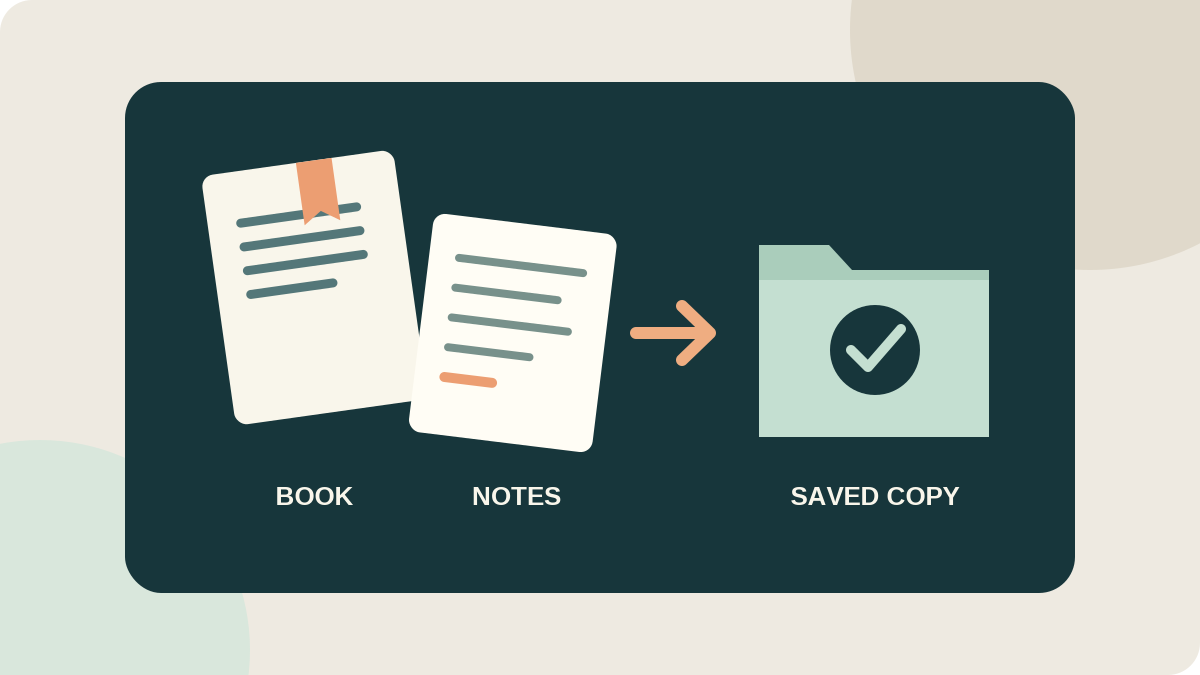
Before cancelling Kobo Stack, save the books and notes you want to keep as separate items. An EPUB sitting on your computer does not prove that the highlights you added later are saved with it.
Kobo's Stack cancellation FAQ describes a 60-day grace period for retrieving cloud content and annotations. But its separate export instructions have narrower limits. Check the original file, the notes and the subscription's end status separately.
What cancellation changes
According to Kobo's support guidance, files remain in the account for 60 days after cancellation, cross-device book syncing stops, and files may then be permanently deleted. Any Stack-linked extended warranty also ends for covered devices.
The regional Stack FAQs distinguish purchased books from Stack data. Books bought from Kobo remain in your account; already downloaded sideloaded content remains on the device. Kobo nevertheless warns that notes and annotations made within Stack, plus remaining Stack cloud content, will be deleted after the grace period. Keeping the book is not the same as keeping the work you did inside it.
Save what matters before cancelling where possible. If you have already cancelled, check the confirmation and contact Kobo promptly about your account's retention deadline. Do not guess the last safe day from a remembered billing date.
Make a small inventory first
Start with the files you cannot afford to lose. Our suggested inventory separates the book from what you added while reading:
| What you want to keep | What to verify |
|---|---|
| Personal EPUB or PDF | You have an independent original that opens outside Kobo. |
| Typed notes and highlights | A saved export contains the entries you need, with enough book context. |
| Handwritten markup or other material without an export option | Kobo has confirmed a supported preservation route; do not mark it backed up merely because it is visible. |
A hypothetical example: you upload a friend's manuscript, keep the original EPUB, and add twenty editing notes while reading. The original protects the manuscript text. It does not establish that those twenty notes have survived outside Stack. Check the notes as their own item.
The export instructions have limits
Kobo's current annotation-export instructions cover Kobo-purchased and Kobo Plus books. They say markup export is unsupported and availability can depend on author approval. That page does not establish an export workflow for every Stack upload, despite the broader cancellation FAQ telling users to export annotations.
For an eligible book, the documented web route is:
- Sign in at Kobo.com and open My Account → My Books.
- Use the book's Actions menu, then Export Annotations.
- Choose a format and select Generate File.
- Open the Annotations tab and select Download.
Supported formats include PDF, HTML, text and Markdown. Generated exports stay in the account for 30 days. That is a separate clock from Stack's 60-day cancellation window: generating a file is not a substitute for downloading it.
If an uploaded book has no supported export option, ask Kobo how to preserve that file's notes before relying on cancellation grace time. Include the book's source, file type, device and software version, and whether the missing material is typed notes, highlights or handwriting. Do not assume a new subscription or a later sync can recover deleted data.
Check the saved copy
Open the downloaded file from its saved location, outside the Kobo account page. Compare it with the original notes while they remain accessible. Check a long note, an early entry and a late entry; then read through all critical material. Make sure the book title and enough surrounding context survive to make the notes useful.
Keep the original document and the notes export together, with a clear date. A readable export preserves information; it is not proof of a restorable Kobo backup. This check does not prove that another app can import it or recreate your reading position.
Kobo Cloud's synchronization guide describes syncing reading progress, bookmarks, highlights and notes across supported devices. Seeing something on a second synced screen still does not demonstrate that you have an independent copy.
Confirm the account and renewal separately
Manage Stack at Kobo.com under My Account → My Subscriptions. Keep the cancellation confirmation and any dates shown. Stack is separate from the Kobo Plus reading catalogue, so check the subscription name rather than cancelling the wrong service.
On 24 November 2026, the public pages advertise US$2.99 a month and AU$5.99 a month after trial. The limited-time offer advertises 90 days for eligible new subscribers participating in the beta, except Tennessee and Washington, DC, where the US page states 14 days. Your account's actual renewal date matters more than those headline trial lengths.
Both countries are on Kobo's supported-country list. The help page currently names Libra Colour, Clara Colour and Clara BW running beta 6.0+, plus supported mobile apps. Do not install or roll back beta software merely to cancel. Kobo's beta guidance warns that rollback deletes device-only data.
Editorial disclosure: AI assisted research and drafting, followed by a separate editorial revision against Kobo documentation checked on 24 November 2026. Techotick did not test an account, export, cancellation or recovery. The inventory and hypothetical example are editorial suggestions. No sponsorship or affiliate links. The cover is an original conceptual file-and-notes diagram, not a Kobo interface screenshot.
Sources
- Kobo Stack pricing and cancellation FAQ — US — Rakuten Kobo
- Kobo Stack pricing and cancellation FAQ — Australia — Rakuten Kobo
- About Kobo Stack: compatibility and cancellation — Rakuten Kobo
- Export annotations from your books — Rakuten Kobo
- Kobo Cloud uploads and synchronization — Rakuten Kobo
- Kobo eReader beta software 6.0+ — Rakuten Kobo


