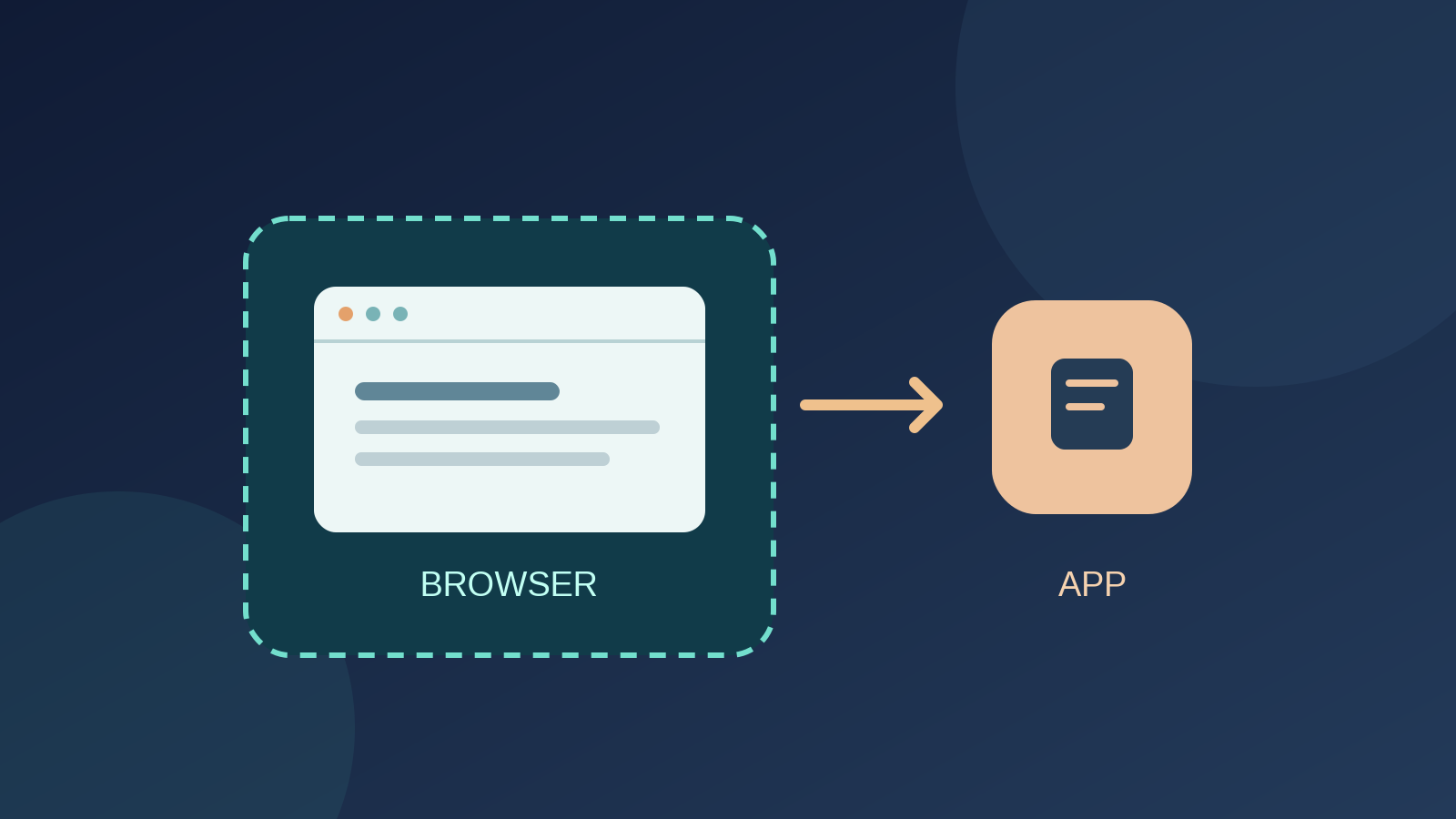
Firefox’s free built-in VPN stays inside the browser. If a link takes you into a separate shopping, email or video app, that app’s traffic is outside its coverage. Leaving a Firefox tab open does not extend the feature to the rest of your device.
That distinction matters during Mozilla’s temporary unlimited-data offer. The 10 November announcement removes the usual data cap through 31 January 2027; it does not expand the feature into a device-wide VPN. A Mozilla account is required.
Start with the task you want covered: browsing a website, using a separate app, or moving between the two.
Check where the task continues
Mozilla’s Android documentation explicitly limits the feature to Firefox traffic. The following examples apply that boundary to common tasks; they are not results from app or network testing.
| Where the task continues | What to check |
|---|---|
| A normal website tab in Firefox | Check that the built-in VPN is on and that the site is not excluded. |
| A separate app opened from a link | Check that app’s connection separately. Firefox’s VPN does not cover it. |
| A page opened in another browser | Check the other browser separately; this Firefox feature does not cover it. |
| A website on Firefox’s exception list | Review that exception before assuming the page uses the VPN. |
For example, imagine Sam researching a purchase in Firefox and then opening the retailer’s separate app to finish. Sam should reassess the connection at that handoff. This does not establish that the retailer app is insecure or unencrypted; it establishes only that Firefox’s built-in VPN is not supplying its protection.
Check the browser and the website separately
On desktop, open the VPN panel from Firefox’s toolbar. Mozilla’s desktop instructions distinguish switching off the feature from excluding individual websites. Open the panel’s settings and Manage website settings to inspect exclusions. Remove an exception you no longer intend to keep.
Some essential Mozilla connections also bypass VPN routing so sign-in, reconnection and public Wi-Fi login screens can work. The presence of an enabled badge should not be read as a promise that every connection from the device passes through the service.
On Android, Mozilla documents three-dot menu → Settings → VPN. Check its state before relying on it. If the option is absent, check availability on that phone separately.
Availability is separate from unlimited data
Mozilla’s current availability list includes both Australia and the United States. Access remains staged, and the Android documentation also warns that an eligible country does not guarantee the feature has reached a particular device. Remote improvements must be enabled. An older forum answer listing only the first launch countries is not a current availability check.
The support pages describe the standard 50 GB monthly allowance, while the newer November announcement sets the temporary uncapped period. Recheck the offer when January ends. An extension beyond that date has not been established by the sources checked for this guide.
Choose coverage for the whole job
Before your next task, write down three things: the browser where it starts, any separate app where it continues, and any website exception you have enabled. If a step leaves Firefox, assess that step independently. If you already use a device-level VPN, check its own status and exclusions instead of treating Firefox’s badge as evidence about it.
Mozilla offers a separate paid Mozilla VPN service for broader device coverage. This guide does not compare subscription prices or recommend a purchase. Compare your actual task with the coverage a service offers before deciding whether you need anything more.
A VPN also does not erase browser history or stop a website recognizing an account you sign into. Mozilla makes that limitation explicit in its offer announcement. Match the tool to the privacy question you are trying to answer.
How this guide was prepared: Public documentation checked on 18 November 2026. No device, app-handoff, traffic-routing or security tests were performed. Sam is a hypothetical example. Research and drafting used AI assistance, followed by a separate editorial revision. No sponsorship or affiliate links. The cover is an original conceptual illustration, not Firefox’s interface. Firefox is a trademark of Mozilla.org in the US and other countries.
Sources
- Unlimited data offer — Mozilla
- Use built-in VPN in Firefox — Mozilla
- Use built-in VPN in Firefox for Android — Mozilla
- Unable to find the built-in VPN in Firefox — Mozilla


