From 28 November 2026, a factory reset on an affected Fitbit can remove apps and clock faces you cannot download again. Before following a forum instruction to “reset it”, check whether the author means a restart or a full device wipe.
Google's updated support notice says affected Fitbit smartwatches will stop accepting new installations and updates of third-party apps and clock faces from that date. Installed third-party content can keep working, but deleting it or factory resetting the watch means you cannot reinstall it. Fitbit- and Google-made alternatives remain available.
The practical question is what you need to recover: a responsive watch, activity data, or a particular clock face. Those are different outcomes.
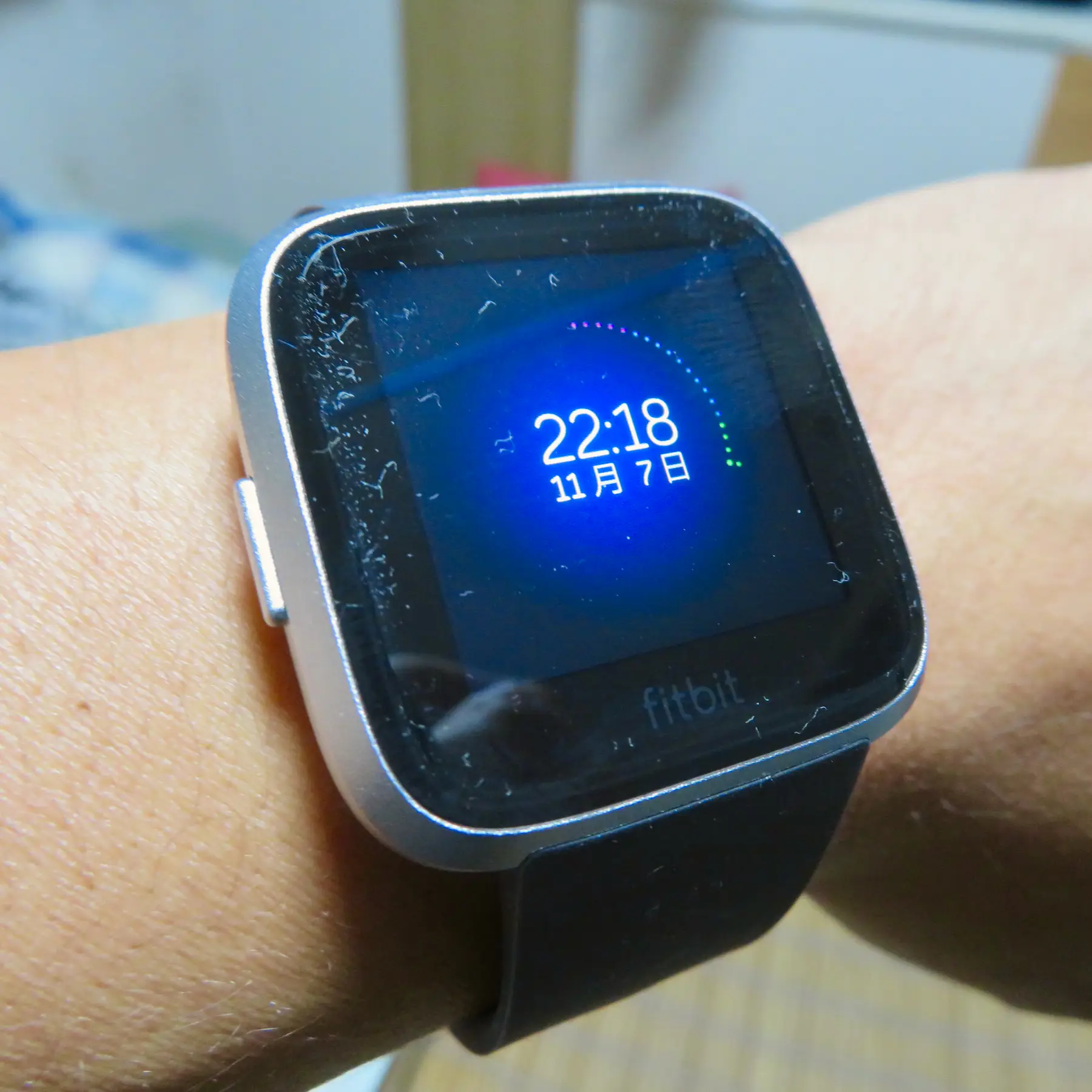
Photo: Fitbit Versa Lite in 2019, by Kyu3, Wikimedia Commons, CC BY-SA 4.0. Original photograph unchanged; listing layouts may crop it. The photo and any display crop remain under CC BY-SA 4.0. It does not show a current troubleshooting screen.
Choose the action before you touch the watch
| What you want | What to check first |
|---|---|
| Make a frozen watch respond | Use the model's restart instructions. Do not substitute factory-reset steps. |
| Change its appearance | Check saved faces and distinguish Select from Remove clock face. |
| Fix a persistent fault | Tell support which third-party items you would lose before agreeing to a wipe. |
| Sell, give away or return it | Follow the erase and account-removal guidance; keeping a face is not a reason to hand over personal data. |
The affected list includes the Sense and Versa families, including Versa Lite. It also links to the Ionic recall guidance. Check your exact model against the list; this article does not recommend continued use of a recalled watch.
A restart is the first distinction to get right
Google describes a restart as turning the device off and on without losing activity data. For Sense, Sense 2, Versa Lite and Versa 2 through 4, its instructions say to hold the button for about 10 seconds until the Fitbit logo appears, then release. The original Versa uses the left and bottom-right buttons together. Use the instructions for your exact model.
A restart is not a factory reset. Avoid a tutorial that treats the terms as interchangeable, and do not improvise a longer button sequence when the documented restart fails. Google directs users with unresolved problems to customer support.
The official screen troubleshooting guide also covers updating, charging and restarting, and calls a factory reset a last resort. After the gallery restriction takes effect, read any step that removes a face or wipes the watch alongside the new installation notice.
A worked example: synced steps, missing face
Imagine a Versa 3 owner on 30 November. Their recent activity is visible in the phone app, but the watch has become unresponsive. They use a favourite third-party face with large, easy-to-read numbers.
Following an old “factory reset and reinstall” tip could solve the fault while leaving them unable to restore that face. Seeing their activity in the app would not answer whether the face can be downloaded again. The useful checkpoint comes before the wipe: try the documented restart, then tell support what is installed and what still works.
This is a fictional decision example, not a tested repair. After restarting, check the original symptom again. Keeping a face installed cannot guarantee its future compatibility.
Record what matters before asking for help
Make a short note with the model, the exact symptom, when it began, the last successful sync you can confirm, and the names and developers of any third-party apps or faces you rely on. If the screen works, a photo can help describe your current layout. Treat these as identification records, not an installation backup.
Google's clock-face guide explains how to inspect saved faces through Connections, your device and Watch faces. Sense and Versa series can save up to five faces, with model-specific switching methods. Selecting an already saved face and removing one are separate actions; do not delete a favourite just to make room without accepting the loss.
Ask support a concrete question: “Does your next step only restart this model, or does it erase installed apps and faces?” If erasing is necessary, decide whether getting the watch working again is worth using an available replacement face. A screenshot or a remembered purchase does not establish that an installation will remain available.
Selling or returning it changes the decision
For a watch leaving your possession, privacy comes first. Google's erase-device guidance says to remove apps, stored data, personal information, payment cards where applicable and saved settings before giving it to someone else or returning it. Follow the model-specific steps and account-removal instructions.
Do not advertise an installed third-party face as a feature the next owner can necessarily keep after proper erasure. Describe the watch's supported setup after a wipe, rather than promising that your current arrangement transfers with it.
Direct checks on 11 November found the same deadline in the English and Australian support pages, despite an older cached Australian version. The cutoff timezone is unspecified. Google asks owners to update the companion app to version 5.12.
Editorial disclosure: This guide was researched and edited with AI assistance. It synthesises published support instructions; no watch, account, reset or restore was tested. No affiliate links or paid placement are included.
Sources
- Fitbit app installation changes — Google
- Restart a Fitbit device — Google
- Fitbit screen troubleshooting — Google
- Manage Fitbit clock faces — Google
- Erase a Fitbit before transferring it — Google
- Australian app installation guidance — Google



