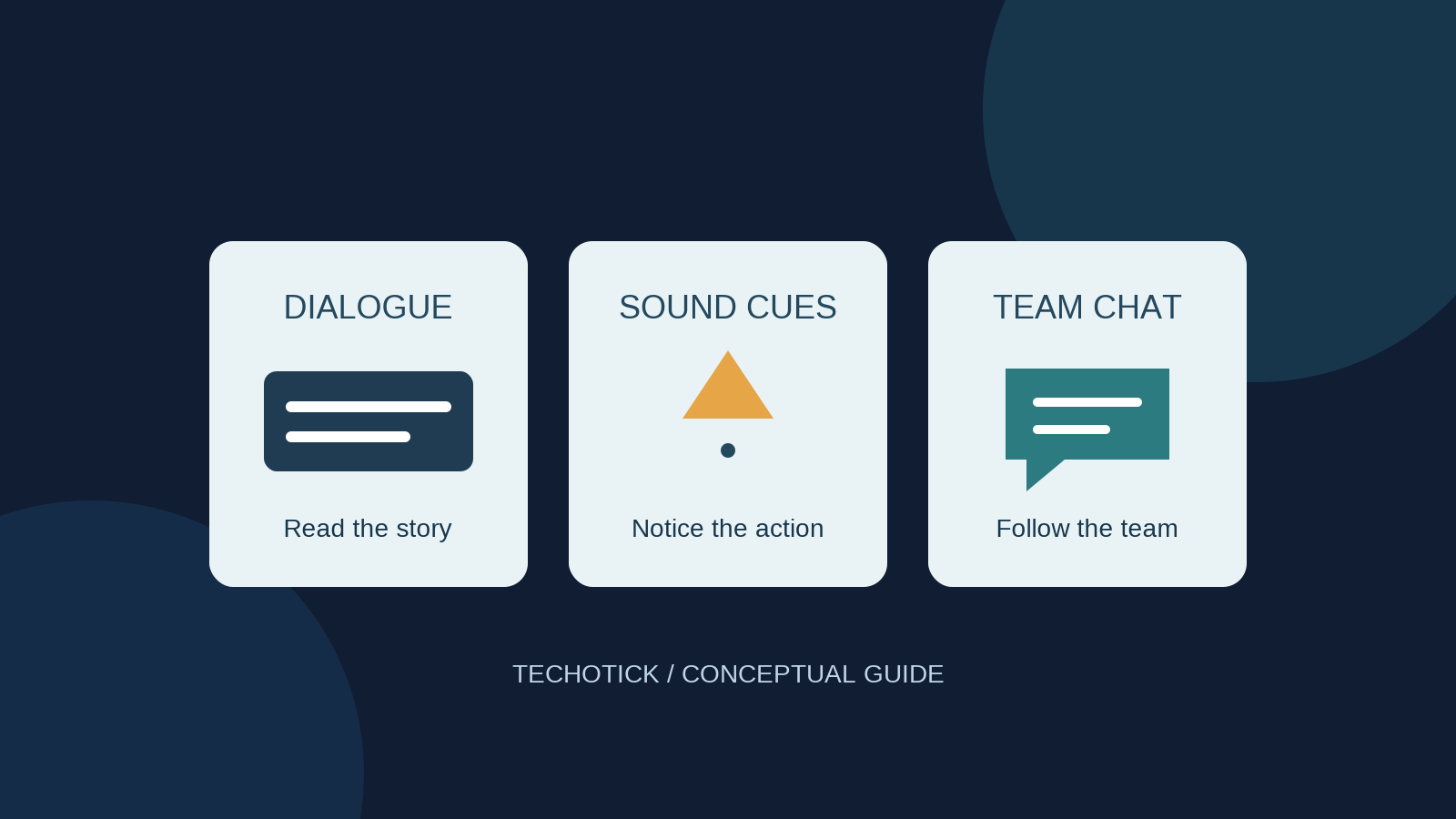
The Large & Clear Subtitles tag is useful evidence about a game's dialogue text. It cannot, on its own, tell you whether you can notice an approaching enemy, follow an audio puzzle or read your teammate's voice chat. Before buying, separate those three needs: dialogue, gameplay sounds and conversations with other players.
The distinction is timely as more stores adopt the Accessible Games Initiative. On 2 November 2026, the ESA named six companies implementing its tags: EA, Google through YouTube Playables, Nintendo of America, Riot Games, Ubisoft and Xbox. The practical benefit is a shared vocabulary. You still need to match the specific feature to the way you play.
What the subtitle tag actually covers
The Initiative's Large & Clear Subtitles definition concerns spoken game dialogue. It includes readable text, an adjustable background, a suitable font and placement that avoids important game elements. It explicitly excludes the extra information often carried by captions, such as environmental sounds or a speaker's tone.
The linked July 2025 developer criteria add detail, including speaker identification or an option to enable it. They also permit prioritising non-player-character dialogue and editing repeated words. Treat the tag as a defined feature claim, rather than a promise that every audible word or sound will always appear onscreen.
Three checks for playing without relying on sound
| What you need | What to verify |
|---|---|
| Follow the story | Dialogue subtitles, speaker identification and readable text in the language you use. |
| Notice gameplay cues | Captions or visual indicators for important sounds, including direction when that matters. |
| Follow teammates | Speech-to-text support for the particular game chat you will use. |
Microsoft's subtitles and captions guidance explains why the second row needs its own check: captions can represent non-speech audio, and important offscreen sounds may need a direction indicator. That guidance describes good implementation; it does not certify every game on Xbox or any other store.
For multiplayer conversations, the Initiative has a separate Chat Speech-to-Text & Text-to-Speech tag. Its scope includes live transcripts of voice chat and spoken playback of text chat. A dialogue subtitle label is not evidence that either chat function exists. If your group uses a separate party-chat app, check that app too.
Turn a vague promise into a buying question
Consider this hypothetical example: Alex wants a co-op adventure with readable dialogue, an onscreen warning for offscreen danger and text for teammates' instructions. A subtitle tag answers only part of Alex's question. A screenshot of a cutscene also leaves the danger warning and multiplayer chat unresolved.
Alex can ask the publisher a specific question: "For this edition on my platform, in my chosen language, are important offscreen sounds shown visually, and can I read the game's voice chat as text? Where are those settings?" Add the exact edition and platform rather than asking whether the game is generally accessible.
For each game on your shortlist, we recommend keeping a short note: confirmed features, unanswered needs and the page or demonstration supporting each answer. If a feature is essential and its behaviour remains unclear, wait for a specific answer or a suitable demonstration before paying. An attractive sale price doesn't resolve missing information.
Use the right listing and keep unknowns visible
The ESA's rollout notice places Nintendo of America's tags in the website's About this item section, YouTube Playables' tags in Game Info, and EA's on game pages or in its app. It says the tags are currently in US English. That describes the labels' language, not a guarantee about a game's subtitle languages or identical Australian storefront coverage. Check the version and listing you intend to buy; we have not verified every regional store or game.
A missing badge is also inconclusive. The Initiative's FAQ says participation is voluntary and games without its tags may identify accessibility features in other ways. Look for a game-specific accessibility page and current reviews that discuss your needs. Microsoft's documentation guidance likewise calls for detailed information before purchase, including how features work and where to configure them.
A useful final check is to revisit your own three-row list. Mark each essential need confirmed or unresolved, with its supporting source. This makes it easier to compare two games without mistaking a longer badge list for a better fit.
Prepared with AI assistance and a separate editorial revision, using the linked public documentation. No game, controller, purchase or chat feature was tested. Alex is a hypothetical example. No sponsorship or affiliate links. The cover is an original Techotick conceptual diagram, not a game screenshot or an official accessibility badge.
Sources
- Large & Clear Subtitles — Accessible Games Initiative
- Six companies adopt Accessible Games Initiative tags — ESA
- Xbox Accessibility Guideline 104: Subtitles and captions — Microsoft
- Chat Speech-to-Text & Text-to-Speech — Accessible Games Initiative
- About the Accessible Games Initiative — Accessible Games Initiative
- Xbox Accessibility Guideline 121: Accessible feature documentation — Microsoft
- Tags and Requirements, July 2025 — Accessible Games Initiative


