Before cancelling YouTube Premium because you have Google AI Pro, read the complete YouTube plan name. The included Premium Lite individual benefit does not replace a household's Premium Family subscription.
The YouTube family expansion in Google's terms updated on 17 November 2026 concerns AI Ultra. Its current offer terms make that benefit country-dependent and require the Google family manager to purchase Ultra directly to share it. Don't apply an Ultra headline to your Pro account.
Check people, then features
Google's benefit restrictions say Pro's Lite benefit belongs to the plan manager and cannot be shared. Sharing cloud storage or AI access does not give every family member the same YouTube entitlement.
| What you need | What to check before cancelling |
|---|---|
| Fewer ads for one viewer | Does that person's account receive the included Lite benefit? |
| Ad-free music in YouTube Music | Keep a plan that explicitly includes Music Premium; Lite does not. |
| Premium for several people | Confirm a family entitlement for the household. Pro's individual Lite benefit is insufficient. |
| A perk advertised with a trial | Check the trial's exclusions and when paid benefits begin. |
According to Google's Lite guide, ads can remain on music, Shorts, search and browsing. Lite supports downloads and background play for eligible videos, but excludes those functions on Shorts and music content. That can include a vlog containing a music partner's song. Check the types of video you actually watch, especially if music appears in them.
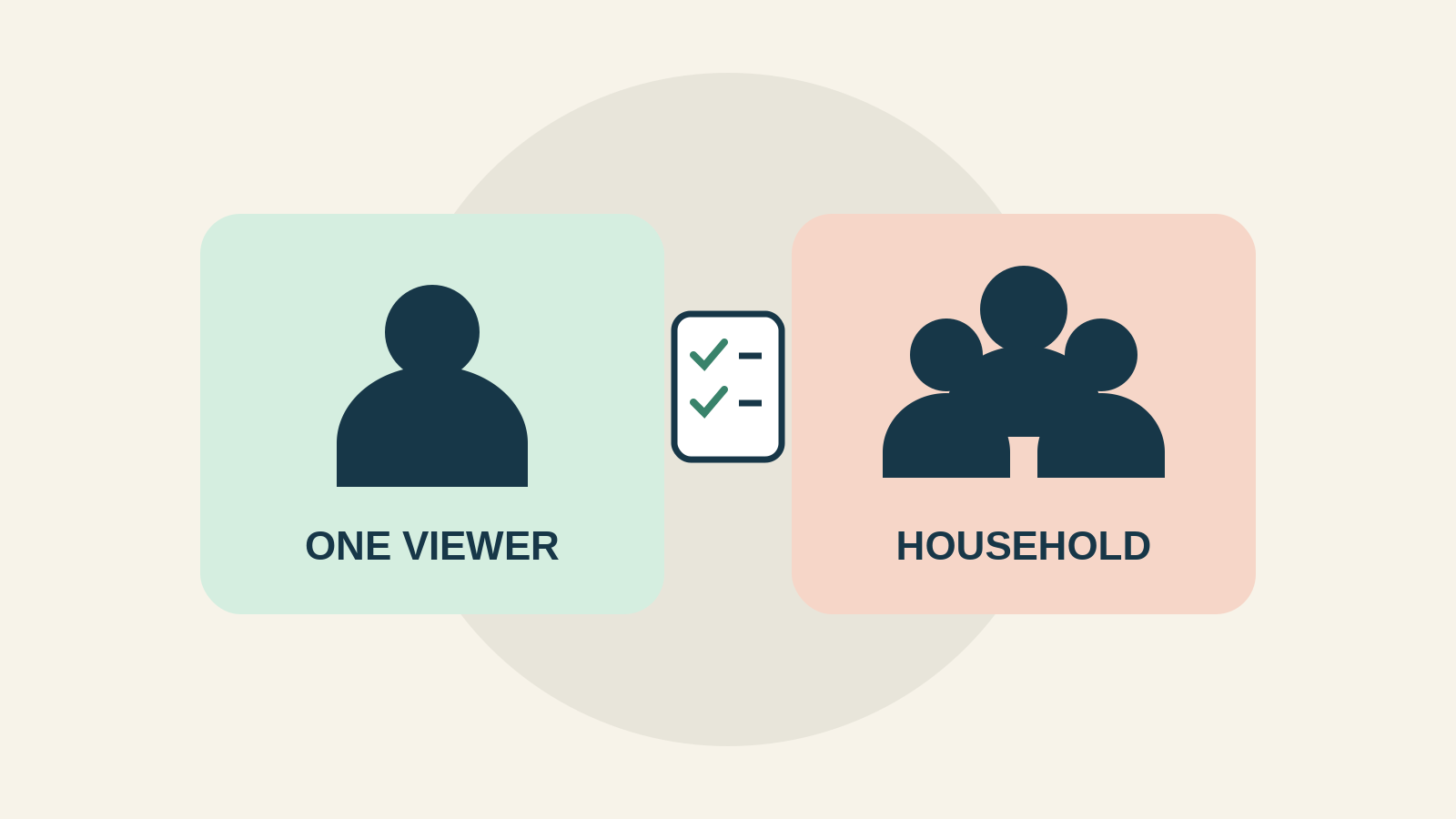
The useful comparison is therefore a list of people and activities: who watches, who listens to music, and who needs offline playback. Put a check beside each need only when the replacement plan explicitly covers it.
Keep the billing check separate
Google says an existing standalone Premium or Lite subscription isn't automatically cancelled by AI Pro. The bundled Lite benefit doesn't activate while that existing subscription applies. If you choose to cancel, Google says included Lite activates; check the account's effective dates rather than assuming a particular handover hour.
Before making a change, record the signed-in email, exact YouTube plan, billing provider, next charge and access end date. Repeat the entitlement check on another household member's own account. Your manager account playing without ads is not evidence that everyone else is covered.
Imagine Casey manages AI Pro while a partner uses YouTube Music under their separately paid Premium Family plan. When Family access ends after cancellation, they lose the plan they were relying on together; Casey's individual Lite perk doesn't meet the partner's music requirement. The apparent duplicate bill was paying for different coverage. This is a hypothetical decision example, not an account test.
Read your regional offer before switching
The Lite eligibility list includes both the United States and Australia. Google's Australian plan page also describes AI Pro's Lite inclusion and separates it from Ultra's family offering. That does not make every promotion, trial or paid upgrade identical between countries.
Google's restrictions exclude Lite during AI Pro trials. Its promotion terms also warn that an offer may be unavailable if you cancel and later sign up again. Save the current offer and renewal details before treating cancellation as an experiment. Compare the renewal prices displayed for your account, keeping USD and AUD amounts separate.
If the account names or upgrade options conflict, ask support to confirm the plan you will have, the people covered and the effective date before changing a working household subscription. Avoid dismantling a family group simply to troubleshoot an unclear billing screen.
Method: AI-assisted research and drafting, followed by a separate editorial revision against Google's documentation on 20 November 2026. No subscription, cancellation, playback or account testing was performed. No sponsorship or affiliate links. The cover is an original conceptual diagram, not a Google interface.
Sources
- YouTube Premium Lite with Google AI Pro — Google
- Google One benefit restrictions — Google
- Google One and YouTube promotion terms — Google
- Google AI plans in Australia — Google