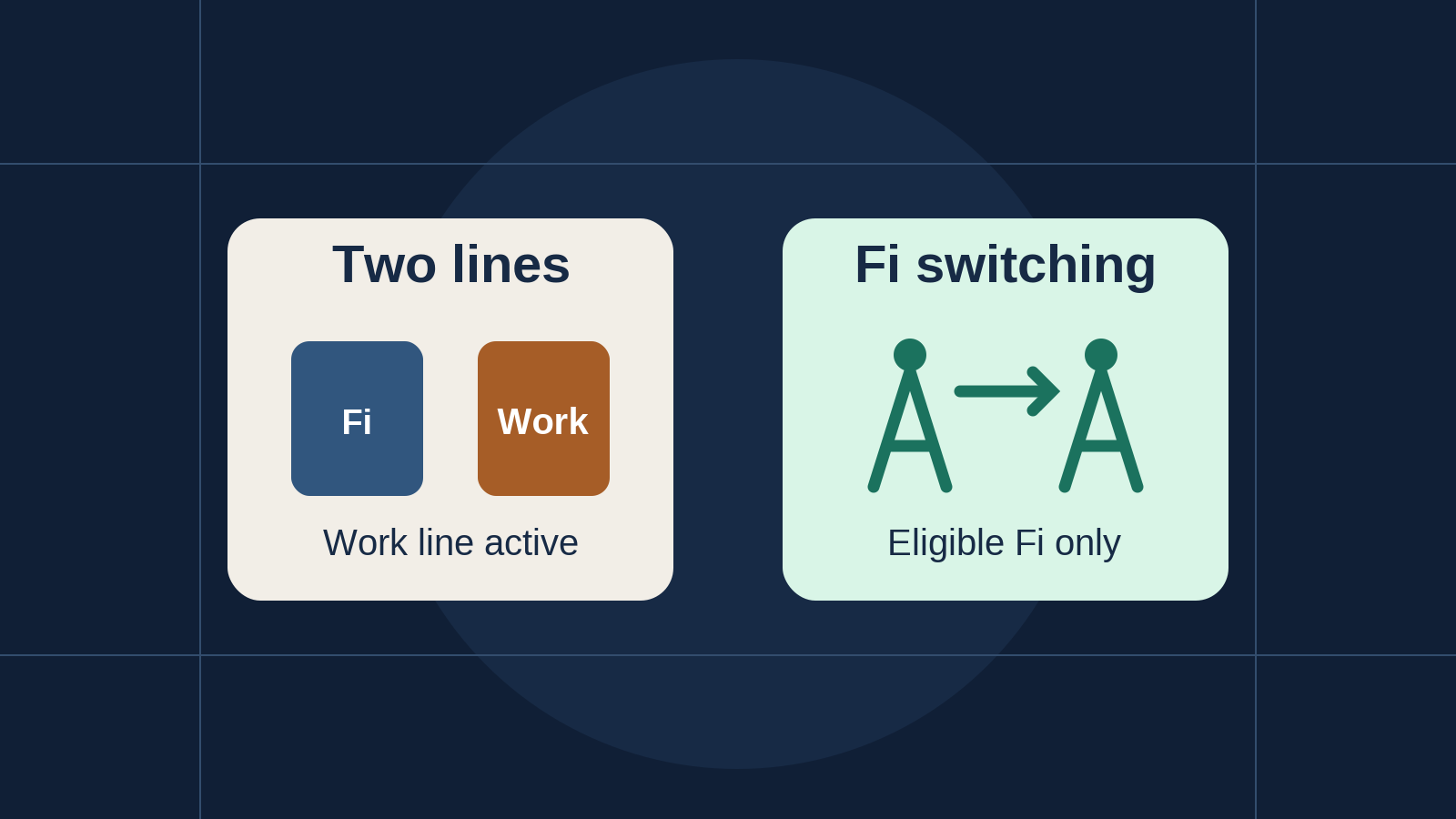
If your Pixel uses Google Fi alongside a work or travel SIM, Fi's new automatic network switching presents a choice. An active non-Fi SIM pauses the feature. Before changing anything, decide whether you need that second line available.
Google announced the rollout on 10 November, promising wider coverage through two US cellular networks. The practical question for dual-SIM users is whether extra switching flexibility matters more than keeping both lines active. Check that choice before treating the phone as faulty.
Check eligibility before changing your second line
Google's current eligibility guide requires a fully unlocked Pixel 9 or newer designed for the US market, current phone and Fi app software, and a Fi eSIM on an active plan. The Free Trial, physical Fi SIMs and data-only SIMs do not qualify for this domestic switching feature. Being able to use ordinary Fi service does not establish eligibility.
| Your situation | Decision |
|---|---|
| Work line needed | Keep it available; accept that Fi switching is paused. |
| Unused travel SIM active | Check what uses it before turning it off. |
| Fi active; no switches | Check activity and whether data works. |
| Outside the US | Check international device and plan rules separately. |
Use this decision framework after checking eligibility. For example, imagine Sam needs an employer-provided number for calls during a shift. Keeping that line active may be more useful than enabling Fi's additional switching capability. After the shift, Sam can reassess. This is a hypothetical example, not a phone test.
Disable the line only if you can do without it
Google's mobile-data troubleshooting page gives this route: Settings → Network & internet → SIMs, select the non-Fi SIM, then turn Use SIM off. Read the selected line carefully before changing it. If that number is needed for work calls or verification texts, arrange another way to receive them before disabling it.
Pixel's dual-SIM instructions distinguish temporarily turning a SIM off from erasing an eSIM. Use the temporary control for this check; do not erase the profile. Pixel also lets you choose default SIMs for calls, texts and data. Merely choosing Fi as the default data SIM is a different action from disabling the other line. Check its active status, not just which SIM handles data.
Check what the phone is doing
In the Fi app, inspect Your super network and See activity. Google's troubleshooting guidance says remaining on the primary network is normal when that connection is healthy. Switching is automatic when the alternative is significantly better; there is no manual switch or dialer code to force it.
Separate two observations: “I have not seen a switch” and “my mobile data does not work.” For the second, use Support → Connectivity → Data Connection in the Fi app. If you still need support, record your phone model, software versions, active SIMs, location and the time of the problem. That gives support a concrete starting point.
Re-enabling a non-Fi SIM pauses switching again. Treat that as an expected consequence of restoring your second line, rather than evidence that the previous setup has failed.
Travel to Australia has separate rules
The domestic feature is not a new Australian carrier service. Google's international guide lists Australia among destinations with 5G availability, subject to local conditions. International switching supports eligible Pixel 7 and newer devices using a Fi eSIM without another active SIM. Flexible and Unlimited Premium support travel beyond Canada and Mexico; check your own plan before departure.
Google also requires activation and use in the US for at least a day before overseas use and applies limits to extended international usage. Do not assume a phone bought in Australia qualifies for US domestic switching, or that international coverage makes Fi a replacement for an Australian home plan. Check current plan terms and destination coverage before buying or changing service.
Choose the arrangement that preserves the service you actually need: your work number, a local travel connection or Fi's automatic switching. Check that arrangement in the app before relying on it.
Method: Google documentation checked 19 November 2026, Australia/Sydney. No phone, SIM, account, roaming or coverage tests were performed. Research and drafting used AI assistance, followed by a separate editorial revision. No sponsorship or affiliate links. The cover is an original conceptual illustration, not a Google product photograph or app screenshot.