Google Wallet’s new iPhone app does not bring Mobile myki to the iPhone. Google's new app launched in the US, without tap-to-pay. Victoria's Mobile myki still requires a compatible Android phone.
That does not mean an iPhone is useless at a Victorian ticket reader. Paying with a bank card through your phone is a separate option from carrying a digital myki. Choose the route that supports your fare before leaving your existing travel card behind.
Three things that look similar but work differently
Google's 17 November announcement describes an iOS app for organising tickets, boarding passes, receipts and purchases, including payment-card management for online checkout. It explicitly excludes tap-to-pay. The announced rollout covers the United States; it does not establish Australian iOS availability.
| What you want | What to check |
|---|---|
| Google tickets and receipts on iPhone | The US iOS app's availability and supported passes. |
| A digital myki with its own balance or Pass | Mobile myki's Android requirements. |
| Tap a bank card through your phone | Victoria's contactless payment and fare rules. |
| Free travel with Youth myki | Keep using Youth myki; bank-card contactless does not replace it. |
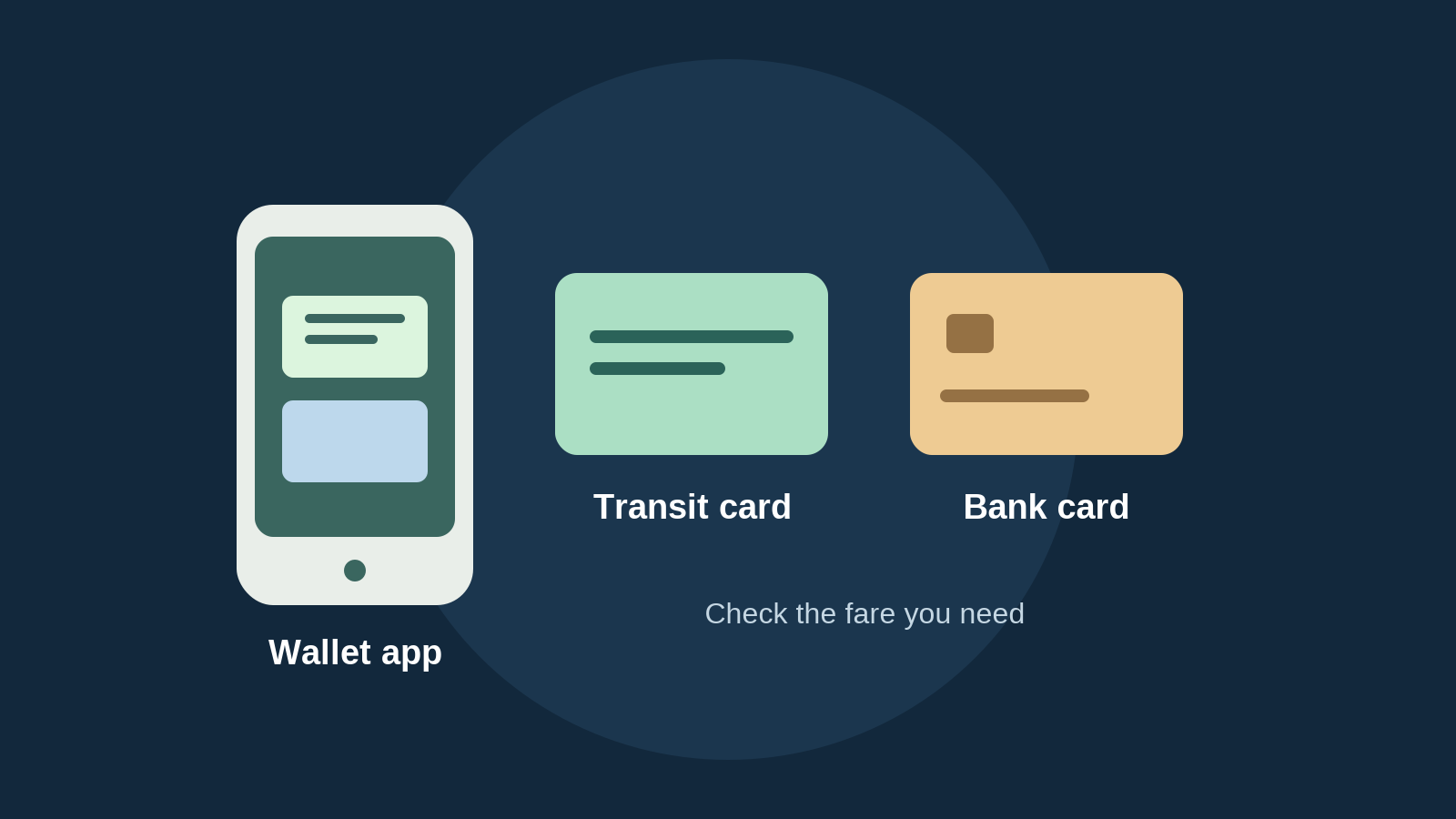
A wallet app is a container, not a guarantee that every ticket system works with it. A stored event pass, a prepaid transit card and a bank-card payment can appear in wallet software while relying on different systems at the reader.
Mobile myki remains an Android option
Transport Victoria's Mobile myki instructions require Android 9 or later, NFC, Google Wallet and a Visa or Mastercard set up for payment. The user must be at least 13. The service supports phones rather than smartwatches.
On a compatible Android phone, the documented route is Add to Wallet → Transport pass → Melbourne, AUS myki. You then choose myki Money or myki Pass and an available fare product. Those instructions are not an iPhone setup procedure. Some concession options have additional limits, so check the linked guidance for your entitlement.
Link concessions to the device you use
Eligible concession holders can use a Visa or Mastercard card, phone or watch through Victoria's contactless scheme. Each payment method needs its own concession link. Linking the plastic bank card does not automatically link the phone or watch using that bank account.
The official sequence is to travel with the chosen method, then link it in the contactless portal. Complete both on the same day for an automatic fare adjustment; allow at least 10 business days for processing. Link later and you must apply for a refund. Concession travel applies from the next day. Link extra methods on separate days, and use the same method for your taps to preserve the daily cap.
Imagine Priya has linked her plastic bank card and now wants to use her phone. She needs to check the phone’s concession link separately. Another wallet app does not perform that registration.
Youth myki is the exception to remember
The current concession page says children aged 5 to 17 need Youth myki for their free fare. Contactless payment cannot provide that Youth myki entitlement. Do not replace a child's working Youth myki with a bank card on the assumption that all concession options behave alike.
Travellers using concessions must also carry their valid concession card or required proof of age. A digital payment method does not remove that requirement.
Before changing how you travel
Identify the fare you need first, then the exact card or device you will present. Keep your existing myki available while you check eligibility and complete any setup. A new wallet app can be convenient for organising passes without replacing the travel product you already depend on.
Method: Google and Transport Victoria documentation checked 19 November 2026, Australia/Sydney. No app installation, ticket-reader, journey, account or refund tests were performed. Research and drafting used AI assistance, followed by a separate editorial revision. No sponsorship or affiliate links. The cover is an original conceptual illustration, not a product screenshot. Transport guidance is paraphrased from State of Victoria (Department of Transport and Planning) sources, linked above.
Sources
- Google Wallet is now available on iOS in the U.S. — Google
- Mobile myki — Transport Victoria
- Link your concession to contactless payments — Transport Victoria
- Concession fares — Transport Victoria