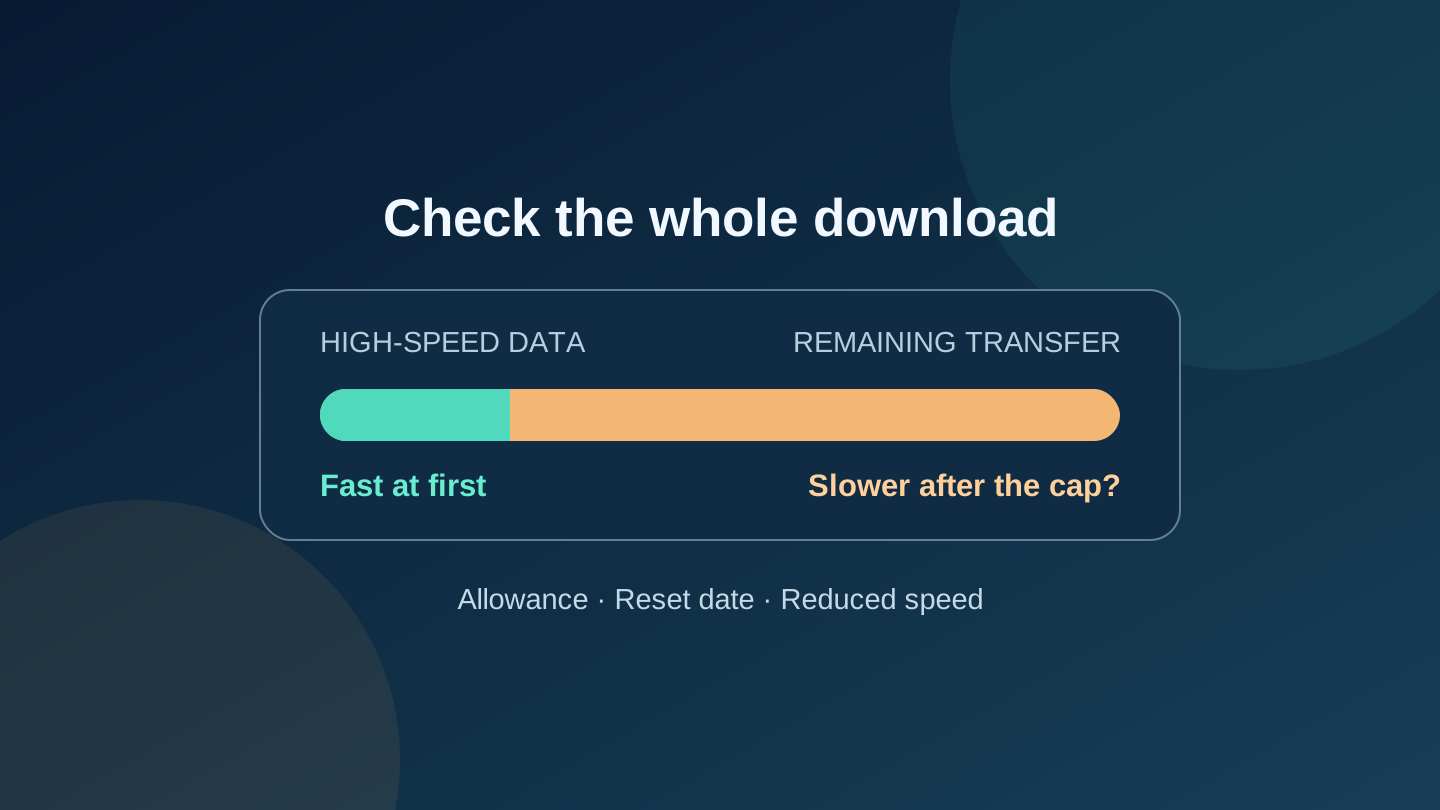
Your GTA 6 preload can start quickly and still take days if its high-speed data allowance runs out partway through. Before leaving your console downloading, check three separate numbers: available storage, remaining data allowance and the rate that applies after that allowance is used.
Rockstar's preload FAQ says Grand Theft Auto VI needs up to 212 GB of available space, depending on the device. That is a storage requirement, not a guarantee that your internet provider will meter exactly 212 GB. Use the queue's download amount, rather than an installed-size figure, for planning. Leave room in your data budget for other activity and additional downloads.
This guide is for people using a capped home connection, mobile broadband or a phone hotspot. If your account has unlimited data at the rate you need, the allowance calculation may not apply; storage and download time still do.
Check the connection your console actually uses
Open your provider's account page and identify the plan serving the console. A phone can have a different high-speed allowance for tethering than for browsing on the phone itself. A household connection may also be on older terms than the plan advertised to new customers.
In the US, Xfinity says its latest internet plans include unlimited data, while older plans may have a 1.2 TB monthly cap and possible overage charges. Check your account rather than assuming every Xfinity customer has the same limit. T-Mobile's network policy separately describes smartphone hotspot allowances: many plans reduce tethering to a maximum of 600 kbps after their high-speed allotment. That does not describe every T-Mobile service or its home-internet plans.
In Australia, Telstra's data-plan page describes continued access at up to 1.5 Mbps after the included allowance, with possible further slowdowns in busy periods. No excess-data charge does not mean the remaining download will keep its original speed. Check the terms attached to your particular service, including whether your intended tethering or mobile broadband use is supported.
Write down the remaining allowance, reset date, any separate hotspot limit, and what happens when you reach it: extra charges, a reduced speed or a stop. Telstra's usage guide points to Services in My Telstra and View your usage for more detail. Use your provider's own usage meter as well as the console's progress display.
Build a remaining-data budget
Start with the allowance left today, not the full monthly amount. Then subtract what the rest of the household needs before the next reset. What remains is your provisional game-download budget.
For example, imagine a household has 260 GB left and wants to reserve 40 GB for work, streaming and other devices. That leaves 220 GB for the game. If the console's download queue shows 212 GB remaining, the margin is just 8 GB. It is a calculation, not confirmation that the download will fit: other updates, retries, provider accounting and changing household use can consume that margin.
| What you find | What to decide |
|---|---|
| Allowance comfortably exceeds the queue plus household needs | Check the download rate and monitor your provider usage meter as it progresses. |
| Only a small allowance margin remains | Reduce optional transfers or arrange additional permitted capacity before relying on an overnight download. |
| High-speed data will run out before completion | Calculate the remainder at the reduced rate; the initial speed is misleading. |
| The allowance resets before you need the game | Compare the reset date plus estimated transfer time with your intended play date. Waiting is useful only if enough time remains. |
Do not buy a faster plan just because the first estimate looks slow. If allowance is the limiting factor, extra speed alone does not solve it. Before buying an add-on, confirm its usable data amount, whether it covers hotspot use, activation time, expiry and total price in the currency your account uses.
A worked example: fast first, slow later
Suppose a download has 212 GB remaining. The connection has 50 GB of high-speed allowance left, delivers 50 Mbps while that lasts, then falls to 1.5 Mbps. These are fictional inputs, not a named plan or a measured GTA 6 download.
The first 50 GB takes about 2 hours 13 minutes at a constant 50 Mbps. The remaining 162 GB takes 240 hours at a constant 1.5 Mbps: another 10 days. The combined ideal transfer time is therefore about 10 days 2 hours 13 minutes, before interruptions or other overhead. A time estimate based only on the initial speed would miss almost all of that wait.
The arithmetic uses decimal gigabytes: hours = GB remaining × 8,000 ÷ Mbps ÷ 3,600. When the rate changes, calculate each portion separately and add the times. If the queue reports MB/s instead, multiply that number by eight to express it in Mbps; check the unit before entering it.
As another illustration, 20 GB remaining would take about 29 hours 38 minutes at 1.5 Mbps, or 74 hours 4 minutes at 600 kbps, which is 0.6 Mbps. Those are ideal constant-rate calculations. A maximum advertised or shaped rate is not a measured sustained rate, and installation time is separate. A billing reset during the transfer would also change the calculation.
The useful question is whether your connection can finish the remaining bytes by the time you want to play. If the answer is no, compare waiting for the allowance reset, an appropriate data add-on, or a trusted connection whose owner permits the large download. Check that connection's terms too. Choose based on your account's limits and the queue you can see; a fixed spare-data recommendation would conceal those differences.
Start the preload with a plan for the whole transfer
Rockstar lists the digital preload start as 10 November 2026 at local midnight on PS5, and 00:00 GMT on Xbox Series X|S. That Xbox moment is 7 pm EST on 9 November in New York and 11 am AEDT on 10 November in Sydney. Preloading is not early access to play.
Sony's US and Australian GTA VI support pages list the PS5 release for 19 November and confirm that the boxed PS5 version contains a download code, not a disc. Buying that box does not remove the internet download. Follow the listing for your own platform and account; these details do not promise a particular retailer's code-delivery time.
Before starting, confirm the console is using your intended connection. Follow the platform's linked preload and power-setting instructions if you want it to continue while unattended. On PS5, Sony's guide explains enabling auto-download and staying connected in Rest Mode; Rockstar links the corresponding Xbox update and Sleep-mode guidance.
Check progress and provider usage after an initial period and again before leaving it overnight. If the rate drops, first check whether the high-speed allowance has been exhausted. A router upgrade or repeated speed test will not undo a plan's speed cap. If an error appears, use the platform troubleshooting links in Rockstar's FAQ before deleting and redownloading a large package.
Editorial disclosure: Prepared with AI assistance and a separate editorial review using official documentation checked on 10 November 2026. No console, carrier account or download was tested. Examples are hypothetical calculations, not performance forecasts. No sponsorship or affiliate links are included. The cover is an original conceptual illustration, not game artwork or a console screenshot.
Sources
- Grand Theft Auto VI Pre-Load FAQ — Rockstar Games
- Data Usage and Unlimited Data — Xfinity
- Network Traffic Prioritization and Management — T-Mobile
- Mobile broadband data plans and allowance terms — Telstra
- Check and manage mobile data usage — Telstra
- Grand Theft Auto VI support (US) — PlayStation
- Grand Theft Auto VI support (Australia) — PlayStation