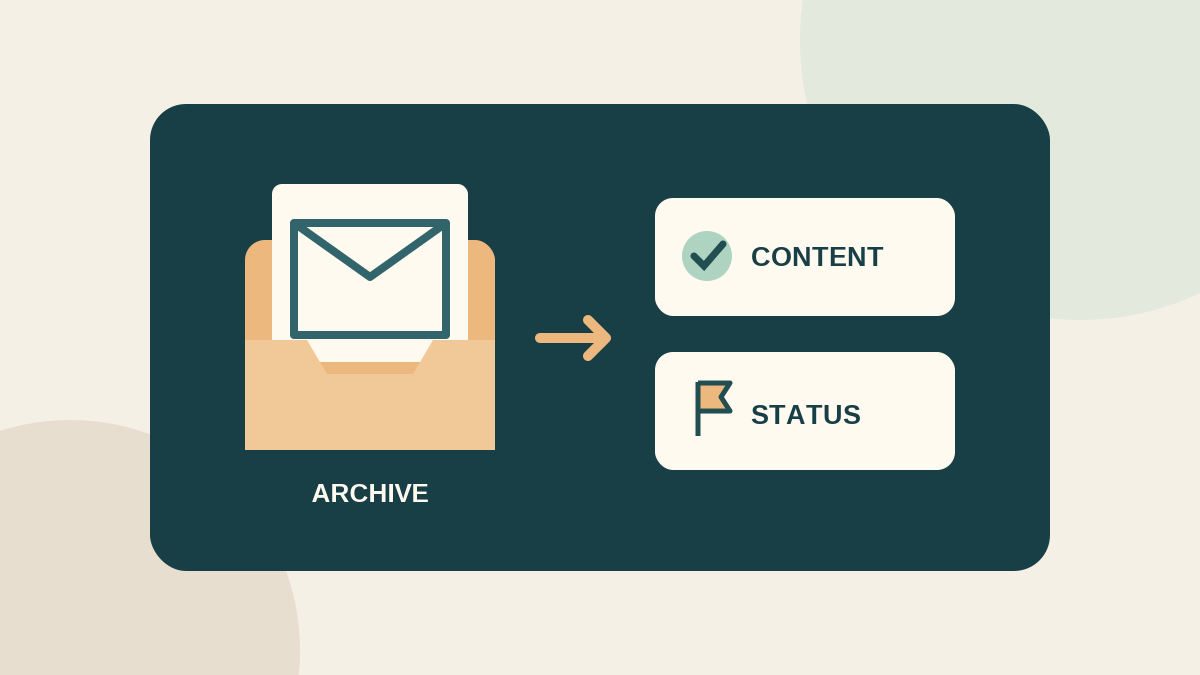
If you have imported an email archive into Kagi Mail and the inbox looks wrong, first establish what is missing: the message itself, or the information you use to organize it. Repeating an upload is not a useful diagnosis when the email is already there but no longer marked unread.
Kagi opened its Mail public beta on 23 November 2026. If you are trying it with an existing archive, our suggestion is to keep the old account and export while you check three things separately: job errors, readable content and workflow markers. This guide is based on the current documentation, not a hands-on migration test.
Start with the import job
For an MBOX upload (a mailbox archive file), Kagi's user guide points to Settings > Job History. If the job reports failures, open What failed to inspect messages that could not be imported and the reason, such as a full mailbox. Resolve the reported cause before retrying. Kagi says importing the same file again adds only messages still missing.
Keep that claim within its scope: it is not a general promise about mixing exports, uploading modified files or running several import methods. Save the original filename and a note of the reported problem so you know which attempt you are investigating.
A missing flag is a different problem
The Kagi Mail FAQ says MBOX does not inherently preserve read/unread state, labels or flags. Kagi recognizes some provider-specific conventions on a best-effort basis. A message that is present and readable can therefore still need its organization repaired.
The FAQ describes IMAP import, which connects to the old mailbox, as preserving markers such as unread, flagged and important. It also requires access to the old account: Kagi stores that account's password encrypted, and the import does not yet support the provider's own sign-in flow (OAuth). Kagi recommends an app-specific password where the provider supports one. These are documented differences, not a guarantee that every provider and account will behave identically.
For a one-time archive, inspect what the file actually carried over. If ongoing copying matters, consider the connected-account route and its credential requirements before choosing it. For work mail, check the organization's rules before connecting or exporting an account.
Check a small set you can recognize
Use a few messages whose contents and status you already know. The following is an editorial spot-check, not a completeness test for an entire mailbox.
| Choose a message | Compare with the original |
|---|---|
| An older conversation | Find a distinctive sentence, the sender and the date. Read enough to identify the right exchange. |
| A message with an attachment | Open the attachment you need and check its contents, not just the filename. |
| An unread item awaiting action | Check both the message and the unread marker. Record a lost marker separately from a missing message. |
| A flagged or carefully filed message | Check the priority cue and where you can find it. Do not assume the new layout will look identical. |
In a hypothetical example, imagine a project archive containing a flagged email with revised delivery instructions. After import, the instructions and attachment open correctly, but the flag is absent. The file has preserved useful content without preserving that reminder. Another upload is not evidence that the reminder will return; record the discrepancy and decide how to restore the cue before relying on the new inbox.
By contrast, if the revised instructions cannot be found and Job History lists that message as failed, investigate the stated import error. These two cases deserve different follow-up even if both initially look like an incomplete move.
Decide what is ready to become your main inbox
Keep a short record for each sample: original location, new location, content checked and marker checked. Expand the check around anything that fails. A handful of successful samples cannot certify years of mail. Keep the originals available while resolving important gaps.
Account migration also has a wider scope than old messages. Kagi's launch roadmap targets contacts and an address book for Q1 2027, and native mobile apps for Q3 2027. Those are plans, not delivered features. The beta can be used through mobile web or compatible mail clients; assess the tools you need today rather than treating roadmap dates as a reason to discard a working setup.
Editorial disclosure: AI assisted research and drafting, followed by a separate editorial revision against Kagi documentation checked on 25 November 2026. Techotick did not test an account, import, retry, attachment or delivery. The checklist and project example are editorial suggestions. No sponsorship or affiliate links. The cover is an original conceptual diagram, not a Kagi Mail screenshot.


