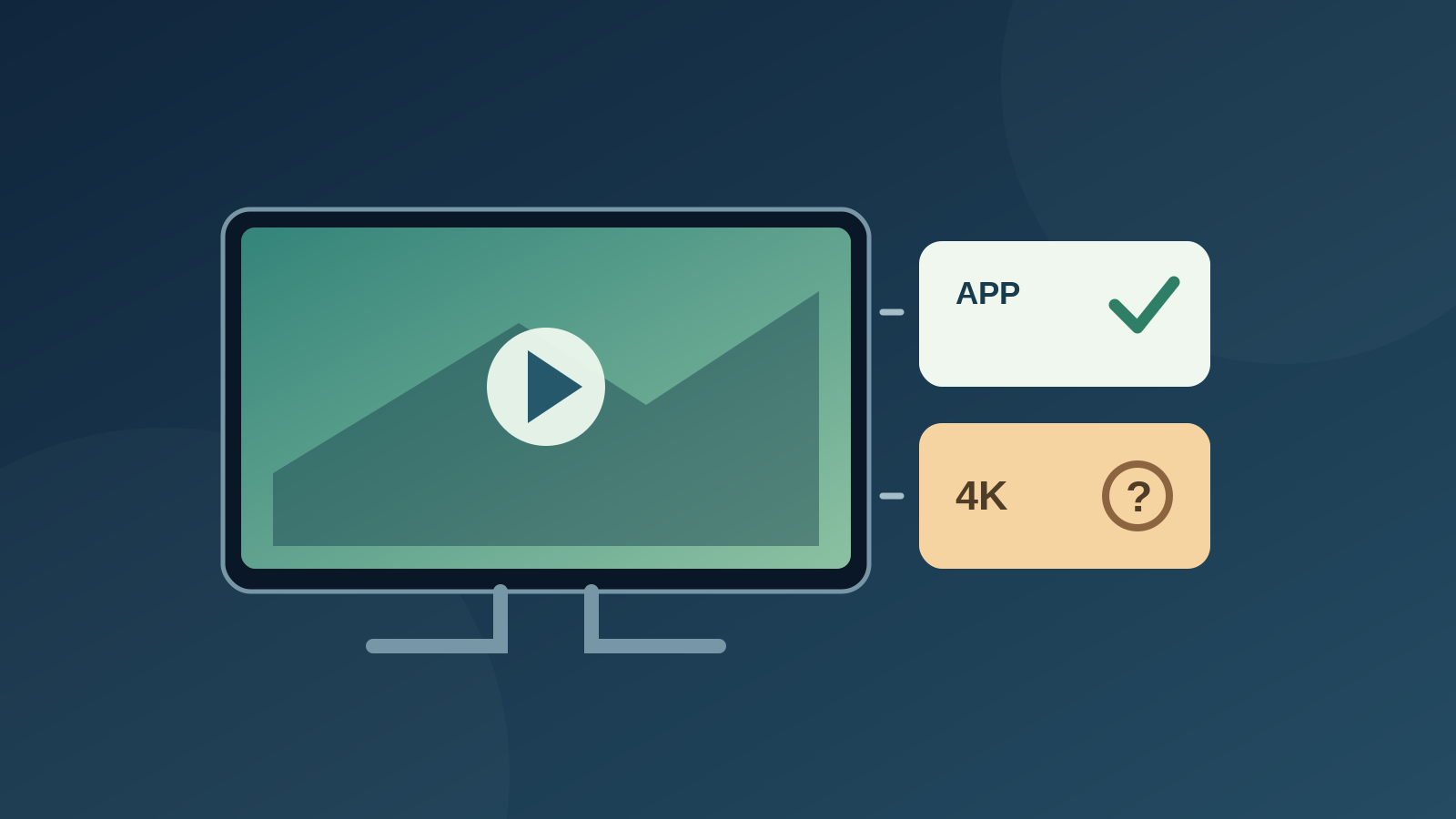
Cover: an original conceptual illustration of a television and separate compatibility checks, not a product photograph or Kayo screen.
Your Fire TV can have “4K” in its name, run the Kayo app and still be unable to show Kayo in 4K. As checked on 17 November 2026, Kayo’s Fire TV help page lists compatible Fire TV models but explicitly says its 4K content is not available on Amazon Fire TV.
If sharper Kayo sport is your reason for buying a streaming stick or changing plans, check that restriction before spending. Paying for faster broadband or another Fire TV with a 4K badge does not resolve this documented support limit.
Three different promises behind the 4K label
A device’s video specification describes its capabilities. The app’s compatibility list tells you whether the service supports that model. The service’s 4K list answers the narrower question about picture quality. Treat these as separate checks.
| What you have checked | What still needs checking |
|---|---|
| The streaming device supports 4K output. | Does Kayo support 4K on that exact device? |
| The Kayo app is available. | Are the features you want available in that version? |
| Your subscription includes 4K. | Are your device, chosen event and connection also suitable? |
The Fire TV Stick 4K Select is a concrete example. Amazon identifies the 2025 model as AFTCA002, and Kayo includes that model in its app compatibility table. That does not override Kayo’s separate statement about unavailable 4K playback. Kayo also lists Search, SplitView and fixtures as unavailable on Fire TV at the time of this check.
An app appearing in the store is a starting point. The feature you are buying it for needs its own check.
Check the television you already own first
Before comparing replacement sticks, write down your TV’s exact model and year. Look it up in Kayo’s 4K device list, including any operating-system requirements and exclusions. If your TV’s built-in Kayo app is listed for 4K, it may provide a route that needs no extra streaming box. Do not assume every TV from the same brand qualifies.
Kayo’s published requirements combine a Premium subscription, a device supported for Kayo 4K, selected 4K content and a steady broadband connection of at least 25Mbps. Its list includes certain Samsung, LG, Hisense and Android TVs, along with other devices. Check the current model-specific notes rather than treating a brand name as approval.
In a hypothetical example, Alex already has a Fire TV Stick 4K Select and a television with its own app store. Alex’s first useful question is whether that television’s Kayo app meets the 4K requirements. Buying another Fire TV before answering that question risks paying for a different device with the same Kayo limitation.
Make the purchase decision around one event
Choose the match or programme you actually want to watch. Confirm that Kayo offers that event in 4K, then check the subscription and supported playback route. There is little value in buying a new setup for a particular programme if Kayo does not offer that programme in 4K.
If HD Kayo is satisfactory, the missing 4K feature alone need not be a reason to replace working hardware. If 4K Kayo is essential, compare only routes the service currently supports. Keep your existing setup working until you have checked the alternative.
For an uncertain model, ask Kayo support: “Does this exact model support Kayo 4K today, or only the Kayo app?” Include the device name, model, operating-system version and the event you intend to watch. Amazon’s device guide also directs buyers to an app listing’s Works With section for compatibility. That is useful for checking the app, while Kayo’s own 4K guidance remains the relevant feature check.
Kayo says streaming is limited to Australia. This guide concerns that service; it does not establish support or picture quality for US sports apps. Check the current subscription and device price only after confirming the playback route meets your needs.
Prepared with AI assistance and an editorial review of the linked documentation. No device, subscription, playback or network testing was performed. The example is hypothetical. No sponsorship or affiliate links are included.
Sources
- Kayo on Amazon Fire TV Stick — Kayo
- How to watch Kayo in 4K — Kayo
- Fire TV device specifications — Amazon
- Which Fire TV Device Do I Have? — Amazon
- Kayo access and location restrictions — Kayo


