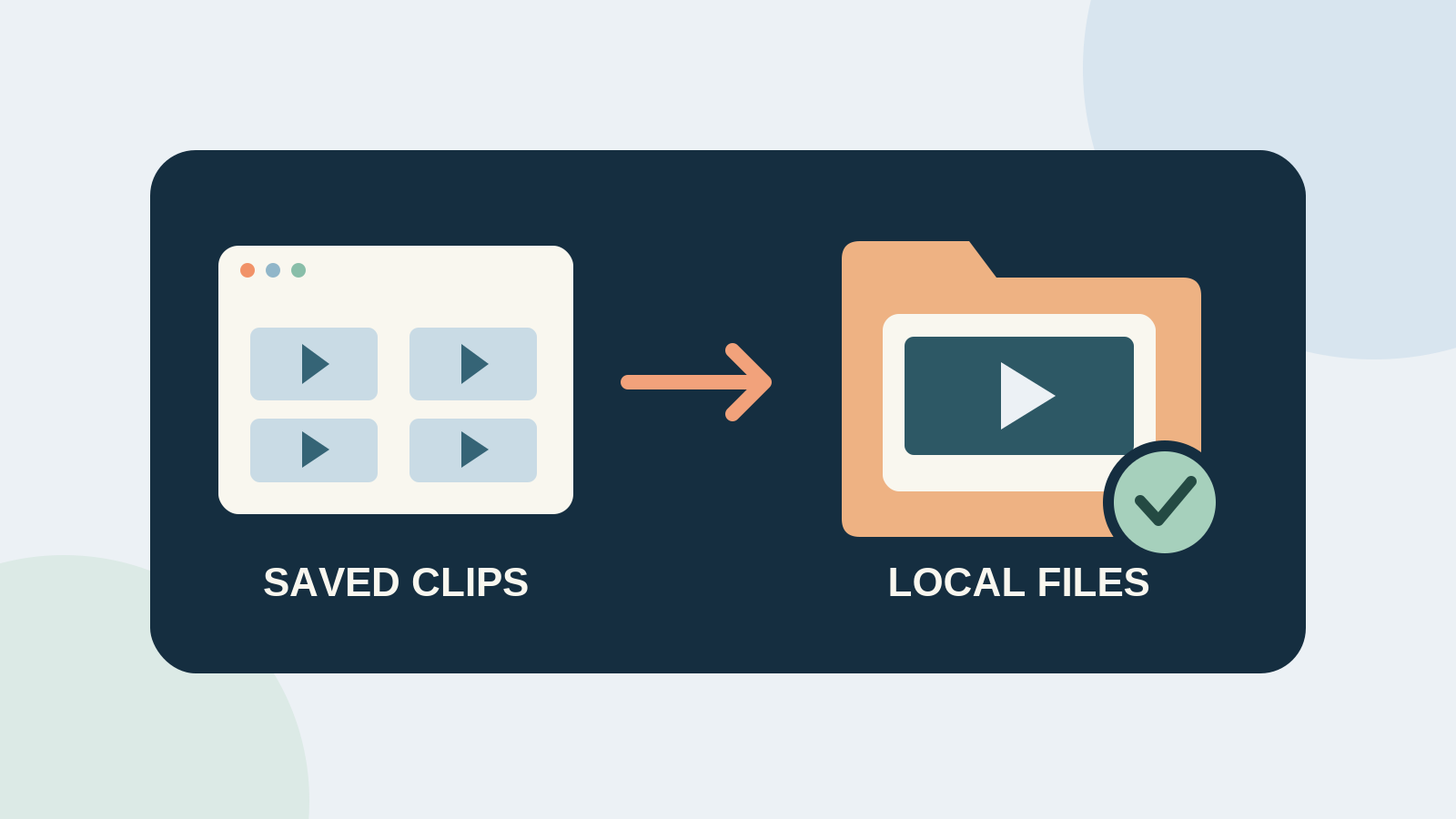
If you have saved videos in the clip library at home.nest.com, download the ones you want to keep before 25 January 2027. Google says those saved clips will not transfer to Google Home when the Nest app retires. Seeing your camera’s recent recordings in Home will not prove that your old saved clips came with it.
After downloading, find and play the file on your computer without opening the Nest website. Do that while the original is still available to compare.
Which kind of video are you keeping?
Google’s transition guidance treats saved clips and recent video history differently. Use where you find the video to decide what needs attention:
| Where the video is | What to do |
|---|---|
| Saved clip library on home.nest.com | Download the clips you want. This library does not move to Home. |
| Camera event or 24/7 history | Download important events separately to keep them beyond your plan’s retention window. |
| A video file already on your phone or computer | Play the file itself. A bookmark or shared link is not a local copy. |
Google’s device-transfer page says Home Premium subscribers with pre-transfer event and 24/7 history can access those recordings in Home after the automatic move. That does not turn time-limited history into a permanent archive. The video-history help page says your subscription determines how far back you can look.
Download from the Nest website
Google’s retirement instructions direct owners to home.nest.com and its Download All button before the January deadline. Sign in to the account containing the clips and let the download finish.
If you need to save an individual clip, Google documents this computer route: select its camera, open Clips → View clips, choose the video, then select Download below it. Google’s detailed clip guide currently describes this individual route but does not explain the bulk download’s file packaging. We have not tested that packaging or an account’s button availability.
If the bulk option is absent, try the documented individual route for the clips you need. If neither works, use Google’s support link on the help page while you still have access. A missing button does not establish that the library is empty or safely transferred.
Check the files before calling the job finished
Our suggested verification is to start with your most important recording, then work through the rest. Locate the actual downloaded video in your computer’s file manager and open it in a video player. If the download is an archive, extract it first. These are file-checking suggestions, not a tested Nest export procedure.
- Identify it: compare the camera, scene and event with the original. Note the event date and time shown in Nest separately; a computer’s download date is not evidence of when the event happened.
- Watch it: check the beginning, the part you care about and the end. Listen for audio if the original has sound you need. Play especially important clips all the way through.
- Locate it again: record the folder and filename. Keep another copy in a private backup location you can access independently of the Nest library.
For example, a downloaded doorbell clip may open correctly but end before a visitor leaves a parcel. Compare it with the original: if both end there, you have preserved that clip’s limit, not proved that the whole visit was recorded. If the original continues, the copy needs another look. This is a hypothetical check, not an observed Nest fault.
Keep a short record for clips that matter: camera, event time, local filename, playback checked, backup location. A folder full of files is harder to trust when you cannot tell which recording each contains. Store household footage privately rather than creating public links just to organise it.
Keep the January deadline separate from account migration
Google’s account-transition guidance sets a separate 25 March 2027 date concerning old Nest accounts that have not been linked to a Google Account and the start of data deletions. Do not treat it as an extension of the documented January clip-library download deadline.
A Google Account is required for Home. Follow Google’s account and device-transfer instructions separately from this download check. Before deleting anything yourself, verify the copies you want to keep: Google warns that deleted Nest web clips cannot be recovered.
Editorial disclosure: AI assisted research and drafting, followed by a separate editorial revision against Google documentation checked on 22 November 2026. Techotick did not test a camera, account, download or migration. The file checks and example are editorial suggestions. No sponsorship or affiliate links. The cover is an original conceptual illustration, not a Nest screenshot or product photograph.