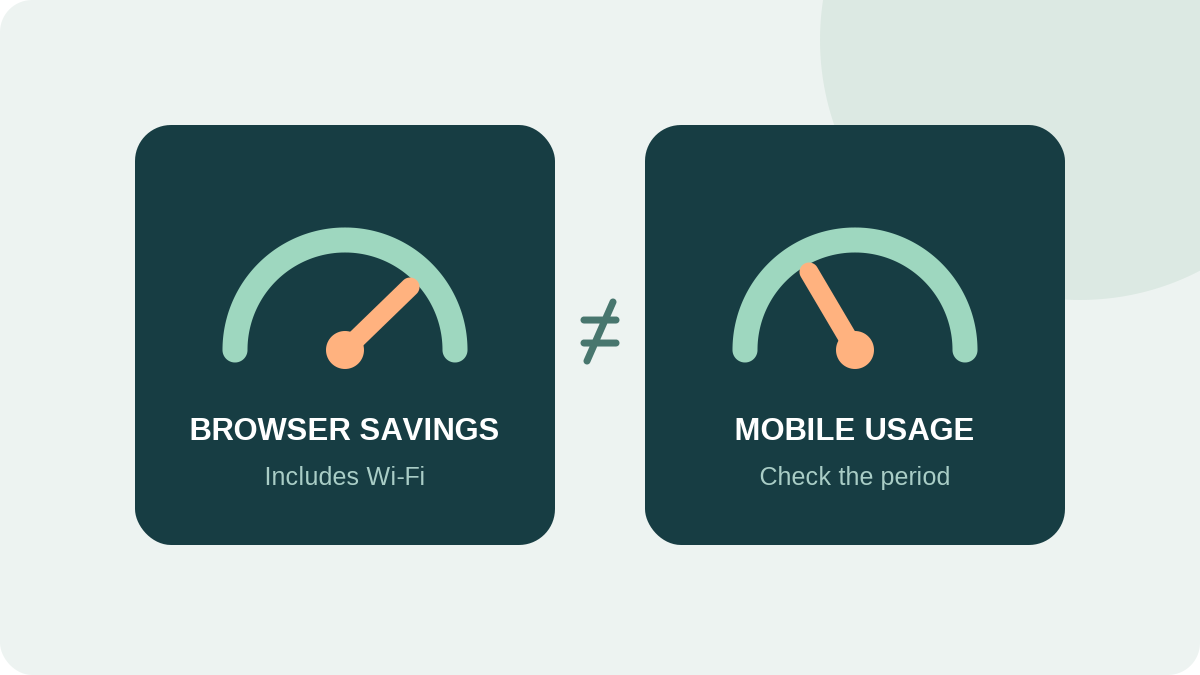
Opera's iPhone Data Saver can report a growing savings total even when you have been browsing on Wi-Fi. That number is not a credit against your mobile allowance. Before using it to judge a phone plan, compare the browser's counter with the phone's mobile-data record and your provider's usage figures.
Opera announced the feature on 12 November 2026. It compresses webpage text and images on Opera's servers before delivery. The company's claim of up to 80% less browsing data is a potential saving, not a measured result from Techotick or a promise about your whole phone.
Three numbers, three different questions
| Record | What to use it for |
|---|---|
| Opera's Data saved | Observe the browser's recorded savings, including Wi-Fi. |
| iPhone's per-app mobile usage | See mobile data attributed to Opera during the recorded period. |
| Your provider's usage record | Check consumption against your plan's allowance and billing period. |
Opera's help page says the saved total carries on across off/on cycles. Audio, video and downloads are unaffected, and cached pages do not add to the savings counter. A static number while watching a video therefore does not, by itself, show that the feature is broken.
The useful question is whether browsing is a meaningful part of your mobile usage. If most of your allowance goes elsewhere, a large browser percentage can still make a small difference to the total.
Compare a period you can explain
Start with Apple's mobile-data settings: open Settings, then Mobile or Mobile Data, and find Opera in the app list. The US iPhone guide labels this section Cellular. Apple also provides Reset Statistics; record existing figures before resetting anything you still need. With Dual SIM, check the selected data line. Apple recommends contacting your provider for the most accurate current-period usage.
Our suggested approach is to write down a start date and the existing readings, then use the phone normally for a few days. At the end, record the same figures and note unusual activity, such as a long download or a day spent entirely on Wi-Fi. Subtract each starting reading from its own ending reading. Do not subtract one kind of counter from another.
Consider a hypothetical week: Opera's saved total rises by 300 MB, while the phone attributes 120 MB of mobile usage to Opera. You cannot conclude that Opera would otherwise have used 420 MB of mobile data. Some of those recorded savings may relate to Wi-Fi. This example illustrates the accounting distinction; it is not a benchmark or an expected result.
Likewise, two weeks with different browsing habits do not provide a controlled before-and-after test. Use the records to identify where to investigate, rather than claiming a precise percentage reduction.
Try the feature without losing the comparison
In Opera, open the three-dot menu, then Settings > Data Saver. It starts disabled. If the option is absent, Opera says it is not available to you yet. Images become lower quality; switch it off when detail matters. Toggling reloads pages and stops playing media, so finish any work first.
Keep dated readings so you can compare changes without clearing either counter. Check that the phone and provider records cover the same dates before comparing their totals.
The US and Australian App Store listings both describe Data Saver. That does not establish access on every device. The separate Free Data benefit depends on participating operators; we have not verified a US or Australian carrier offer. Check any offer in your own carrier account before relying on it.
Decide whether to keep Data Saver using the pages you visit, the image detail you need and actual mobile usage. A rising browser counter is useful context, but the decision to reduce a plan allowance needs a longer, representative record from your provider.
Editorial disclosure: AI assisted research and drafting, followed by a separate editorial revision against documentation checked on 26 November 2026. No device, compression, billing or carrier-offer tests were performed. The comparison method and hypothetical example are editorial suggestions. No sponsorship or affiliate links. The cover is an original conceptual diagram, not an Opera screenshot.