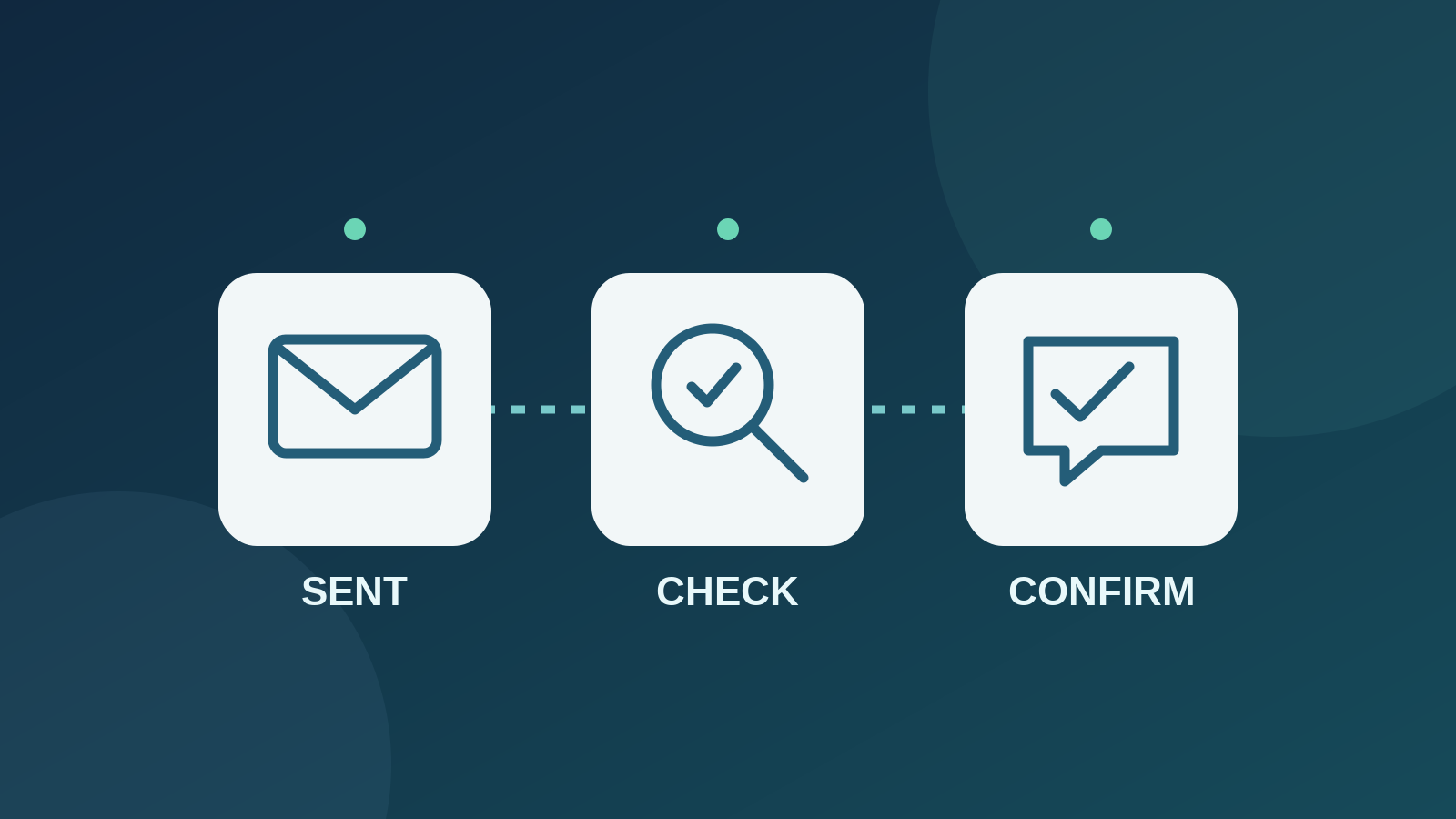
Outlook opening again answers one question: you can get back into your mailbox. It does not settle whether a particular message reached the person waiting for it. Before resending an approval, booking or attachment, check that message rather than treating a working inbox as an all-clear.
The distinction matters after the Microsoft disruption covered by ABC on 13 November 2026. ABC documented access returning gradually, but a recovery report cannot tell you what happened to your email. For Microsoft 365 work accounts, you can gather the message details and ask your administrator to check its delivery history. Personal Outlook.com accounts have a different support route, noted below.
Start with the account and the message
Find the original in the correct account. Microsoft explains that each account has its own Sent Items folder; a message that has not sent successfully may instead be in Outbox. Missing sent copies can also reflect settings or deleted items. An empty search result alone is not proof that nothing was sent.
Record the sender, exact recipient address, subject and approximate sending time, including the time zone. Keep any non-delivery report. If the message concerns a deadline, contact the recipient through an established alternative channel while you investigate.
| What you can see | What to check next |
|---|---|
| The original is in Outbox | Check the connection and service status before composing another copy. |
| The original is in Sent Items | Use the saved details to investigate delivery; do not treat the folder as a read receipt. |
| The recipient cannot find it | Have the recipient check webmail. For Exchange Online work mail, ask an authorized administrator for a trace. |
Separate a missing message from an app problem
For a Microsoft 365 work account, Microsoft recommends checking Outlook on the web. If the message is there but absent from the desktop app, that points towards the computer or app. If it is absent in both, investigate the mailbox and delivery path before treating it as a desktop-only problem.
The recipient should also check whether the message was filed somewhere unexpected. For a personal Outlook.com mailbox, Microsoft’s missing-mail guide covers Junk Email, Deleted Items, filters and related checks. The Exchange administration route below is for an organization using Exchange Online; owning the Outlook app does not give a personal mailbox that admin console.
Ask for a trace of one email
A suitably authorized administrator can open the Exchange admin center and select Mail flow → Message trace. Give them the sender, recipient and a time window with its time zone. Microsoft’s trace documentation describes how this follows messages through the organization; the displayed result can lag actual status by five to ten minutes.
Pending means delivery is being tried or retried. Failed means it was not delivered. Delivered means it reached the intended destination. Ask the administrator to inspect the specific recipient and event details before deciding what to do. If no matching result appears, have the administrator check the addresses, time window and mail path before concluding it was lost.
These are delivery states, not confirmations that someone read the content or acted on it. If the admin tools themselves are unavailable, record the message details and use your organization’s support route; there is no trace result to interpret yet.
A practical example: one approval, two checks
In a hypothetical example, Jordan sent a purchase approval during a disruption. It is in Sent Items, but the colleague says it is missing. Jordan records the original subject and sending time rather than sending several replacements.
The colleague checks webmail while the administrator investigates the original. If the colleague finds and acknowledges it, the approval is accounted for. If a failure is confirmed and the cause is addressed, Jordan can send a clearly labelled replacement. If delivery remains uncertain and the deadline cannot wait, they agree through another approved channel which copy to use.
This is a suggested coordination workflow, not a test of Microsoft’s recovery process. Agreeing which copy to use helps avoid duplicate approvals or conflicting follow-up instructions.
Delivery, reading and agreement are different
Microsoft distinguishes delivery receipts from read receipts: delivery does not establish that the recipient read the message. Recipients can decline a read receipt, and their email software may not support it. A missing read receipt therefore does not prove the email failed.
For an important handoff, ask for an explicit acknowledgement of the specific message and required action. Keep that alongside the original and any support findings. A reply acknowledging the request answers the practical question that a connection indicator cannot.
Prepared with AI assistance and separately edited against the linked documentation. No mailbox, tenant, outage-recovery or message-delivery tests were performed. No sponsorship or affiliate links are included. The cover is an original Techotick conceptual diagram, not an Outlook screenshot or a live delivery report.
Sources
- Microsoft message trace documentation — Microsoft
- Find and fix Microsoft 365 email delivery issues — Microsoft
- View sent email — Microsoft
- Delivery and read receipts — Microsoft
- Missing mail in Outlook.com — Microsoft
- Microsoft access being restored after global disruptions — ABC News


