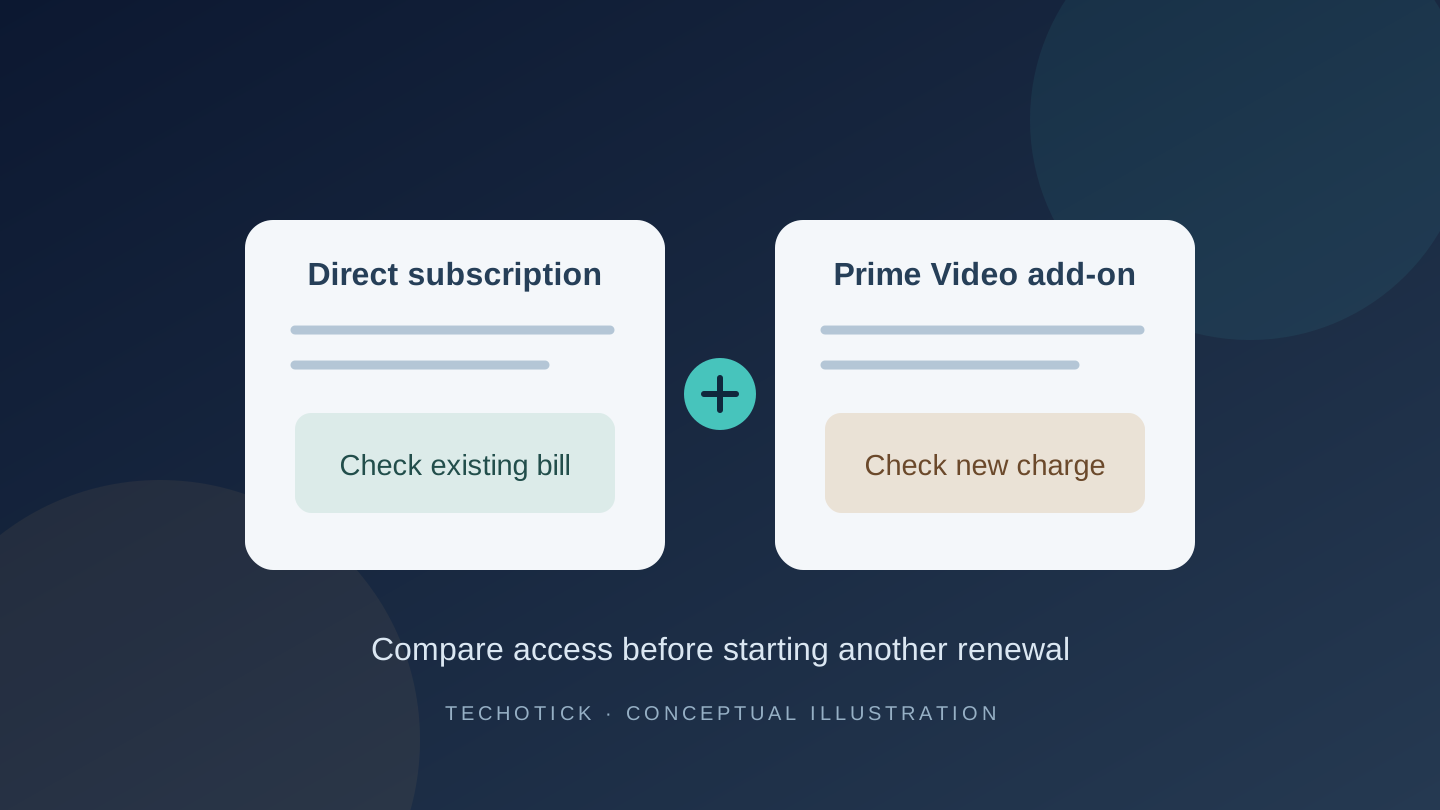
Adding BINGE, Paramount+ or another service inside Prime Video starts a different subscription route from paying that provider directly. Your existing paid subscription does not simply move into Prime Video. Before selecting another trial or paid plan, identify who bills your current subscription and which app it unlocks.
This matters now that BINGE has joined Prime Video in Australia. Amazon's 3 November announcement lists Standard at AU$19 a month and Premium at AU$22 a month. Those are additional subscriptions, not BINGE access included with an ordinary Prime membership. Prices are the published Australian offer, checked on 9 November 2026; confirm your checkout terms.
A Fire TV app and a Prime Video subscription are different routes
Amazon's external-provider guidance says subscriptions bought through another provider cannot be accessed directly through Prime Video. You may instead be able to use the provider's own app on a Fire TV or Fire tablet. Having Amazon hardware does not make every subscription on it a Prime Video add-on.
There can be a supported link in the other direction. In its US Paramount+ guidance, Paramount says an Amazon add-on subscriber can verify the subscription at its partner page and then use the Paramount+ app. The same page says a standalone Paramount+ subscription does not unlock Paramount+ inside Prime Video. That is a specific supported connection, not a promise that every service links both ways.
Make a two-route comparison before paying
Write one line for your existing subscription and another for the proposed Prime Video add-on. Record the account email, billing provider, plan, next charge, paid-through date and the app you will use. Compare the things your household actually needs: the named shows, ads, supported devices, downloads and simultaneous streams. Check the particular offer rather than treating the same service name as proof of identical features.
| What you find | What to do next |
|---|---|
| The service bills you directly; Prime Video asks you to subscribe. | Try the provider's own app with your existing account. Decide whether moving billing is worth it before buying again. |
| Prime Video lists an active add-on; the standalone app asks for payment. | Look for an official partner-verification route for that service and country. Do not assume another purchase is required. |
| Both routes show a renewal for the same service. | Compare accounts and plans, choose which route to retain, then cancel the unwanted renewal with its billing provider. |
| You have a prepaid annual plan or a discounted bundle. | Check the remaining paid access and bundle consequences before moving. A lower monthly headline price may not reduce your immediate spending. |
Amazon currently says customers can buy add-on subscriptions with or without Prime in both its US overview and Australian announcement. Older advice that assumes Prime membership is always required may no longer fit your offer. The available services, prices and partner-login options differ by country. The BINGE launch above is an Australian offer; it is not evidence of US availability.
A fictional changeover: account for the overlap
Suppose you have paid AU$19 for a direct subscription that remains usable until 24 November. On 9 November, you consider a separate AU$19 monthly add-on for the convenience of watching in Prime Video. If the new route starts charging immediately, the two purchases total AU$38, with overlapping access before 24 November. The earlier AU$19 is already spent; the decision today concerns the additional AU$19. This is a hypothetical example, not a tested BINGE transfer or a refund calculation.
If the existing app works, waiting until the old access ends can avoid paying for the overlap. If the new route solves a device problem you need fixed today, overlapping access may be an intentional cost. Either way, the useful decision is whether the new route solves a problem worth paying for. It is not enough to compare two identical monthly prices.
Save a note of your watchlist and current episode before changing routes. We have not verified a BINGE account, profile or viewing-history migration between the direct service and Prime Video. Ask support if preserving that information is essential, and retain your existing access until you understand the options.
Confirm the old renewal has actually stopped
For an Amazon-managed add-on, follow Amazon's cancellation instructions: open Account & Settings, select Subscriptions, find the add-on and choose Unsubscribe, then confirm. Amazon says the confirmation displays the end date and cancellation does not automatically refund previous charges. If Apple bills the add-on, Amazon specifies cancelling at least 24 hours before renewal.
For a direct BINGE subscription, BINGE's current help page directs you to My Account, then Subscription and Cancel Subscription. Complete the confirmation and check the email. It says access continues to the end of the current billing cycle; Apple-billed subscriptions must be cancelled with Apple. Use the billing provider shown on your own account if another partner manages it.
Keep each cancellation confirmation and end date alongside the new plan's next charge. Ending Prime membership is not the same check as confirming that the particular add-on has ended. Amazon's unknown-charge guidance notes that Prime and add-on charges can fall on different dates. Two Amazon entries alone therefore do not prove duplicate payment for one service. Match each charge to its subscription before deciding what to cancel, and contact the billing provider if the entries still do not reconcile.
Prepared with AI assistance and separately edited against the linked primary sources. No account migration, subscription purchase or playback testing was performed. No sponsorship or affiliate links. The cover is an original conceptual billing illustration, not an Amazon or BINGE interface.
Sources
- BINGE joins Prime Video in Australia — Amazon Australia
- Prime Video subscriptions in the US — Amazon
- Accessing subscriptions from external providers — Amazon
- Paramount+ add-on and partner verification — Paramount
- Cancel a Prime Video add-on — Amazon
- Manage a BINGE subscription — BINGE
- Unknown Prime Video charges — Amazon