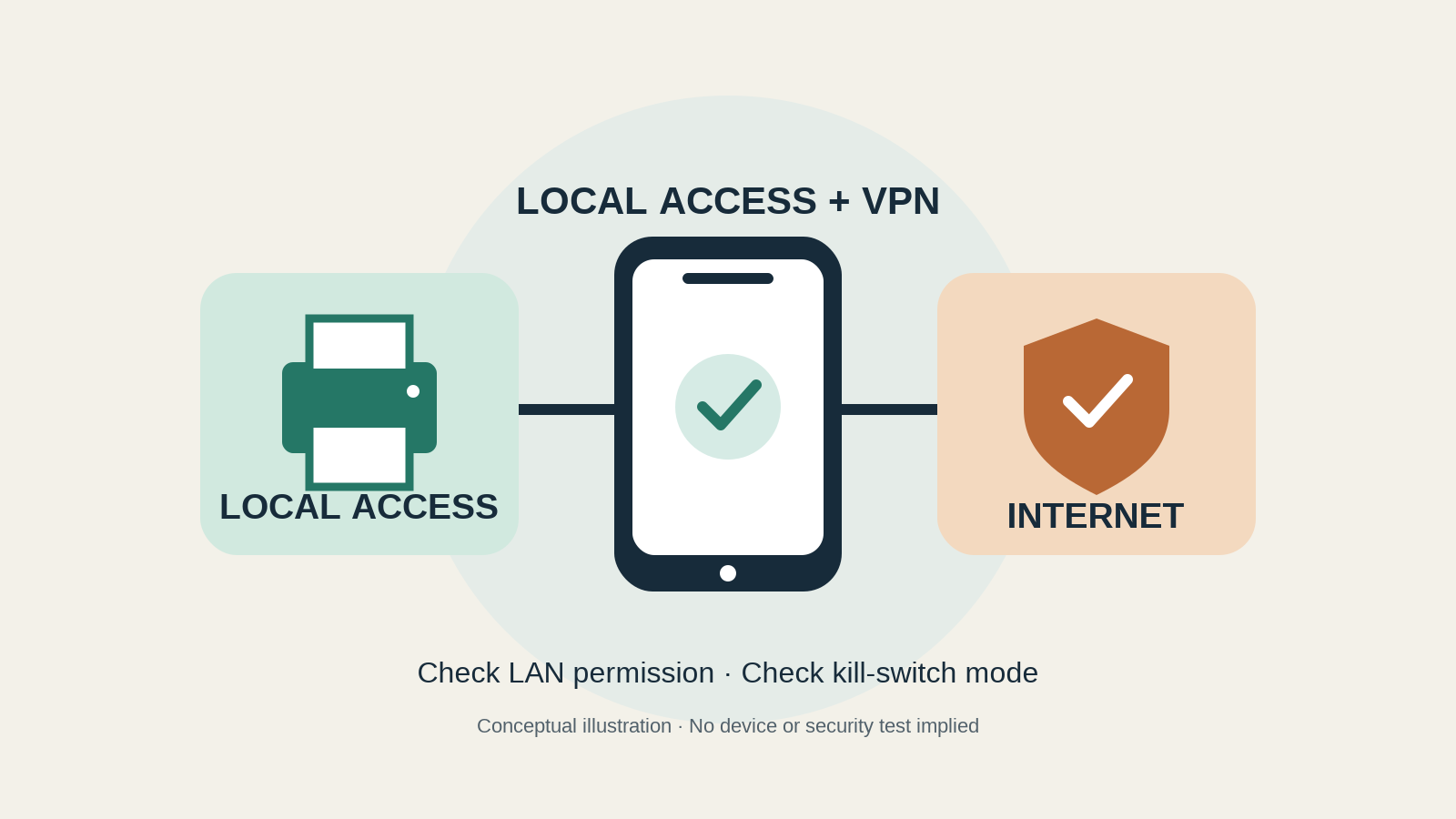
If CarPlay or a home printer stops connecting while Proton VPN is running on your iPhone, check your app version and local-network permission before turning off its kill switch. Proton's iOS 8.0.0 release notes, dated 9 November 2026, say the update allows LAN devices and Apple CarPlay to work with the kill switch enabled.
The update gives you a reason to revisit an old workaround. It does not establish that every car, printer or Apple Watch issue is fixed. First separate two problems: reaching a nearby device and reaching the internet.
Identify which connection is failing
| What you observe | First check |
|---|---|
| Websites load, but a printer or speaker is missing | Check the local connection and Allow LAN connections. Changing the VPN's internet blocking mode is a separate decision. |
| Internet stops after you deliberately disconnect the VPN | Check whether Advanced kill switch is selected; continued blocking is its intended behavior. |
| CarPlay fails even though the app is updated | Record the installed version, kill-switch mode and LAN setting. The release note alone does not diagnose your car. |
A LAN is a local area network, such as the one connecting your phone and printer at home. Proton's LAN guide says Allow LAN connections is available on paid plans. When enabled, local-device connections travel outside the VPN tunnel. Kill switch is available on free and paid plans, but that does not establish access to this separate LAN option.
For iOS, that guide specifies Settings → Connection → Allow LAN connections. If you change it during an active VPN session, follow the app's prompt to reconnect so the change takes effect. Allow local access where you need and trust those connections. Treat that permission separately from the VPN connection used for internet browsing.
Check the version before following old advice
The US and Australian App Store listings both show version 8.0 and require iOS 17 or later. Check what is actually installed on your phone. A current store listing does not prove that your device has downloaded it.
The documentation currently conflicts: Proton's general kill-switch help page still warns that iOS local-network access is blocked and labels Advanced as beta, while its newer stable release notes announce LAN and CarPlay compatibility. Use the version-specific notes for what changed, and ask support if the controls or behavior on your installed version disagree.
Choose internet blocking separately
Proton describes Standard kill switch as blocking traffic after an unexpected VPN drop, while permitting internet access after a deliberate disconnect. Advanced kill switch also blocks access when you manually disconnect and persists across a restart. Losing internet after pressing Disconnect can therefore be expected behavior, rather than proof of a broken connection.
If you want to keep that protection, reconnect to the VPN before trying the internet again. Changing to Standard or switching protection off changes when unprotected internet use is allowed; it should be a deliberate choice, not the first response to a missing printer. Always-on VPN concerns automatically re-establishing the connection and should not be confused with choosing a blocking mode.
For example, imagine Sam can browse normally but cannot find a home printer. Sam checks the installed app version, paid-plan LAN option and reconnection prompt first. Selecting a different kill-switch mode would change internet behavior without establishing why that local printer is missing. This is a hypothetical troubleshooting example, not a device test.
Successful CarPlay does not prove that every packet is protected: Proton's help still identifies Apple-service DNS requests that can bypass the VPN. This guide makes no leak-prevention guarantee.
Give support a useful record
If the problem remains, record the iOS and Proton VPN versions, Wi-Fi or cellular connection, kill-switch mode, LAN setting, affected device, and whether ordinary websites still load. Change one setting at a time and note the result. Proton documents Settings → Report an issue as the in-app support route. For CarPlay, perform these checks while parked.
Method: AI-assisted research and drafting, followed by a separate editorial revision against primary documentation on 20 November 2026. No iPhone, CarPlay, printer, account or packet-leak testing was performed. No sponsorship or affiliate links. The cover is an original conceptual diagram, not a Proton interface.
Sources
- Proton VPN iOS release notes — Proton
- Allow LAN connections — Proton
- Use kill switch — Proton
- Use advanced kill switch — Proton
- Always-on VPN — Proton
- Report an issue — Proton
- Proton VPN US App Store — Apple / Proton AG
- Proton VPN Australian App Store — Apple / Proton AG


