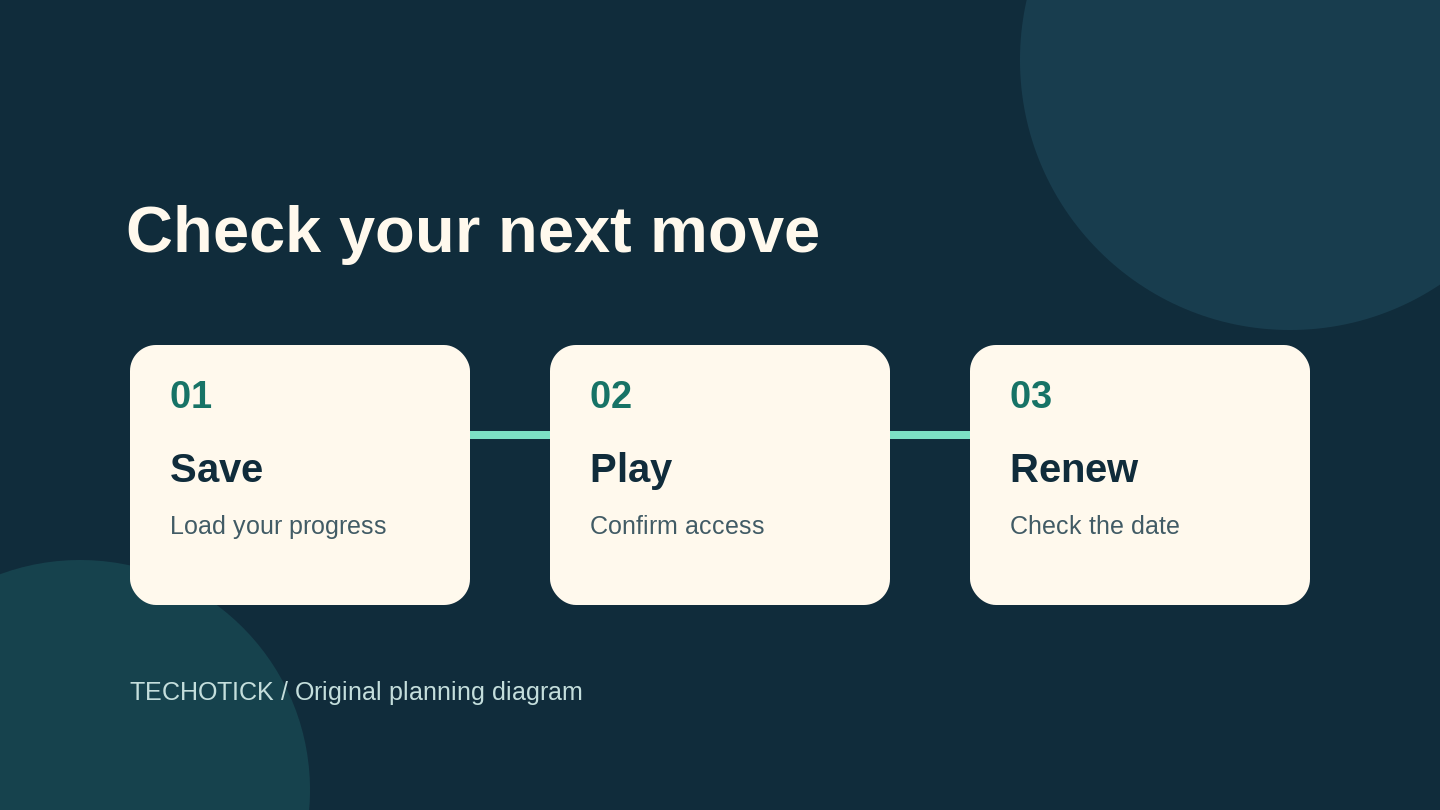
Illustration: original Techotick planning diagram, not a PlayStation screen.
Sony will retire the PlayStation Plus PC app on 10 December 2026. If you use it to stream games, check your saves and your next payment before deciding whether to keep the subscription. The closure date does not tell you when your next payment is due or whether your progress will load elsewhere.
The date comes from Sony’s 10 November announcement. It says PS5 and PS4 membership benefits are unaffected and affected PC users will be contacted directly. It does not say that subscriptions are automatically cancelled.
Start with three dates and one destination
Write down your next payment date, the end of your current paid period and the app’s closure date. Then name the device and game version you intend to use afterwards. “I have a save in the cloud” is not enough information to decide whether another payment helps you.
| Your situation | What to establish first |
|---|---|
| You play only through the PC app | A supported way to play the same game after closure, before paying for more time. |
| You also have a console | Whether the intended game version can load your progress and whether you retain access to it. |
| Your subscription ends before 10 December | Complete checks while your current subscription still provides the necessary access. |
| You use Australian Deluxe | Check the local benefits; don’t assume Premium PC streaming was included. |
A copied save does not establish that you can still launch the game. Check progress and access separately.
Check a save where you intend to play
Sony’s save-transfer guide distinguishes streaming storage from downloaded-game storage. Progress does not automatically move between those two forms of play.
For the PC app, Sony documents opening the game’s save-management menu, pressing the controller’s PS button and entering Application Saved Data Management. Sony notes that a prompt to close the game appears. From streaming storage, choose the option to copy the save to online storage. On the destination console, follow the guide’s matching download procedure. Its downloaded-game instructions cover PS4 saved data on PS5 and saved data on PS4; they are not a promise that every PS3, PS4, PS5 or PC edition shares saves.
Before copying over anything, compare the dates of the source and destination saves. If you cannot tell which is newer, stop and check the title’s support guidance. Then open the intended game and inspect something you recognise: the chapter, character, inventory or last completed objective. Record the result for each game you care about. A successful copy message is less useful than seeing the expected progress load.
This is a documentation-based workflow, not a tested migration. For a game without a verified destination or transfer path, keep the result marked unresolved and ask PlayStation support about that exact title. The shutdown announcement does not establish a universal save-retention deadline or refund entitlement.
A worked example: paid until 2 December
Imagine someone who currently plays through the PC app and whose paid period ends on 2 December. They plan to continue a favourite game on a console they already own. Waiting until 9 December to investigate leaves a gap: their membership has already ended even though the PC app’s closure date has not arrived.
The useful order is to check the destination version and access now, copy the relevant save while the required services are available, and try loading it. If the console opens an old chapter, the task is still unresolved. If the correct progress loads but the game depends on a subscription they are ending, access is still a separate decision.
Now change the example: the subscriber has no console and no confirmed alternative for that game. Renewing simply to buy investigation time may add expense without solving the underlying problem. First establish a route they actually intend to use. Neither example assumes a refund, a guaranteed transfer or a particular subscription price.
Remote Play needs a console
PS Remote Play lets a computer control a PS5 or PS4. It requires that console and the same PlayStation account. It therefore cannot replace console-free cloud streaming for someone who owns only a PC. Verify the exact game and setup before buying hardware to solve this shutdown.
For Australia, the current plan page lists Deluxe, including cloud storage for saves, without the Premium PC cloud-streaming benefit. Save storage is not a promise of streamed gameplay. Sony also publishes an Australian Remote Play guide; its console requirement still applies. No US or Australian subscription price is assumed here.
Make the renewal decision explicitly
To stop future renewal, Sony’s cancellation guide directs you to Account Management, then Subscription, then the cancellation control beside PlayStation Plus. Cancellation normally leaves benefits available through the period already paid for. It cannot extend the PC app beyond its announced closure.
When the subscription ends, benefits including online storage and monthly games end too. Check the confirmation and paid-through date rather than treating uninstalling an app as a billing action. You can stop renewal now and still use the remaining paid period for checks, subject to the app’s closure.
Keep a small record: game and edition, destination, source-save date, expected progress, observed result and membership end date. That turns a vague intention to “sort it out before shutdown” into a task you can finish—or a precise support question if something fails.
Prepared with AI assistance and an editorial revision using linked Sony documentation. No account, console, save-transfer or cancellation test was performed. No affiliate links or paid placement are included.
Sources
- Sony PC app retirement announcement — Sony Interactive Entertainment
- Save and transfer PlayStation Plus progress — Sony Interactive Entertainment
- Cancel PlayStation Plus — Sony Interactive Entertainment
- Remote Play on PC and Mac — Sony Interactive Entertainment
- Australian PlayStation Plus plans — Sony Interactive Entertainment
- Australian Remote Play guide — Sony Interactive Entertainment


