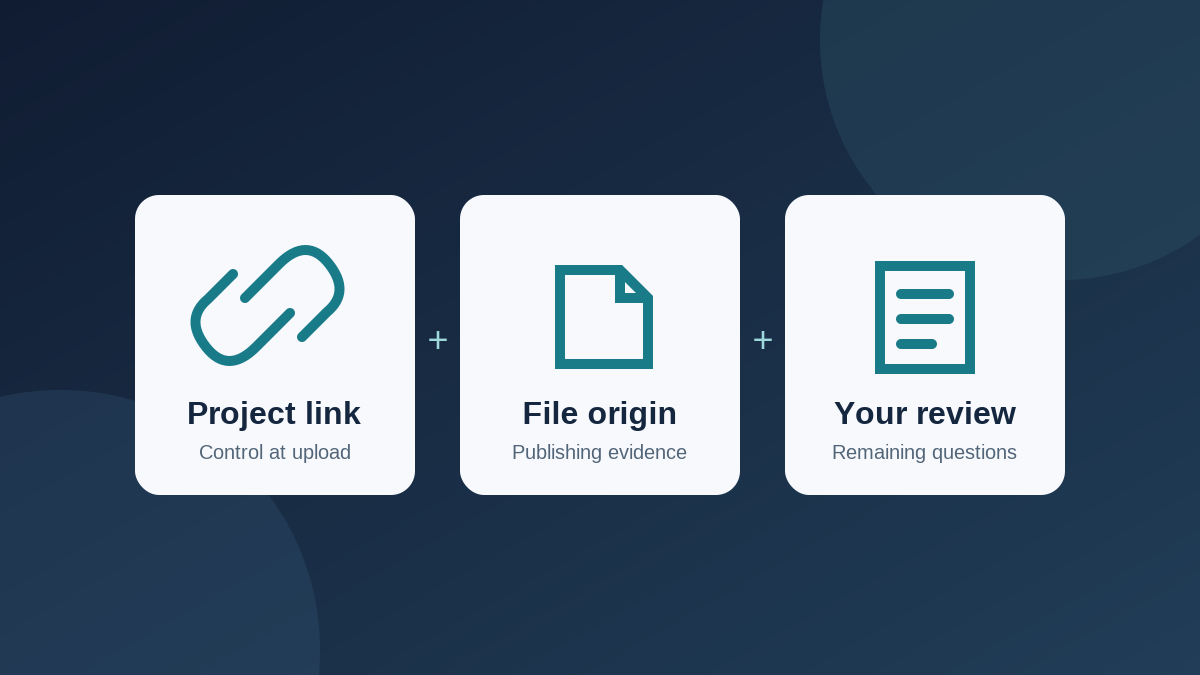
A verified link on a Python package page does not mean its code has passed a security audit. Neither does a release marked with full provenance. Before adding a dependency—a package your project relies on—check exactly which claim each indicator supports.
PyPI announced its redesigned project pages on 6 November 2026. The update makes release-file origins easier to inspect in a dedicated Security tab and changes how metadata is labelled. Here is how to read the evidence before deciding whether a package belongs in your project. Read the PyPI announcement.
Ask what was actually verified
Metadata means information about the package, such as its project links. Provenance means where a release file came from. The two can appear on the same page without proving the same thing.
| Indicator | What it tells you |
|---|---|
| Verified project link | PyPI checked control of that URL at upload time. It is not a continuing safety check. |
| Full provenance | Every file in that release has an attestation recording its origin. It is not a code audit. |
| No provenance | The release files have no attestations. That absence alone does not establish malware. |
PyPI's metadata documentation warns that URL verification is not repeated after upload: a destination can change while the verified label remains. A familiar-looking icon or a verified URL should therefore lead you to inspect the project, rather than end your assessment.
The label can be easy to overread. In OpenSSF’s interface research, two of the six interview participants interpreted verification as a manual source-code audit. That is more assurance than the label provides.
Follow the evidence to the release file
Choose the version you intend to use, then examine its files and Security tab. An attestation is a verifiable statement about a file's build or publication. A PyPI Publish attestation identifies the publishing workflow; SLSA Build Provenance links a file to details of how it was built, such as its source and build platform. Read which type you have before assuming it proves a particular build process. PyPI explains both types.
Check the stated repository and workflow against the project you intended to use. If PyPI flags a change or loss of provenance, look for an explanation from the maintainers. A deliberate migration can explain a warning, but an unexplained change deserves investigation before installation.
Even a valid signature can accompany vulnerable or malicious code introduced before or during a build. PyPI’s security model separates proof of origin from the decision to trust that origin. An identifiable publisher still needs to be one you have reason to trust.
A package comparison without a safety score
Imagine two fictional options for a small reporting script. Package A has a verified repository link and full provenance, but you have not checked its maintenance history. Package B has no provenance, but you recognise its maintainers and can review their release history.
Neither description settles the choice. For A, the missing work is assessing the people, code and dependencies behind the identifiable origin. For B, the missing evidence is a verifiable origin record; familiarity does not supply one. Do not award a winner just by counting badges.
Record what remains unchecked
Keep a short note with the package name, version, intended file, repository, provenance result and any unexplained change. Add what you checked about recent maintenance, vulnerability handling and dependencies. These are editorial suggestions for making a review explicit, not a PyPI certification checklist.
PyPI's source-code assessment guide also points to known-vulnerability checks such as pip-audit. Use that result alongside the origin check, while keeping any unresolved concerns in your review note. If an important uncertainty remains, ask the maintainer or your team's dependency reviewer before adding the package.
Prepared with AI assistance and checked against the linked documentation. No packages were installed or independently audited for this guide. No sponsorship or affiliate links are included. The cover is an original conceptual illustration, not a PyPI screenshot.


