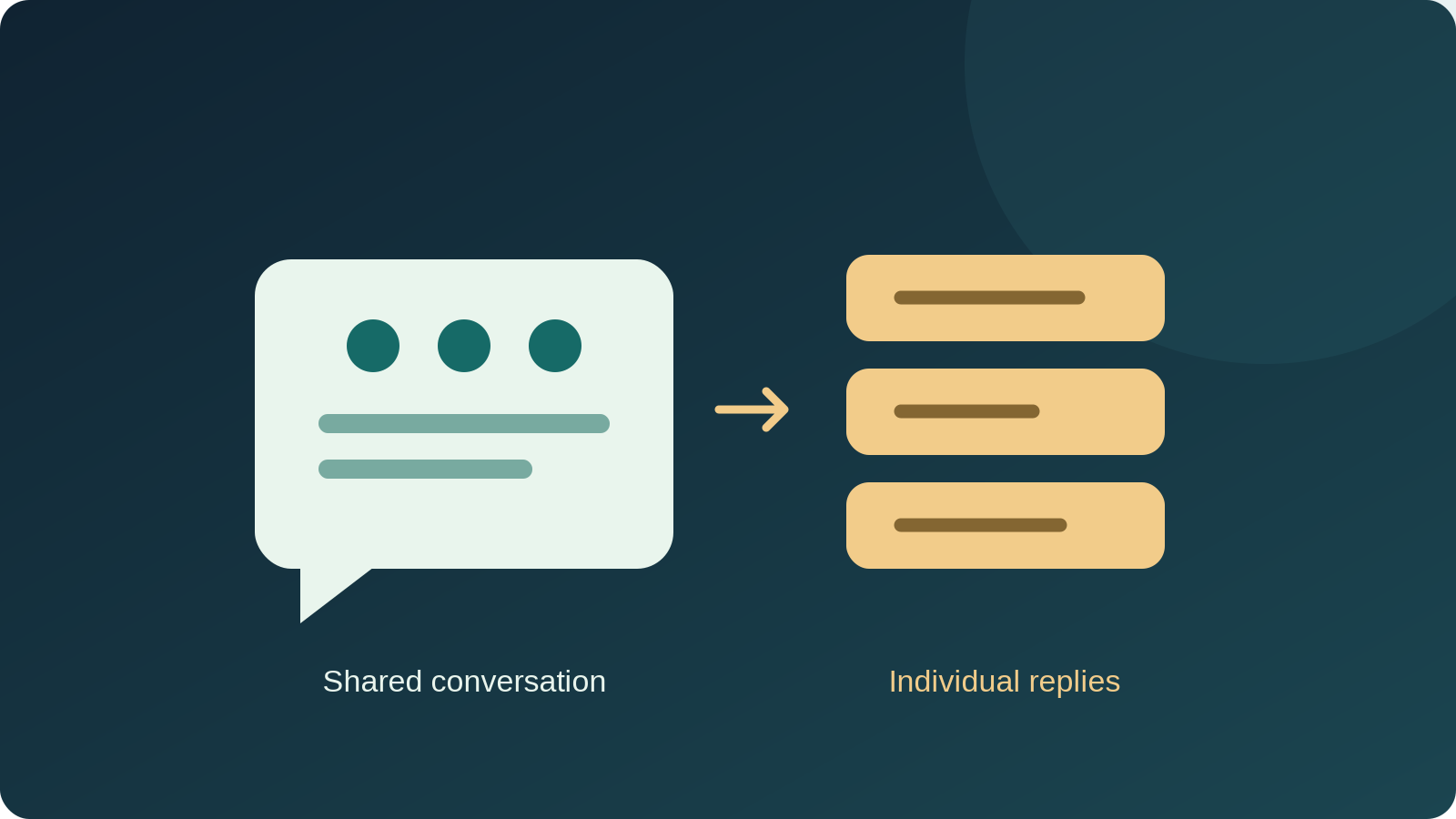
A family group suddenly produces separate replies, even though your one-to-one chats still use RCS. Before deleting the group, check which message type is actually being sent and whether the split is temporary or happens every time.
Two useful starting points are a lost RCS connection and Google Messages using mass text. This guide explains the distinction using published support guidance. Other causes remain possible.
Match the symptom to the next check
| What you see | What to check first |
|---|---|
| Non-RCS group replies consistently arrive separately. | Check the Google Messages group-sending setting. |
| An RCS group splits intermittently. | Check for a participant losing their RCS connection. |
| RCS works with one person, but the whole group uses SMS/MMS. | Check every participant's RCS availability. One working pair does not establish support for the group. |
This is a way to choose your next check, not a diagnosis from the symptom alone. More than one issue can be present.
Start with the conversation, then your phone
In Google Messages, inspect the send indicator before sending: Google explains that it identifies the sending method. Then open your profile menu, Messages settings and RCS chats to check the connection status. Record what it says rather than repeatedly changing settings.
On an iPhone, colour alone will not settle it. Apple shows both RCS and SMS/MMS in green. Look for the conversation's RCS indication and check RCS Messaging under Settings, Apps, Messages. Availability depends on the device, software and carrier; a switch on your phone does not establish everyone else's support.
Google's RCS FAQ says every participant needs RCS for the conversation to use it. If your phone exchanges RCS with Alex but another group member cannot use RCS, the successful Alex chat has only tested that pair.
If replies keep arriving as individual texts
For Google Messages, open your profile menu, then Messages settings, Advanced and Group messaging. Google distinguishes group MMS from mass text: select the group MMS option if you want replies kept in a shared thread. Mass text sends to several people but returns their replies separately.
This setting concerns SMS/MMS group behaviour. It does not activate RCS for an unsupported participant. Google also documents occasional splits when a member temporarily loses their RCS connection; the group usually resumes when that connection returns.
In a hypothetical example, Priya sends dinner invitations with mass text selected and receives separate replies. Checking that preference is a sensible first step. A later, intermittent split deserves a fresh look at connection status; the earlier explanation may not apply.
During a rollout, check each person's actual access
Telstra says its carrier RCS rollout starts on compatible devices on 16 November 2026. A rollout start is not confirmation that every phone, plan or mixed-carrier group is ready. Its current instructions tell users to check device and carrier support, with SMS/MMS used where support is missing. Check your own provider before assuming a family member's phone has the same access.
In the US, US Mobile publishes different iPhone software minimums for its networks and also explains the all-participants requirement. Use your carrier's current guidance, not a minimum quoted for a different network. Check the documented requirements before considering a phone or plan change.
RCS uses Wi-Fi or mobile data. Telstra says standard data charges can apply, including applicable overseas roaming charges. Check your plan before sending large attachments while roaming.
Keep a useful record before escalating
If everyone appears eligible and the problem persists, note the affected group, message time, phone and app versions, carrier, RCS status, whether individual chats work, and whether replies split or fail completely. With the group's agreement, compare a short test message with a non-sensitive photo. Record who receives each; avoid treating one successful delivery as proof that the issue is fixed.
Apple's troubleshooting guidance includes checking whether you left a group or were removed, and contacting your carrier for continuing SMS, MMS or RCS trouble. Preserve important history before considering its later delete-and-recreate step. Individual RCS working does not rule out a group-specific service problem.
For time-sensitive arrangements, agree on a contact method everyone can currently receive while you investigate. Change one setting at a time and check the result with the group; otherwise you lose track of which change mattered.
Editorial disclosure: Prepared with AI assistance from the linked support documentation, checked on 16 November 2026. No device, SIM, carrier-provisioning or message-delivery tests were performed. No sponsorship or affiliate links. Cover: original Techotick conceptual diagram, not an app screenshot.
Sources
- Telstra: RCS rollout and compatibility — Telstra
- Google Messages: sending and receiving troubleshooting — Google
- Google: RCS chats FAQ — Google
- Google: RCS status and sending indicators — Google
- Apple: iMessage, RCS and SMS/MMS — Apple
- Apple: message and group troubleshooting — Apple
- US Mobile: RCS network support — US Mobile


