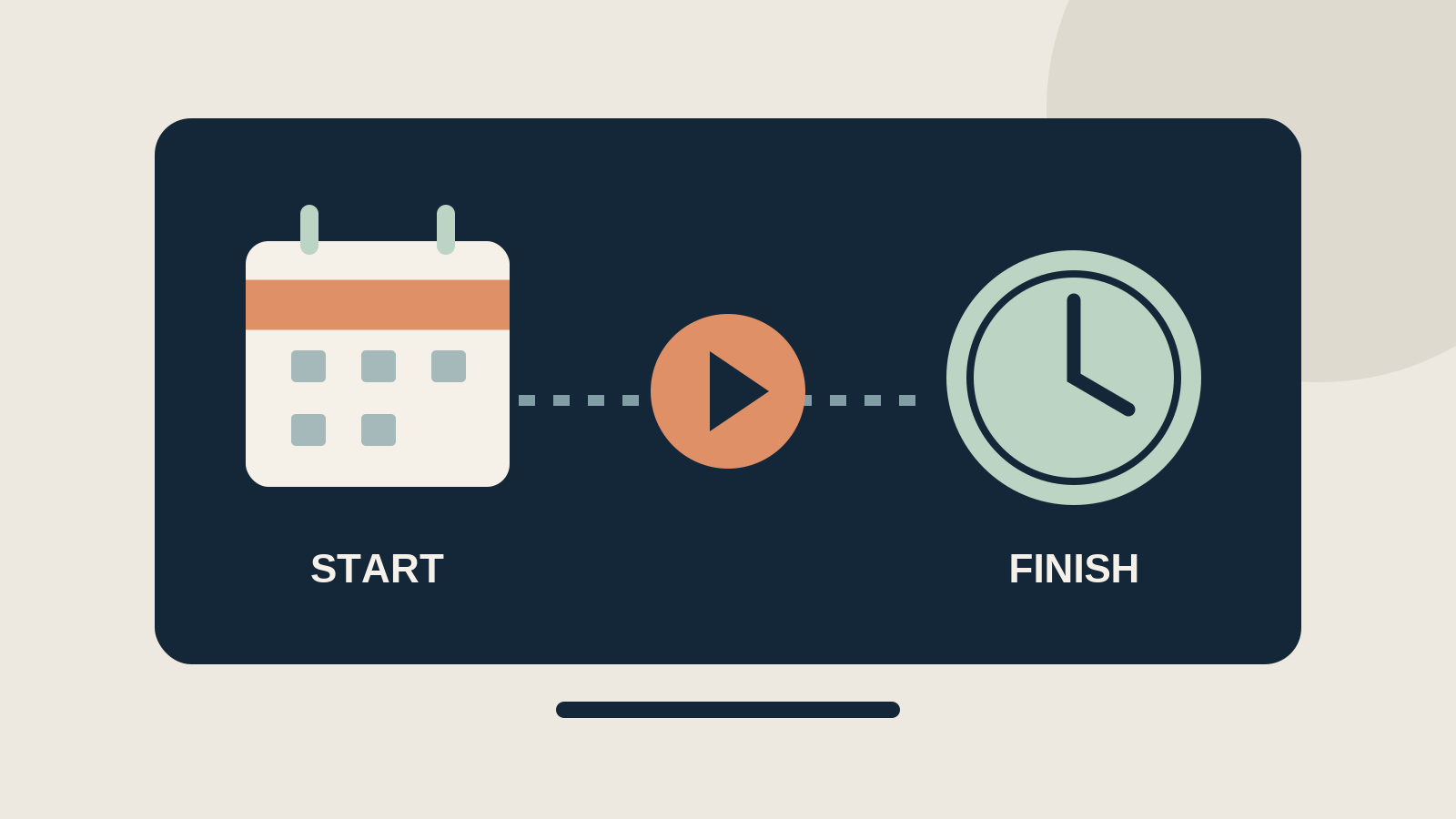
Before you press Play on a rented Quest movie just to see how it looks, check when you actually want to watch it. That quick look can start the shorter viewing window, leaving less time for the evening you planned.
Meta opened movie rentals and purchases in the TV app on Quest 3 and Quest 3S in the United States on 19 November 2026. Its launch announcement describes more than 150 3D films. The useful distinction for planning a rental is between the deadline to begin and the deadline to finish.
There are two deadlines to plan around
According to Meta's rental instructions, you typically have 30 days to start a rented film. Once playback begins, you typically have 48 hours to finish, with repeat viewing allowed inside that window. Some titles have a shorter start period. Read the actual limits on the confirmation screen before paying.
| Stage | What to check |
|---|---|
| Before payment | Price, currency and the title's start and finish limits. |
| Before first playback | Whether your planned viewing fits inside the shorter window. |
| Returning to the film | Time remaining to finish, including breaks. |
Meta also says playback stops shortly after the 48-hour limit is exceeded, even if you are already watching. Allow enough time to finish the film before that deadline, rather than merely starting before it.
A quick Thursday test can spoil a Saturday plan
Consider a hypothetical rental with a 48-hour playback window. Sam starts it at 9 pm on Thursday to check the picture, then plans to watch properly at 10 pm on Saturday. With no clock change between those days, that is 49 hours later. The Saturday start is already outside the window; the film's running time has not even been added.
Work backwards from the time you expect to finish: include the running time and a realistic allowance for breaks. Compare that finishing time with the rental's displayed deadline. A short test viewing is still playback; do not treat it as a free preview unless the app explicitly identifies a separate preview.
Our suggestion is to do general preparation first: charge the headset, make any needed app updates and get the connection ready. Start the rented feature when you are prepared to use its viewing window. Those preparation steps cannot prove that a particular film will play correctly, but they reduce avoidable delays without consuming it simply as a setup test.
Buying does not create an offline travel copy
Under Meta's current video terms, rented and purchased movies are streaming-only unless Meta explicitly indicates otherwise. Buying a title does not currently supply a downloadable copy. A purchase is licensed access, subject to availability, rather than ownership of a permanent video file.
If your plan depends on watching without internet, changing the button from Rent to Buy does not solve that problem. Confirm that your chosen service and title support downloads before paying for an offline viewing plan. Likewise, a successful stream at home does not establish that the same title will be available while travelling; Meta's terms allow geographic restrictions to affect access.
Check the service and country before troubleshooting
The new TV app store launched in the US. Meta says international availability is planned alongside Meta VR Glasses in spring 2027, but that announcement does not establish an Australian launch date or Australian-dollar rental prices. An Australian Quest owner should not assume a missing rental button is a headset fault, or that a converted US price is a local offer.
Disney+ on Quest is a separate route: select 3D movies are included with a Disney+ subscription, with regional and device restrictions. If you already subscribe, check the exact film and format in that app before considering a separate rental. Its availability does not establish access to Meta's paid movie store, and this guide's rental deadlines should not be applied to Disney+.
For an eligible TV app rental, keep the confirmation details and find the title under My Stuff, then Rentals. If playback fails or the displayed deadline differs from your confirmation, contact Meta support with the title and transaction details. Avoid buying the film again simply to investigate a playback problem.
Editorial disclosure: AI assisted research and drafting, followed by a separate editorial revision against Meta documentation checked on 23 November 2026 (Australia/Sydney). No headset, rental, payment or playback test was performed. Sam's schedule is hypothetical; the preparation advice is editorial guidance. No sponsorship or affiliate links. The cover is an original conceptual illustration of viewing deadlines, not a Quest screenshot or product photograph.
Sources
- Meta movie rental launch — Meta
- Buy or rent movies in the TV app — Meta
- Supplemental Video Terms — Meta
- Disney+ 3D on Quest — Meta


