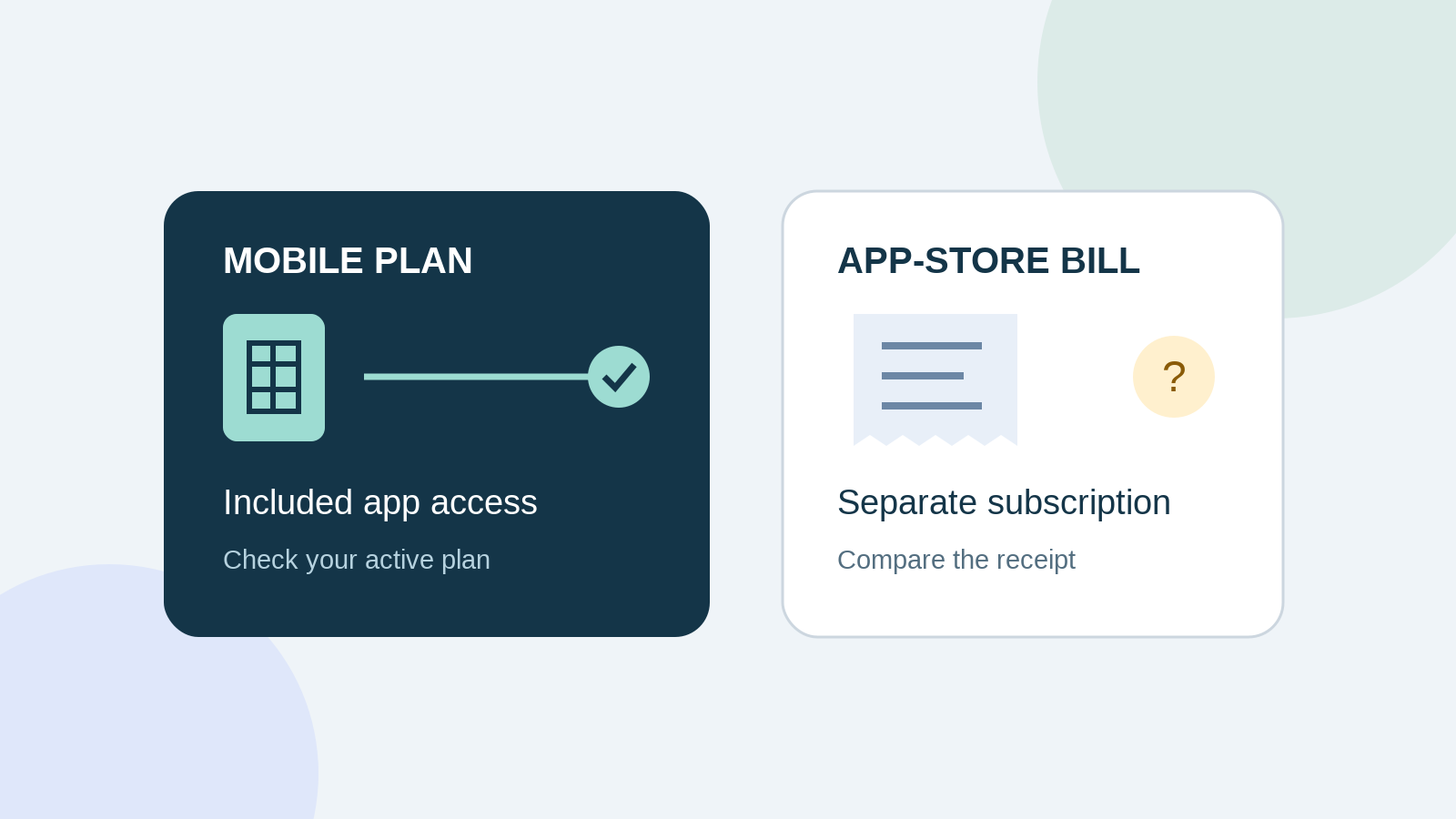
If you pay for Spacetalk Mobile and a separate Spacetalk app subscription, check whether you are paying twice for the same app access. Spacetalk says its Plus app access for watch features is included with an active Spacetalk Mobile plan in Australia and the US. A separately purchased Apple or Google subscription can still need cancelling.
If you want to keep using the watch, identify the extra app subscription before changing the mobile service. Match each receipt to its billing account and the service it buys.
Identify the charge before choosing Cancel
| What you find | What to check next |
|---|---|
| A Spacetalk subscription in Apple or Google | Compare it with the app access included in your active mobile plan. |
| A Spacetalk Mobile recharge | This is a mobile-service payment. Keep it if you still need that service. |
| A charge from another SIM provider | Check that provider's bill separately; app cancellation does not cancel its service. |
Start with the receipt, not the amount alone. Spacetalk’s continuing-charge guidance distinguishes store subscriptions from third-party SIM bills. A phone or watch can involve more than one legitimate payment.
Confirm that your plan includes the same access
Spacetalk’s current subscription table says Plus access is included while a Spacetalk Mobile plan remains active in these countries. It specifically tells customers with a separate Apple or Google purchase to cancel that duplicate.
Check the active plan against the watch and account you actually use. If the inclusion is missing, Spacetalk’s app-support page says to contact support rather than buy another subscription. Do not assume a different SIM provider or a differently named upgrade has identical inclusions.
A two-receipt example
In this hypothetical example, Alex has an active Spacetalk Mobile plan for a child’s watch and also finds an Apple receipt for Spacetalk app access. Alex wants the watch to keep working.
The next step is to confirm that the mobile plan includes the same app access. Once confirmed, Alex can stop the separate Apple subscription renewing and retain the mobile plan. If both receipts instead describe mobile plans, or the app purchase provides a different tier, this example does not establish a duplicate: those payments need their own explanation.
Cancel the store subscription you identified
On iPhone or iPad, open Settings → your name → Subscriptions → Spacetalk and choose Cancel Subscription. On Android, open Google Play → profile icon → Payments & subscriptions → Subscriptions → Spacetalk, then cancel. These are the routes in Spacetalk’s app-subscription instructions.
If the Apple subscription is missing, Apple recommends checking the account on its receipt. A family member may have bought it through their own account. Google likewise says to use the Google Account holding the subscription. Uninstalling the app does not end a Google Play subscription.
Keep the cancellation confirmation and displayed expiry date. Spacetalk says the separately purchased subscription remains active until the end of its billing period; it also says not to delete your account or create a replacement account during this process.
Keep the SIM cancellation separate
For an Australian Spacetalk Mobile plan, the company’s SIM cancellation instructions warn that cancellation ends the plan, forfeits remaining allowances and releases the number. It ends the connection you may still need. Do not select Cancel SIM Plan merely because an Apple or Google charge looks unnecessary.
After the change, check that your intended mobile plan still shows active, that the store subscription shows its cancellation or expiry, and that the watch remains connected to the existing account. If included app access is not recognised, take the plan and cancellation records to Spacetalk support before buying access again.
If another charge appears
Match its provider, date and service to your saved receipt and cancellation confirmation. Ask the company that took the payment to explain it; cancelling future renewals is not a promise that past charges will be refunded. Keep account identifiers private when seeking help.
Published prices can also differ: the country cost table lists US$5.49 monthly, while the watch-restrictions page lists US$5.99. Both list AU$7.99. Use your actual subscription record to identify the charge; these public prices do not prove a duplicate or establish your next renewal amount.
Prepared with AI assistance and a separate editorial review of the linked documentation, checked 16 November 2026. This is a billing guide, not a hands-on watch, account, cancellation or refund test. No sponsorship or affiliate links are included. Cover: original Techotick conceptual diagram of separate billing routes, not a Spacetalk product image or app screenshot.
Sources
- Spacetalk app pricing and included access — Spacetalk
- Cancel a Spacetalk app subscription — Spacetalk
- Cancel a Spacetalk Mobile plan in Australia — Spacetalk
- Spacetalk US app-support FAQ — Spacetalk
- Cancel an Apple subscription — Apple
- Manage a Google Play subscription — Google
- Spacetalk charges after app cancellation — Spacetalk
- Spacetalk Watch app restrictions and pricing — Spacetalk


