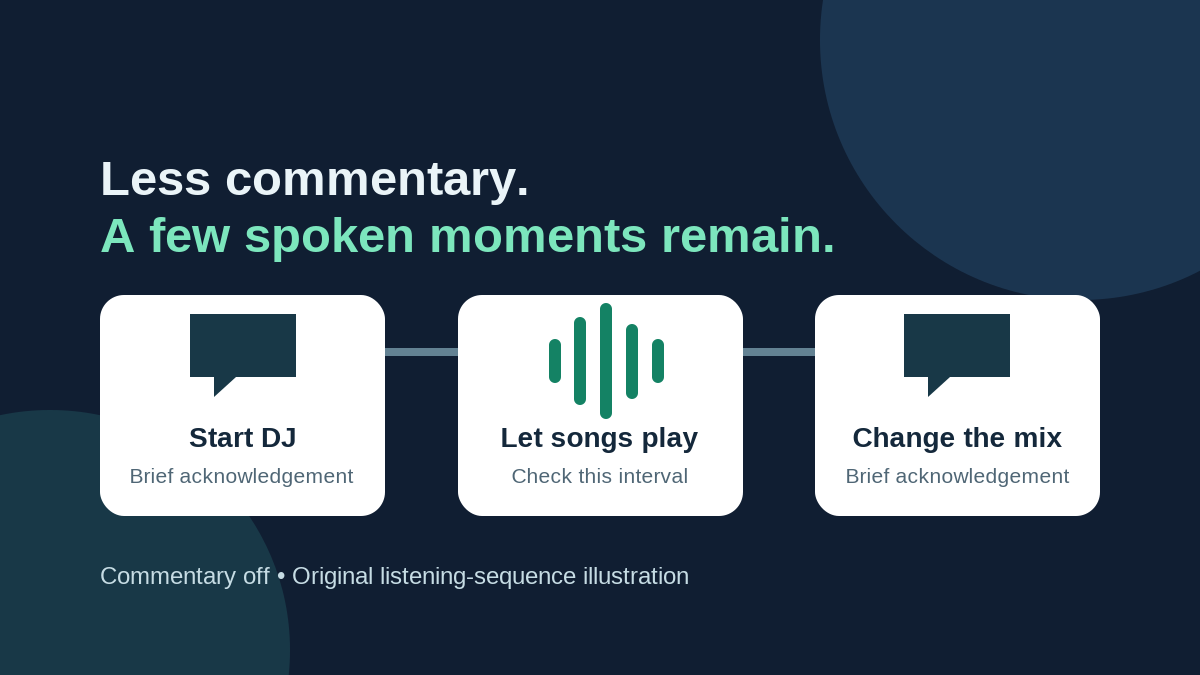
Spotify DJ can now stop its commentary between songs while continuing to choose music for you. But switching commentary off does not make every part of DJ silent: Spotify says brief acknowledgements remain when you start DJ or press its button to change the mix.
That distinction matters if you changed the setting, heard a voice immediately afterwards and assumed it had failed. Check what happened just before the speech.
Apply the setting, including the restart
In the Spotify mobile app, search for DJ and open it. Open the three-dot menu, choose DJ Commentary, select the option to turn commentary off, then tap Restart DJ. Spotify's DJ instructions include that final step.
Match the sound to the moment
Use the moment before the speech to decide what to check next. This table interprets the documented behaviour; it does not diagnose a phone.
| What just happened? | How to read it |
|---|---|
| You started DJ. | A short reply is expected. |
| You pressed the DJ button to change the mix. | A short reply is expected here too. |
| Songs continued without another request or restart. | Check this interval for unwanted commentary. |
| You changed the narrator. | Check commentary separately from the voice choice. |
These distinctions follow Spotify's 10 November announcement. The controls began rolling out to Premium subscribers in existing DJ markets; a rollout announcement does not verify the options on your account.
Try one listening session you can explain
Keep the same phone and listening setup for this check. Apply the setting, note the startup acknowledgement, then let several songs play without pressing the DJ button again. If speech returns, write down whether it followed a new action or happened during uninterrupted playback. A few quiet songs are a useful observation, not proof of how every later session will behave.
For example, imagine Priya starts DJ while writing, hears a short greeting and then gets through two songs without commentary. She presses the DJ button because she dislikes the next selection and hears another acknowledgement. Those two spoken moments fit Spotify's description; they do not, by themselves, show that the setting failed. This is a fictional example, not a test result.
If commentary continues between tracks without those triggers, check the option again and confirm that you used Restart DJ. For a support request, record your phone, app version, setting and the action immediately before the speech. That is more useful than reporting only that DJ still talks.
Choose voice, music and interruptions separately
Pick your DJ changes the available language or voice. To steer the music, use a typed or spoken request, or press the DJ button for a different selection. Commentary off still permits requests, according to Spotify's regional help pages.
Decide which problem you are solving first. If you like the music but find the interruptions distracting, try the commentary control. If the songs are wrong for the task, describe the music you want in a request. If even a startup acknowledgement is unwelcome, a regular playlist may be a better fit for that session. Changing several things together makes it harder to know which change helped.
If the option is missing
Check for an available Spotify update in your phone's app store using Spotify's update guidance, then look inside DJ again. Account-by-account rollout timing remains unverified. An app update is not a guarantee that a new feature will appear immediately.
Based on Spotify documentation checked on 12 November 2026. We did not test an account, device or playback session. Prepared with AI assistance and editorial review. No sponsorship or affiliate links. The cover is an original Techotick vector illustration of the listening sequence, not a Spotify screenshot.
Sources
- DJ help — Australia — Spotify
- New DJ voices and commentary controls — Spotify
- Updating your Spotify app — Spotify


