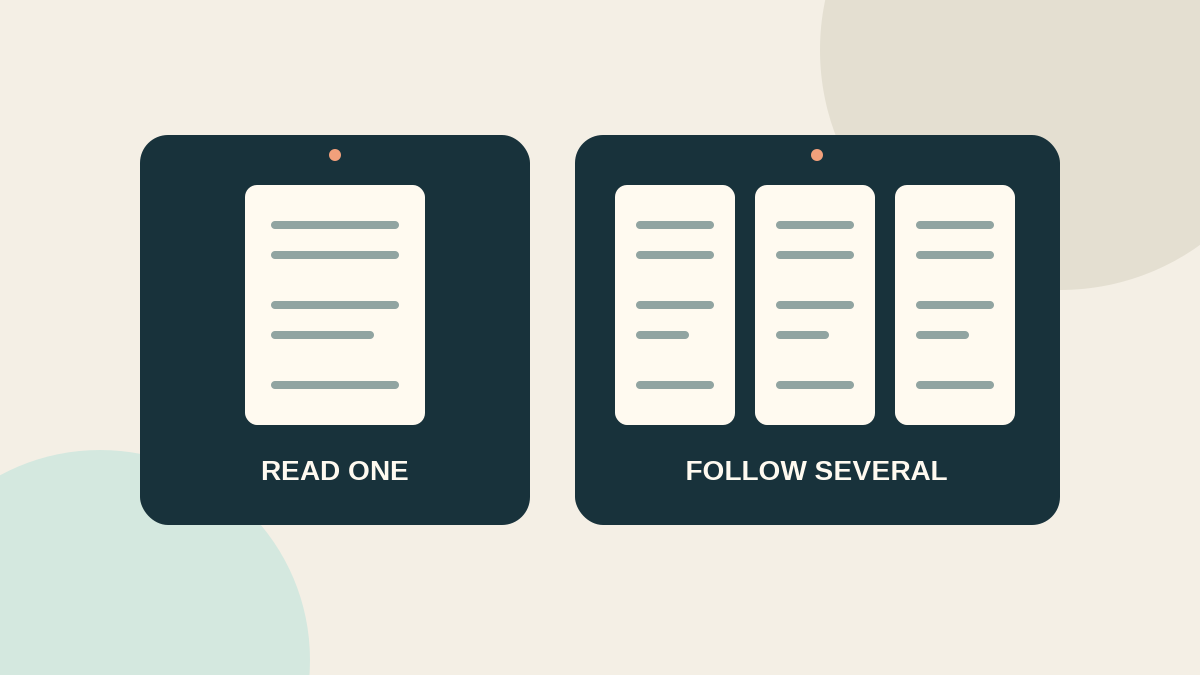
Threads now has an iPad app, but installing it does not settle which version suits your day. For reading a feed, start with the app. If you want to watch several conversations together, keep the web version available and check its column controls on your iPad.
The current US and Australian App Store listings include iPad support and version 457.0. Both list iPadOS 16.3 or later and a free download with in-app purchases. Check your own store and device before updating; those listings do not establish that every feature is available to every account.
A wider window is not another feed
Threads design lead Christopher Clare’s official iPad preview shows a single centered feed in landscape. The preview establishes the layout shown, rather than a promise about every current or future screen. More room around a conversation does not itself create several independently visible feeds.
Meta documents a different option on the web: columns for feeds, searches, profiles, saved and liked posts, activity or insights. You can reorder columns and enable auto-update. These are existing web features, documented before the iPad release, rather than benefits newly unlocked by installing the tablet app.
| Your task | Where to start |
|---|---|
| Read posts and follow one conversation | Try the iPad app. Judge whether its text and navigation feel comfortable. |
| Watch a feed beside a search or profile | Check Threads on the web for column controls and enough usable space. |
| Open the website from a Home Screen icon | Use Safari’s web-app option. The icon still launches the website. |
This is a task-based starting point, not a speed, battery-life or accessibility verdict. We have not tested either experience on an iPad.
Try the web task before changing your setup
Open threads.com in Safari and sign in to the account you intend to use. Meta’s documented desktop web layout has an add-column icon at the right. If that control appears in your view, begin with two useful columns rather than filling the screen.
For a hypothetical game announcement, you might keep a publisher’s profile beside a relevant search. Check whether you can read the posts, open a reply and return to both columns without losing the context you need. If the result is cramped, one feed may serve you better even when more columns are available.
Meta describes these controls as part of the desktop web experience. That does not guarantee the same arrangement at every iPad window size or in every account. If the control is missing, record which surface you opened and the available menu options; do not assume a reinstall of the native app will add a web feature.
Keep the two Home Screen icons distinguishable
Apple’s iPadOS 27 guide explains how to make a website open as a web app. In Safari, open the website, tap Share, then View More and Add to Home Screen. Turn on Open as Web App and tap Add. The icon is added only on that device.
That shortcut can look like an installed app, so give it a recognisable name, such as “Threads Web,” when setting it up. Keep it apart from the App Store app while comparing them. Opening a website in an app-like window does not turn it into the native app or guarantee identical features.
Before relying on either icon for a busy event, reopen it and check the account and view it actually displays. If the app is comfortable for reading, keep using it. If the website’s available columns make monitoring easier, retain that route too.
Editorial disclosure: AI assisted research and drafting, followed by a separate editorial revision against public sources checked on 26 November 2026. No iPad installation, account, column, notification or performance testing was performed. The comparison and hypothetical example are editorial suggestions. No sponsorship or affiliate links. The cover is an original conceptual diagram, not a Threads screenshot.
Sources
- Threads — US App Store — Apple
- Threads — Australian App Store — Apple
- Official iPad preview — Christopher Clare / Threads
- New Features for the Threads Web Experience — Meta
- Turn a website into an app in Safari on iPad — Apple


