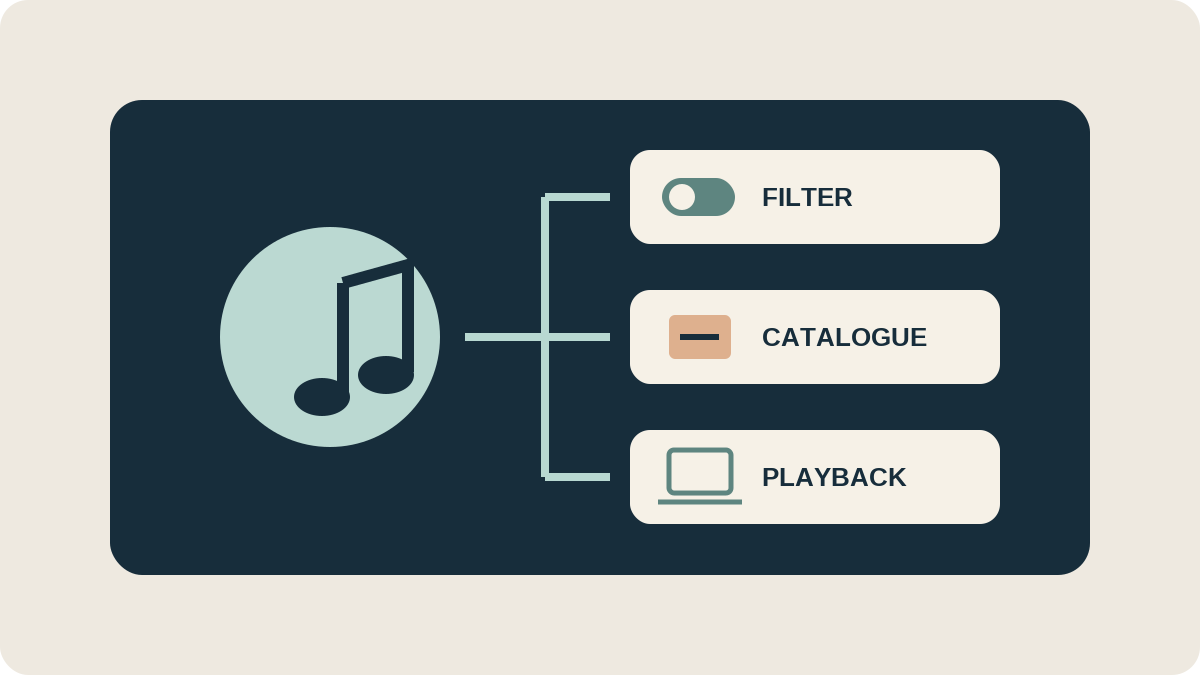
A greyed-out song tells you it will not play in that view. It does not tell you how the recording was made. Before removing it from a carefully arranged playlist, check whether Tidal is blocking that recording under your preferences, no longer offering it, or having trouble playing it on a particular device.
This distinction matters as Tidal changes its AI policy. Its 24 November support update says wholly AI-generated submissions will be rejected and removed starting 9 December 2026. The same page describes the filtering behaviour that applies before that change. This guide reflects those documents as checked on 25 November; it does not predict how every saved entry will look after removal.
Start with what you can actually observe
| What you see | Useful next check |
|---|---|
| An AI label on an unplayable track | Read your AI-content preference and the message shown when playback is attempted. |
| A missing or unavailable recording | Keep its title, artist and link. Availability alone does not identify the reason. |
| A track that works on another device | Compare the failing app, device and connection before altering the playlist. |
These are starting points, not a guaranteed diagnosis. Write down the observation before making a change, so you can tell whether the next check affected the same recording.
An AI filter can stop playback before a tile disappears
Tidal says turning off AI-labelled recordings in Settings prevents playback. Personalised recommendations then lose those recordings as they refresh: most refresh daily, while album suggestions can take a few days. Until then, blocked entries may remain visible in grey. Seeing a tile therefore does not, by itself, show that the playback preference failed.
Read the setting's description rather than guessing from the switch colour. If you intended to exclude labelled recordings, there is no need to allow them merely to make a grey entry playable.
The separate policy page dated 19 October still describes accepting AI music under conditions. Treat that as the earlier policy, alongside the newer dated notice, rather than assuming the two statements describe the same point in time.
Unavailable does not mean AI-generated
Tidal's unavailable-content guidance lists several reasons a release may disappear, including changes in labels or distribution and rights-related claims. A grey entry alone cannot tell you which applies. Avoid treating a playback failure as evidence against an artist.
Nor is the ordinary artist or track block the same control as the AI preference. Tidal's blocking guide says those blocks affect mixes and radio. If you deliberately blocked an artist there, inspect that choice in its own context; do not assume it explains every instance of an unavailable album.
Compare the same track before changing the playlist
For a playback problem, Tidal recommends trying the selected content on another device or its web player. Its troubleshooting page also suggests checking the app version and testing a different network. For a useful comparison, use the same account and track link, and check online playback. Then change one thing at a time.
For example, imagine a playlist entry fails on your laptop but the same track link streams on your phone using the same account. That observation gives you a reason to investigate the laptop's playback path; it does not support deleting the song as unavailable everywhere. This is a hypothetical example.
If neither device plays it, record the exact message on both. Two failures still do not establish that AI detection caused them. Likewise, a different search result with the same song title may be another edition or recording. Listen and compare the artist and version before deciding it is a suitable replacement.
Give support the track link and the result
Tidal asks for a link to the affected content when playback troubleshooting does not resolve the problem. Where available, use the item's sharing menu to copy its track link. Add a short record of the device, app version, message and comparison you made.
A useful report might read: This track link fails in the laptop app with this message, but plays on my phone using the same account. I have attached the app version and a screenshot of the error. Replace that example with your actual results, including any comparison you could not make.
Keep the original playlist entry while you investigate if it helps identify the problem. The aim is to choose the right next step: understand a preference, investigate availability, or troubleshoot playback. Rebuilding a playlist first can make the original fault harder to describe.
Editorial disclosure: AI assisted research and drafting, followed by a separate editorial revision against Tidal documentation checked on 25 November 2026. Techotick did not test an account, AI filter, player or removal. The comparison table and hypothetical example are editorial guidance. No sponsorship or affiliate links. The cover is an original conceptual diagram, not a Tidal screenshot.
Sources
- Tidal: AI Policy support update — Tidal
- Tidal: AI Policy, dated October 19 — Tidal
- Tidal: Greyed out or Unavailable Content — Tidal
- Tidal: Playback Issues — Tidal
- Tidal: How to Block Content — Tidal


