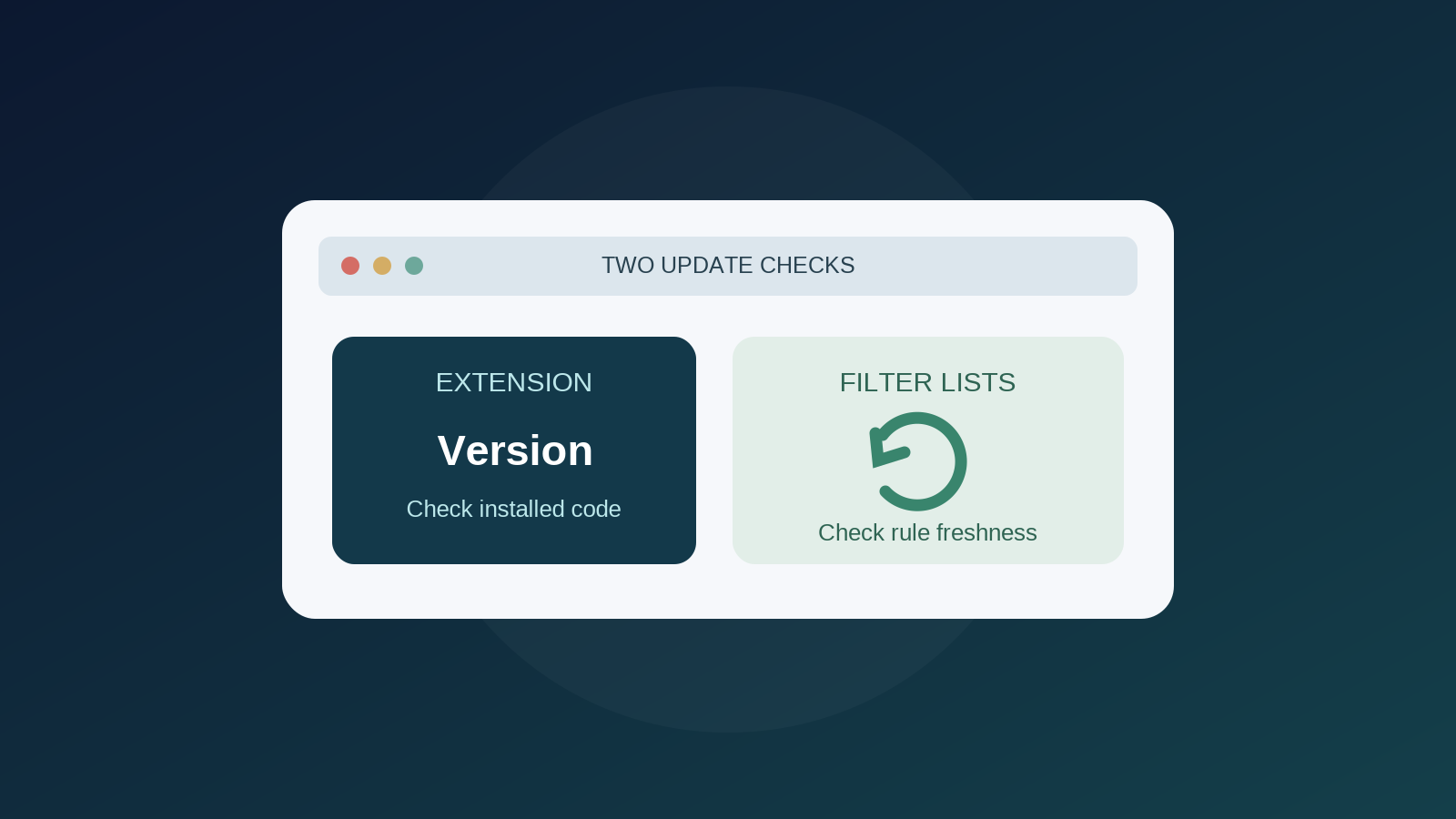
A fresh filter-list timestamp does not show that uBlock Origin's extension code has been updated. For the recently disclosed element-picker security issue, check the installed version in Firefox's Add-ons Manager. The element picker is uBlock Origin's tool for selecting something on a page to block.
As checked on 16 November 2026, Mozilla's official listing shows 1.76.4 as the latest release. Use the current stable release offered through the official channel, then read the version again. The installed number is the evidence to keep.
What the two update screens tell you
| What you see | What it establishes |
|---|---|
| A recent time beside a filter list | That list's recorded refresh time. It does not identify the installed extension build. |
| A version in Firefox's extension details | The installed uBlock Origin build to compare with the official release. |
| A new release on Mozilla's store | A published version to check against. The store page alone does not prove your browser installed it. |
The project's Filter lists documentation describes a separate update system for the rules the blocker uses. Its Update now control refreshes outdated lists. A list can therefore be fresh while the extension remains on an earlier version.
Why several patch numbers appear in coverage
The maintainer's advisory, published on 15 November, identifies versions 1.75.2 and lower as affected and names 1.75.4 as patched. It also records further element-picker changes in 1.76.0. The reported Firefox flaw could let a malicious page use a visitor's click to add trusted filters.
Later, the 1.76.4 release included additional security fixes. These different numbers describe a sequence of releases. Use the latest stable release rather than choosing an older patch milestone. The advisory's affected-version range still matters: an older-than-latest installation is not automatically affected by that exact flaw.
Check the installed version in desktop Firefox
Use Firefox's own controls. Mozilla documents the update route as follows:
- Open the Firefox menu, choose Extensions and themes, then Extensions. You can also enter
about:addonsin the address bar. - Open uBlock Origin's details and note its version. Confirm that you are looking at uBlock Origin, not a differently named blocker.
- Use the gear menu in the Extensions panel and choose Check for Updates. Apply an offered update.
- Return to uBlock Origin's details and compare the installed version with the current official listing. Record the number you actually see.
Mozilla also provides Update Add-ons Automatically in that gear menu. Check the extension's own Automatic Updates setting as well: an individual setting of Off can override the general preference. Mozilla recommends automatic updates so important security fixes are not missed.
If the timestamp changes but the version does not
Consider a hypothetical example: Jamie sees a list refreshed today, but Firefox still reports uBlock Origin 1.76.2 while the store lists 1.76.4. Jamie has confirmed fresh lists, but has not confirmed the newer extension build. That is enough to identify the next check; it does not diagnose an attack or the reason an update stalled.
For a support request, record the browser and operating-system versions, the installed extension version, the official version you compared it with, the update control used and any error shown. This separates an extension-update problem from a filter-list problem without guessing why the update stalled. If the browser is managed by an employer or school, send those details to its administrator.
Avoid starting with a reset or a collection of extra filter lists: neither establishes which extension build is installed. This guide covers desktop Firefox's full uBlock Origin extension; do not apply its version numbers to uBlock Origin Lite.
Prepared with AI assistance and a separate editorial revision, using primary documentation. No extension update, exploit or recovery test was performed. No sponsorship or affiliate links. The cover is an original Techotick conceptual diagram, not a Firefox screenshot.
Sources
- uBlock Origin security advisory — uBlock Origin
- uBlock Origin versions on Firefox Add-ons — Mozilla Add-ons
- How to update add-ons — Mozilla
- Dashboard: Filter lists — uBlock Origin
- uBlock Origin 1.76.4 release — uBlock Origin


