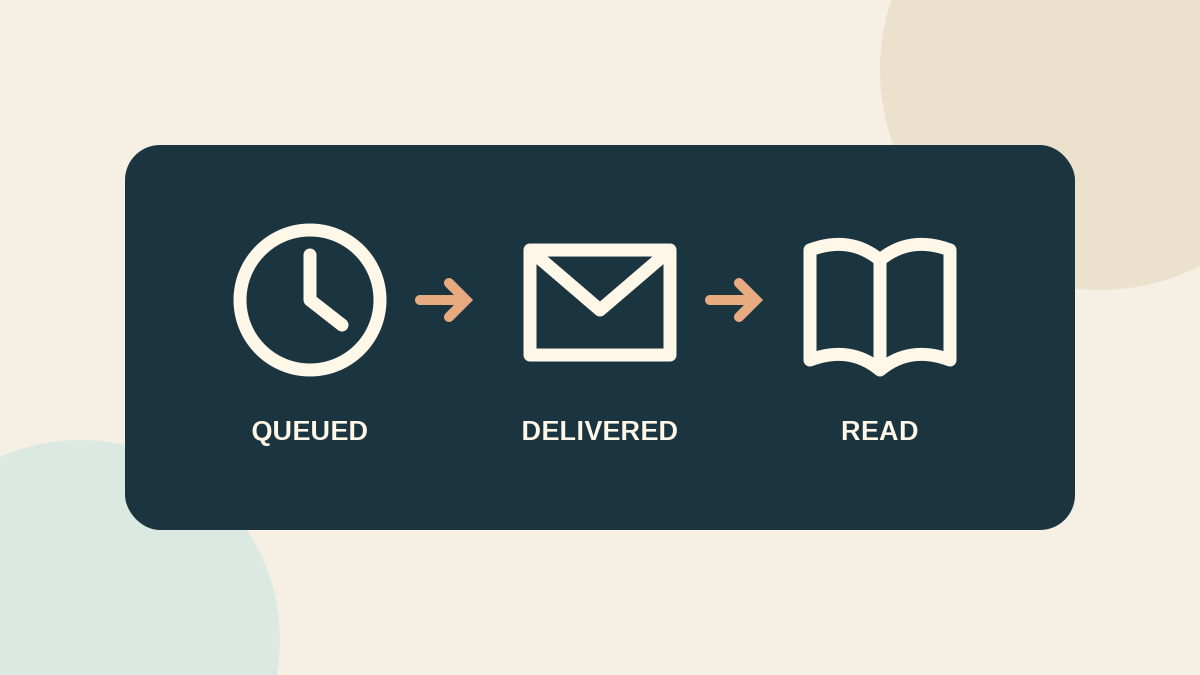
When WhatsApp’s new scheduling option reaches your account, it can send a message later even if your phone is switched off. That is useful for a morning reminder, but it does not mean the recipient will read it at the time you choose. Treat the schedule as a sending plan, then check what actually happened.
In its 25 November announcement, WhatsApp says scheduled messages are rolling out globally over the coming weeks. They support text, photos and videos in individual and group chats, from 10 minutes to 14 days ahead. A missing option today does not establish a fault with your phone.
Set the time, then review the commitment
WhatsApp's documented method is to compose the message, hold the send button and select the date and time. You can review future messages and delete them before they send. The company says they remain end-to-end encrypted and appear to recipients like ordinary messages.
Our suggestion is to check three things before leaving the chat: the intended person or group, the complete message and the chosen date and time. For someone in another time zone, work out the intended local time first; do not assume the date picker has inferred your recipient's schedule.
Once you have queued it, treat the message as something that will happen unless you intervene. WhatsApp explicitly says it can send with your phone off or its battery empty. Switching the phone off is therefore not a cancellation method. If plans change, delete the queued message before its send time and check that it is no longer pending. Do this while connected; this guide has not tested cancellation from an offline device.
Before depending on this for an important conversation, try an agreed, harmless message with someone you know. Check that you can find the queued item and understand how to remove it. That is a suggested rehearsal, not a test Techotick has performed.
Read the delivery state after the scheduled time
WhatsApp’s read-receipt guide describes several different states. Keep them separate from the fact that you selected a future time:
| What you see | What it establishes |
|---|---|
| Message in your future queue | You have a send planned. Check its details before relying on it. |
| One gray check mark on a sent message | The message was sent, not yet confirmed delivered. |
| Two gray check marks | Delivery to the recipient’s phone or a linked device; this is not confirmation of reading. |
| Two blue check marks | A read receipt. In a group, both blue marks mean everyone has read the message. |
A recipient’s phone being off does not settle the question: a linked device can receive the message. Equally, gray marks that do not turn blue do not prove it is unread; read receipts may be disabled. In groups, the second gray mark appears after everyone has received the message.
For more detail, the Android help page describes holding a sent message and opening Info, sometimes through More options. Message info separates delivery and reading. Use the controls available in your version rather than expecting every platform to have identical menus.
Use a reminder when the decision itself must wait
Consider a hypothetical shared lift to a concert. You prepare a message saying you will collect a friend at 6:30, but the meeting place may change before then. Scheduling the text saves you remembering to send it; it does not make the contents stay correct.
If the location changes, review the queued message before its send time. If you still need to decide what to say, set yourself a reminder to check the plan instead of precommitting to a message. After sending, ask for an explicit reply when you need agreement. A delivery indicator cannot tell you whether the friend accepts the arrangement.
The same distinction helps with birthdays, travel and household coordination: use scheduled sending for settled information, and a personal reminder for a decision that needs fresh context. For anything time-critical, agree on a fallback contact method in advance.
Availability is still changing. WhatsApp has not given a completion date for every account. If the scheduling option is missing, keep a personal reminder to send manually until you can verify the native feature in your app.
Editorial disclosure: AI assisted research and drafting, followed by a separate editorial revision against public sources checked on 26 November 2026. No account, scheduling, cancellation, delivery or encryption testing was performed. The rehearsal and lift example are editorial suggestions. No sponsorship or affiliate links. The cover is an original conceptual diagram, not a WhatsApp screenshot.
Sources
- Scheduled messages announcement — WhatsApp
- How to check read receipts — WhatsApp


