If your Xbox Playback hours look wrong, start with a game named in your recap. Compare its recap figure with the same game's Xbox stats on the same profile, then record what each screen actually says. That gives you a useful discrepancy to investigate without treating either number as a complete record of your gaming life.
Xbox's 12 November announcement says Playback draws on available account history, which can be incomplete or delayed. It does not give a correction deadline or a method to rebuild missing history. The practical aim here is to check the comparison, not promise to recover every hour.
Keep the profile, game and unit the same
Before comparing, check the gamertag on each screen. A browser signed into another household member's profile is not a useful comparison with your console. Use the game named in the recap and find its matching Xbox entry. Keep an overall account total separate from a single-game total.
Use this small record while both screens are available:
| Record | Why it matters |
|---|---|
| Gamertag and game | Keep the account and title matched. |
| Screen and exact label | A game total, overall total and streak answer different questions. |
| Number and unit | Minutes, hours and days need a common unit. |
| Date checked | A later comparison should have its own timestamp. |
If the game appears as more than one edition or entry, write down the exact title shown. Do not combine those entries and assume Playback uses the same grouping.
Find the game's Xbox time-played figure
The current Xbox Support instructions are the same on the US and Australian pages:
- On console: press the Xbox button, open Game activity > All achievements, choose the game, then select Stats.
- On the web: sign in at account.xbox.com, select your gamerpic, then Xbox Profile > Achievements. Choose the game and select Achievements again to see its stats.
Microsoft cautions that not every game tracks time played. A missing figure therefore does not provide a zero-hour measurement. These steps check an Xbox statistic; they do not independently measure the time you spent actively playing.
Turn the mismatch into a precise question
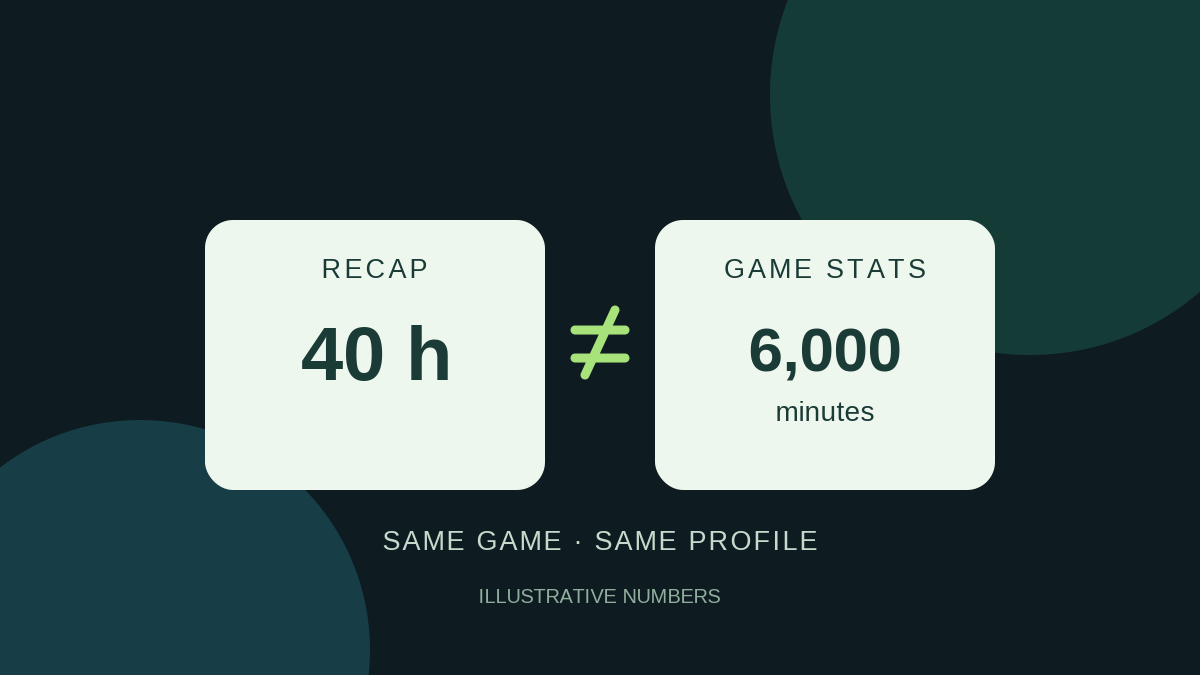
Imagine Alex's recap names a most-played game with 40 hours, while that game's Xbox stats show 6,000 minutes. This is a hypothetical example: 6,000 divided by 60 is 100 hours, leaving a 60-hour difference between the displayed figures.
The useful note is: “On the same profile and named game, Playback showed 40 hours and Xbox Stats showed 6,000 minutes on 14 November.” It is more informative than “Xbox lost 60 hours.” The arithmetic establishes a difference; it does not establish which system is correct or why they disagree.
Keep screenshots of the labels and values if you want to compare again or ask Xbox Support about the result. Note whether the figure came from the video, its sharing card or the web Archive. Comparing a new result with a saved old card can otherwise conceal when the number changed.
A recollection of a long gaming summer is a good reason to look closer, but it is not a numerical baseline. Likewise, an in-game timer is a separately labelled observation; do not silently substitute it for Xbox's recorded time.
Check again without expecting a guaranteed repair
The Playback Archive offers more available history. Use it to inspect other milestones, while keeping the same record of where each number came from. If the discrepancy persists, the support page's contact options are a sensible place to provide that record. Neither the announcement nor the time-played instructions promise that support can restore a complete recap.
Playback is listed for both Australia and the US through 31 December 2026. Its profile requirements are at least one Gamerscore point, one achievement and one minute of qualifying gameplay; console access also needs at least one minute of qualifying console play. The published date does not specify a local cutoff hour.
If you share the result, describe it as the figure Playback showed on that date. A matched comparison can identify a discrepancy; it cannot certify a lifetime total.
Method: primary Xbox documentation checked on 14 November 2026. This is a research-based guide, not an account, console or accuracy test. Alex's figures are invented to demonstrate unit conversion. Prepared with AI assistance and a separate editorial revision. No sponsorship or affiliate links. The cover is an original conceptual illustration, not an Xbox screenshot.
Sources
- Xbox Playback announcement — Microsoft Xbox
- Xbox US: view time played — Microsoft Xbox
- Xbox Australia: view time played — Microsoft Xbox
- Xbox Playback Australia — Microsoft Xbox


