Galaxy S26 Ultra vs iPhone 18 Pro Max: Which Should You Buy?
Compare Samsung’s pen and Privacy Display with Apple’s camera controls, plus the software, charging and ownership costs that should guide your choice.
Cover: AI-generated conceptual illustration of generic phones, not photographs or verified renders of the products.
The Galaxy S26 Ultra makes its strongest case when you want to write on the screen, reduce what a nearby passenger can see from the side, or choose between two native telephoto cameras. The iPhone 18 Pro Max makes a different case: adjustable main-camera aperture, an established professional video workflow, and iOS. Your daily tasks are a better starting point than a score for how many features each phone has.
About this comparison: Updated October 21, 2026. This is a buying guide based on published specifications and manufacturer documentation, not hands-on testing. Recommendations reflect the documented features; we have not measured comparative speed, endurance or photo quality. Prices below are US launch prices before tax, without trade-ins or carrier credits.
The differences at a glance
On a narrow screen, swipe or scroll the table horizontally to see both phones.
Published specifications; prices are US launch prices
Samsung’s S Pen documentation describes screen-off notes, handwriting and Screen Write annotations. That matters if you mark up a site photo, sketch a layout or take meeting notes by hand. The pen lives inside the phone. It does not use Bluetooth, so do not assume it doubles as a Bluetooth camera remote.
Privacy Display limits visibility from the side and can activate for selected apps or notification areas. For someone reading work messages on a train, that is a meaningful hardware distinction. It is a viewing-angle feature, not protection against every way information can leave a phone.
Both devices have large screens. Samsung is 35g lighter according to their published weights, which is worth checking in person with a case attached. Screen diagonal alone does not tell you whether either phone is comfortable to hold while reading or filming.
Camera choice: focal lengths or aperture control
Samsung gives you separate 3x and 5x telephoto lenses. Apple has a native 4x telephoto; its advertised 8x optical-quality option uses the camera system’s crop and processing. Samsung’s 10x optical-quality setting also differs from a dedicated 10x lens. Choose around the framing you actually use rather than treating every labelled zoom step as another camera.
Apple’s variable-aperture main camera changes the physical opening that admits light. A wider opening can help in dim scenes; a narrower one can increase depth of field for a group. Aperture also affects exposure and shutter choices, so f/4 is a creative option rather than a setting that automatically improves every photo.
For video production, Apple lists ProRes RAW, Apple Log 2 and external ProRes recording, with restrictions by mode and accessories. Samsung supports the APV codec. Check your editor and storage workflow before choosing: a recording format is useful only if you can ingest, edit and deliver it. For photography, the useful comparison is a shared set of scenes at the framing and lighting you use.
Battery and performance need common tests
Samsung advertises up to 75% charge in around 30 minutes with its compatible 60W charging setup. Apple specifies up to 50% in around 15 minutes with a 60W-capable adapter supporting Adjustable Voltage Supply (AVS). These are different endpoints under each company’s conditions, not a controlled race. Neither number describes a full charge or constant charging power.
Likewise, Apple’s up-to-45-hour video-playback figure for the eSIM-only Pro Max should not be read as everyday battery life. A traveller using navigation, mobile data and a camera creates a different workload. We have no common endurance test for these two phones in this comparison.
A20 Pro and Snapdragon 8 Elite Gen 5 for Galaxy are different platforms. Vendor gains against earlier models do not establish which wins in your games or editing apps. Buyers with demanding workloads should look for tests using the same app version, settings and sustained run length.
Software and the cost of changing platforms
Galaxy runs Android with Samsung’s One UI, while iPhone runs iOS. Start with the system you prefer for everyday navigation and app use.
Samsung provides seven generations of OS upgrades and seven years of security updates from launch. Apple’s Siri AI availability page describes a rollout with usage limits; language and regional support need checking. Treat any assistant feature as a specific capability to verify, rather than assuming the entire advertised experience is present on every account.
Before switching, list the apps, passwords, photo libraries, watch features and paid services you depend on. Test the tasks you repeat: sharing a file, joining a call, exporting notes and finding a photo. Rebuying software or replacing an accessory can matter more than the 99-cent difference between the two base launch prices.
Which should you buy?
Choose Galaxy S26 Ultra if handwritten notes, screen annotation, restricted side viewing or the 3x/5x camera combination would see regular use. Those are concrete reasons to select Samsung; an unused pen adds little value.
Choose iPhone 18 Pro Max if you want aperture control, already work with Apple’s listed video formats, or prefer to keep your daily work in iOS. These are workflow recommendations, not measured claims that either device is universally faster or takes better pictures.
If your current phone already handles those jobs well, keeping it is reasonable. For a new purchase, compare the same storage tier and the total cash cost, then check the specific camera and software features that would change how you use it.
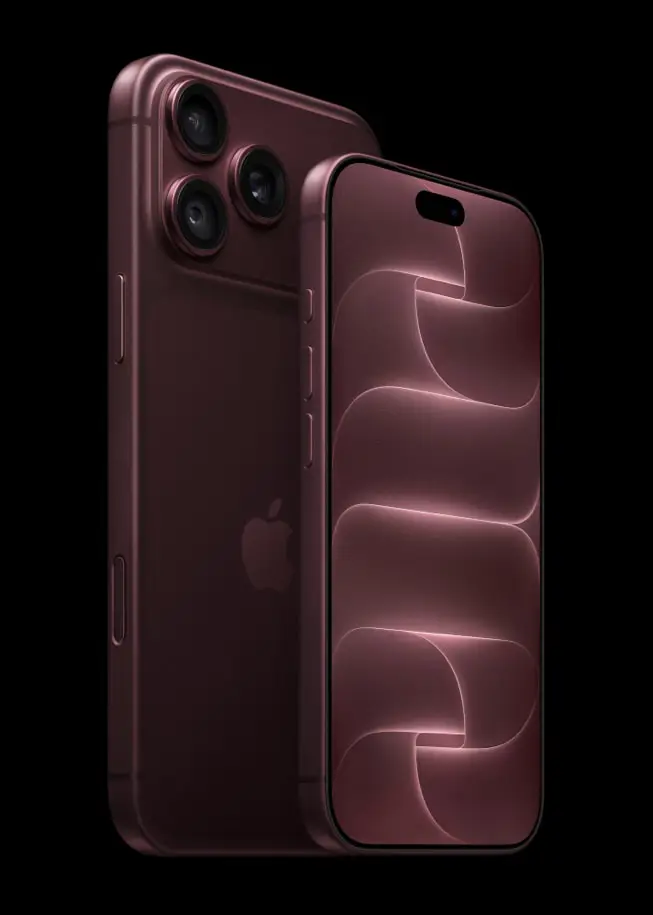
Apple's iPhone 18 Pro models bring a variable-aperture camera, A20 Pro performance, longer battery life, a smaller Dynamic Island, and new AI features. The standard iPhone 18 is still expected later.
Choose a complete local AI machine for LLM hosting, fine-tuning, image and video generation, coding and speech. Compare NVIDIA workstations, Mac Studio, DGX Spark and AMD.