Edit a product photo with a controlled effect
Use an uploaded product photo to explore one visual effect while keeping the product's defining details in view. Treat generated scenes as concepts, not evidence of a real product.
Tools: An image editor that accepts an uploaded image and natural-language editing instructions.
What to provide
- An image you own or have permission to edit.
- A description of the product details that must stay unchanged.
- One specific scene or visual effect to add.
Example Recorded test output
Input
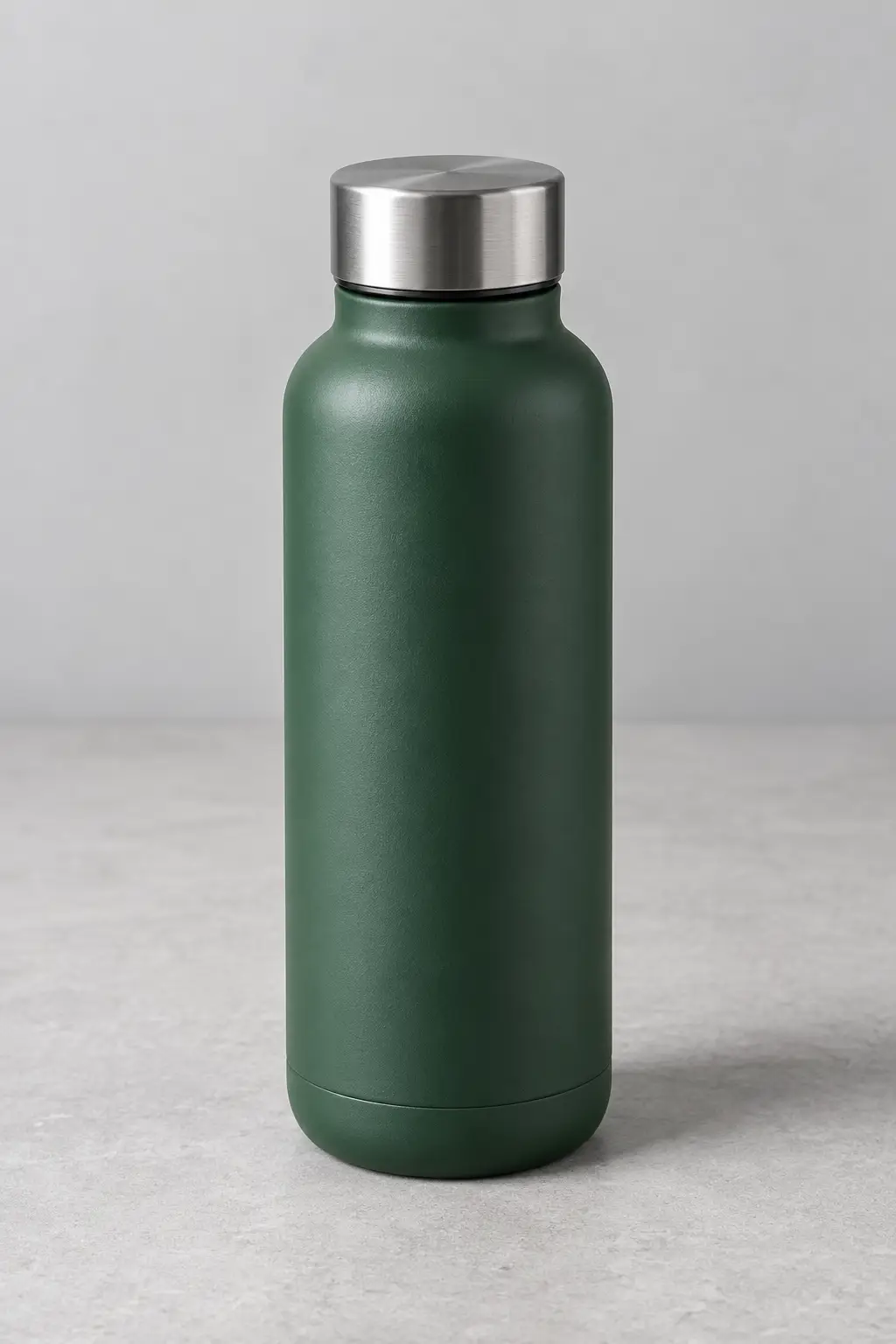
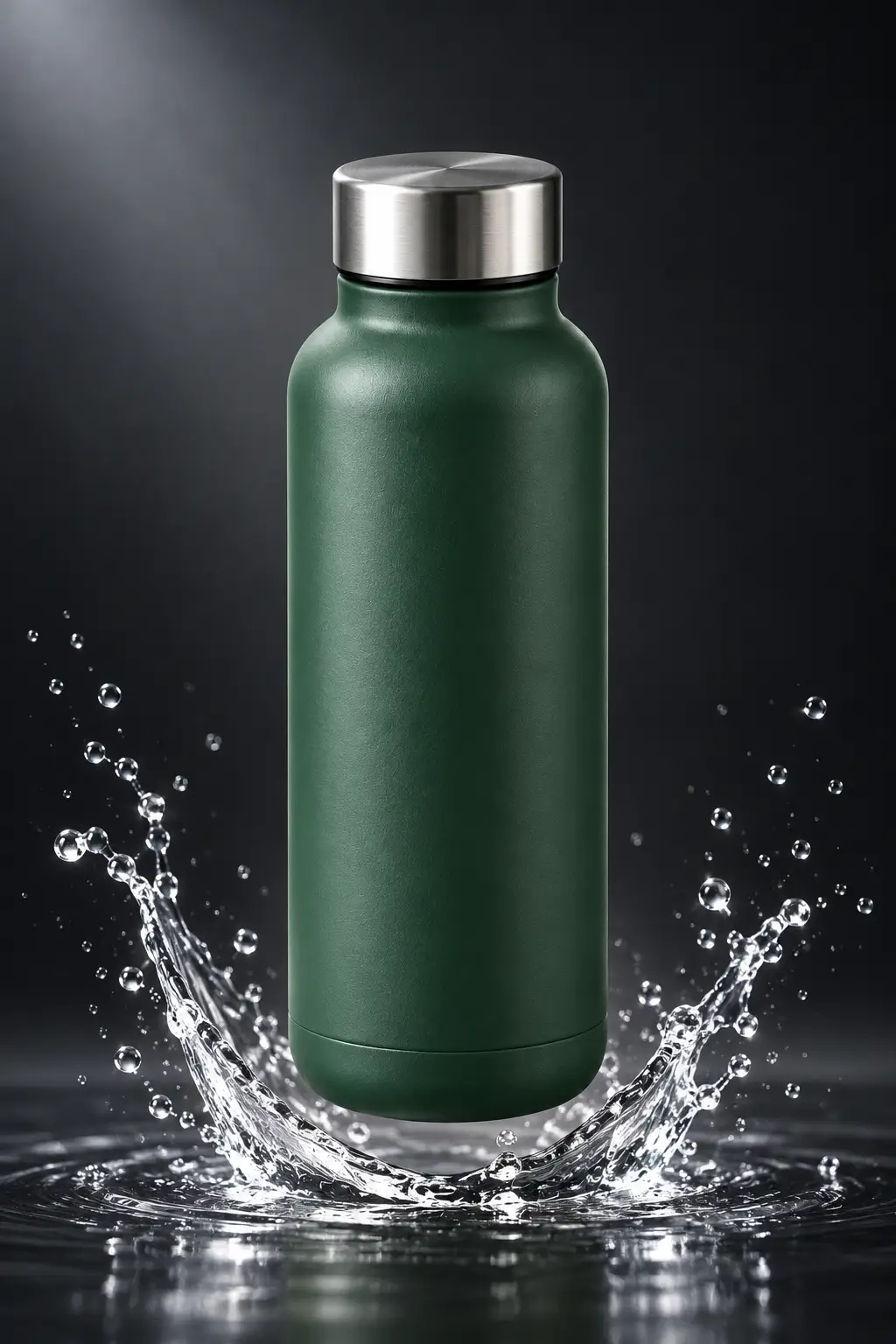
Image 1 is an original AI-generated, fictional unbranded bottle photo. Product: forest-green unbranded insulated bottle. Details to preserve: cylindrical body, brushed steel lid, colour, proportions and camera angle. Scene change: place the bottle floating upright above a small clean arc of clear water splash, against a deep muted charcoal studio background with a subtle soft spotlight and realistic reflections. Avoid items: exploded parts, new accessories, brand, label, text or watermark.
Output
One AI-generated illustrative product campaign concept based on the fictional bottle image. The bottle remains recognizable; the scene adds a water arc and charcoal background. This output does not verify a real product's construction, performance or photographic appearance.
Tool settings
Built-in Codex image generation, 2026-10-30; exact model name, seed and generation settings were not exposed. Reference image: the original fictional green bottle image in this prompt's example. One run only.
Improve the result
- Keep the product and framing unchanged; soften only the background lighting.
- Remove the splash and return to the original plain background while preserving the product.