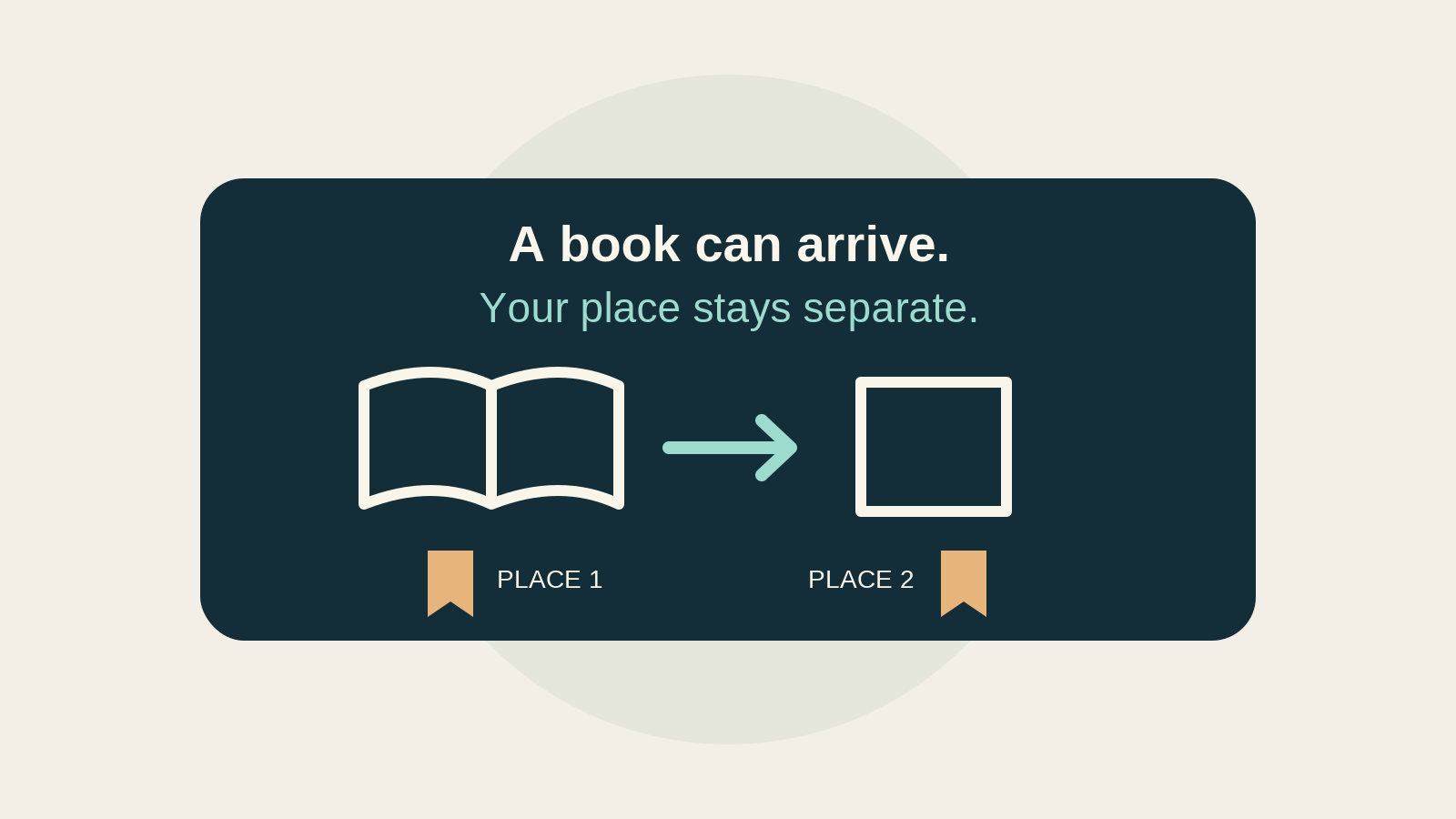
A CloudLibrary book arriving on your Kobo does not mean everything about that loan stays synchronized. After renewing, you need to send the title again. If you switch between the CloudLibrary app and Kobo, your last reading position does not follow you. Start by identifying which of those two tasks you need to complete.
OCLC highlighted direct Kobo delivery on 17 November 2026, although Sarasota County’s instructions date from October. The useful change is a simpler route for eligible ebooks. It is not a promise that every part of your reading routine moves between the two services.
First establish which borrowing route you use
Kobo’s current compatibility and setup guide limits this integration to users whose library is in the United States or Canada. It specifies software 4.38 or later, with Clara BW, Clara Colour and Libra Colour requiring 4.46 or later. Check the library and software before following a guide for a different Kobo feature.
For an Australian library, the absence of this integration is consistent with the published regional restriction. Kobo’s Australian library guide describes other borrowing routes, including supported computer transfers. Ask your library which route works for your particular title and reader; the existence of a CloudLibrary collection alone does not establish direct delivery.
This article concerns CloudLibrary ebooks sent through its Kobo connection. It does not describe Libby loans or personal files uploaded through Kobo Stack.
Separate delivery, renewal and reading position
The distinction below comes from CloudLibrary’s Kobo FAQ. Use the row that describes what changed.
| What happened | What to do |
|---|---|
| The renewed loan is missing on Kobo | Send the title to Kobo again after renewing in CloudLibrary. |
| The book opens at another place in the phone app | Locate your place manually; last reading position does not sync between CloudLibrary and Kobo. |
| A returned book remains accessible on Kobo | CloudLibrary says Kobo access lasts until the lending period ends, even after an early app return. |
| You are considering disconnecting and reconnecting | Pause: disconnecting makes currently borrowed CloudLibrary titles inaccessible through that Kobo connection. |
Try one renewed book before changing your setup
First confirm the renewal in CloudLibrary and note the displayed due date. Then follow the documented delivery route: open the borrowed ebook under My Books > Current, open its details and choose Send To Kobo. Allow a few minutes, then use Sync on the reader if needed.
Treat that as a delivery check. Before you switch screens, jot down your chapter and a short description of where you stopped. For example, “chapter 8, after the station scene” is a useful personal note to keep alongside your loan information. Keep that reminder until you have found the same passage on the other screen.
If you routinely alternate between phone and reader, decide whether that small manual handoff suits you. Staying in one reading app for a particular loan may be simpler than relocating your place every evening. This is a workflow choice, not a reason by itself to replace the device.
When another sync will not answer the question
A missing Send to Kobo control is different from a delivery delay. CloudLibrary says titles without a matching Kobo entry do not show the button. Its FAQ also excludes audiobooks from this transfer. A broader catalogue in the phone app does not imply the same catalogue can be sent.
Sarasota County Libraries’ instructions show that setup can be completed from a phone, tablet or computer, and cover compatible ebooks and graphic novels. If you need another route, start with your library’s current instructions and CloudLibrary’s computer-transfer guidance. Do not assume an older tutorial covers your present account authorization.
For a sent ebook that remains absent, Kobo’s troubleshooting advises checking Wi-Fi, manually syncing and confirming the title is still in CloudLibrary. If those checks do not resolve it, contact Kobo support; library-card or CloudLibrary account problems go to your library.
Make that request specific: include the title and format, library name, Kobo model and software, whether the send button appeared, whether you renewed, and the last successful step. Leave passwords and card PINs out of screenshots. This record helps distinguish an eligibility question from a delivery problem without repeatedly changing the setup.
If you are still choosing hardware, our three-title library compatibility guide covers the buying decision.
Based on vendor and library documentation checked on 20 November 2026. AI assisted research and drafting; the article received a separate editorial revision. No device, account, loan, renewal or transfer testing was performed. No sponsorship or affiliate links. Cover: original conceptual diagram, not a product screenshot.
Sources
- CloudLibrary support: Kobo questions — CloudLibrary
- Connect Kobo to CloudLibrary — Rakuten Kobo
- Sending titles to Kobo — CloudLibrary
- Send CloudLibrary books to Kobo — Sarasota County Libraries
- Library ebooks sent directly to Kobo — OCLC
- Library borrowing on Kobo — Rakuten Kobo
- Computer transfer to an e-reader — CloudLibrary


